Line Efficiency Calculator Pro
Balance efficiency and balance loss from station times against takt.
Best for: Just this calculator, built out offline. Balance efficiency and balance loss from station times against takt.
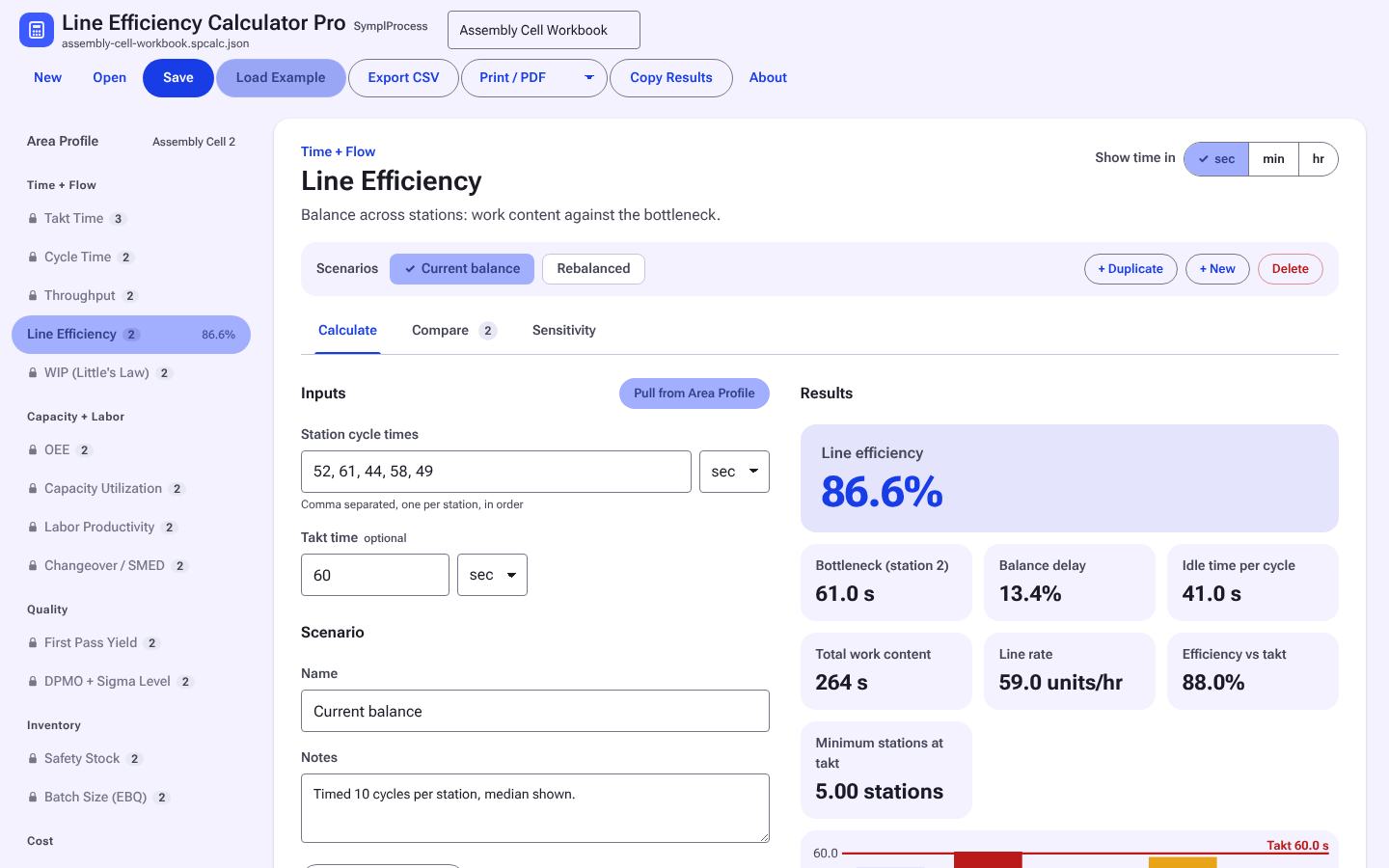
1 / 3Calculate: inputs, results, and the formula with your numbers.
Not Sure This Is the One?
What It Does
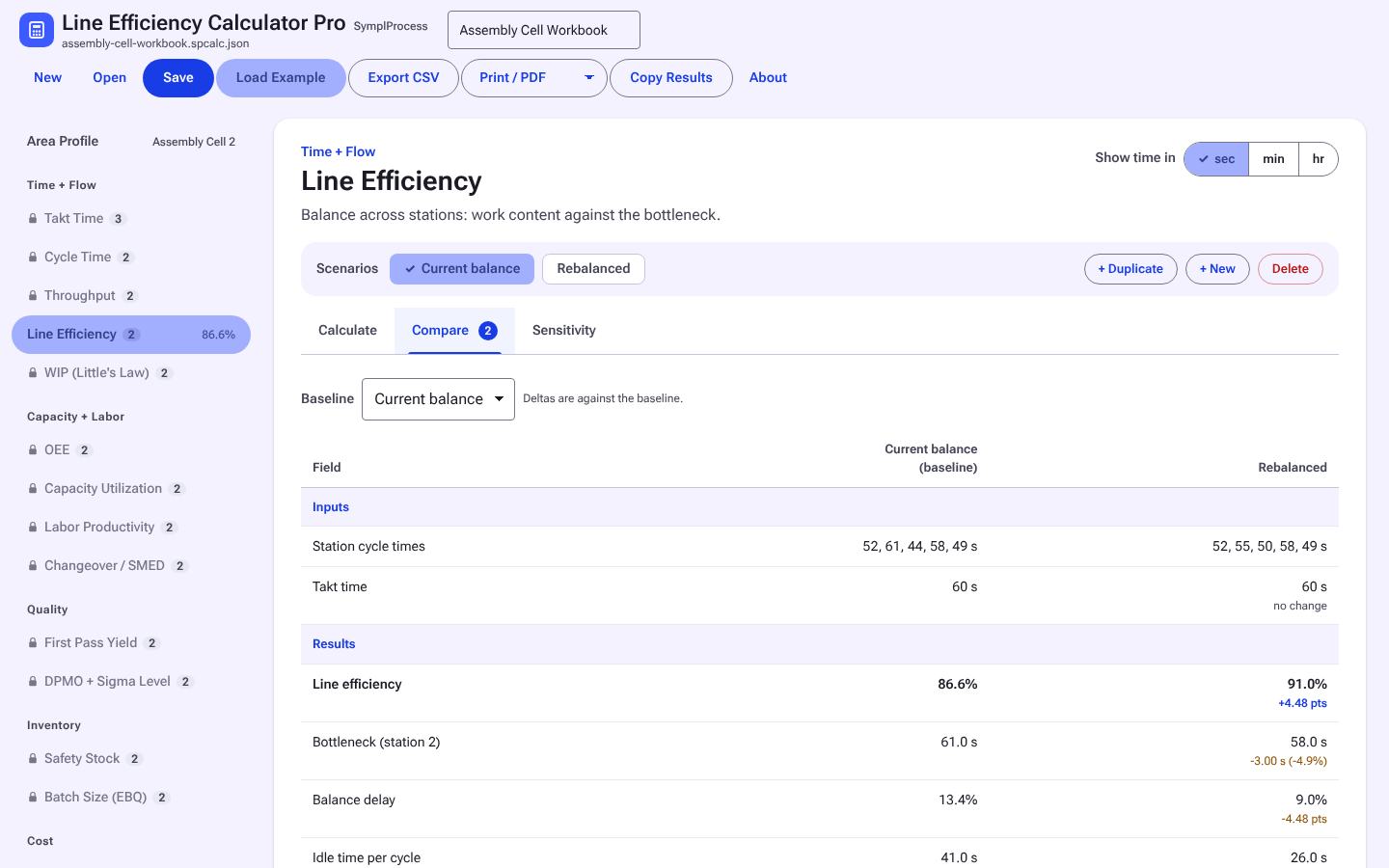
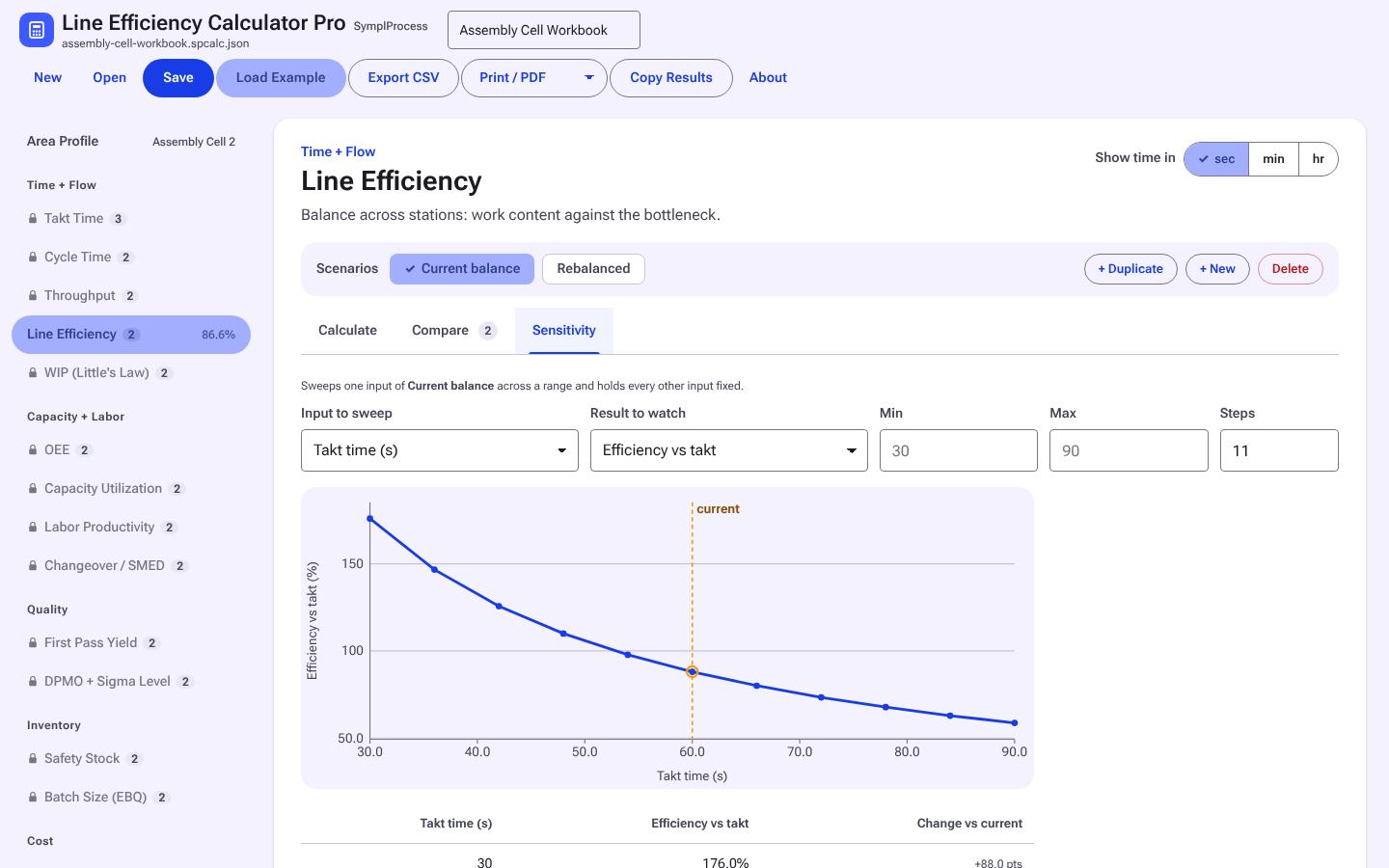
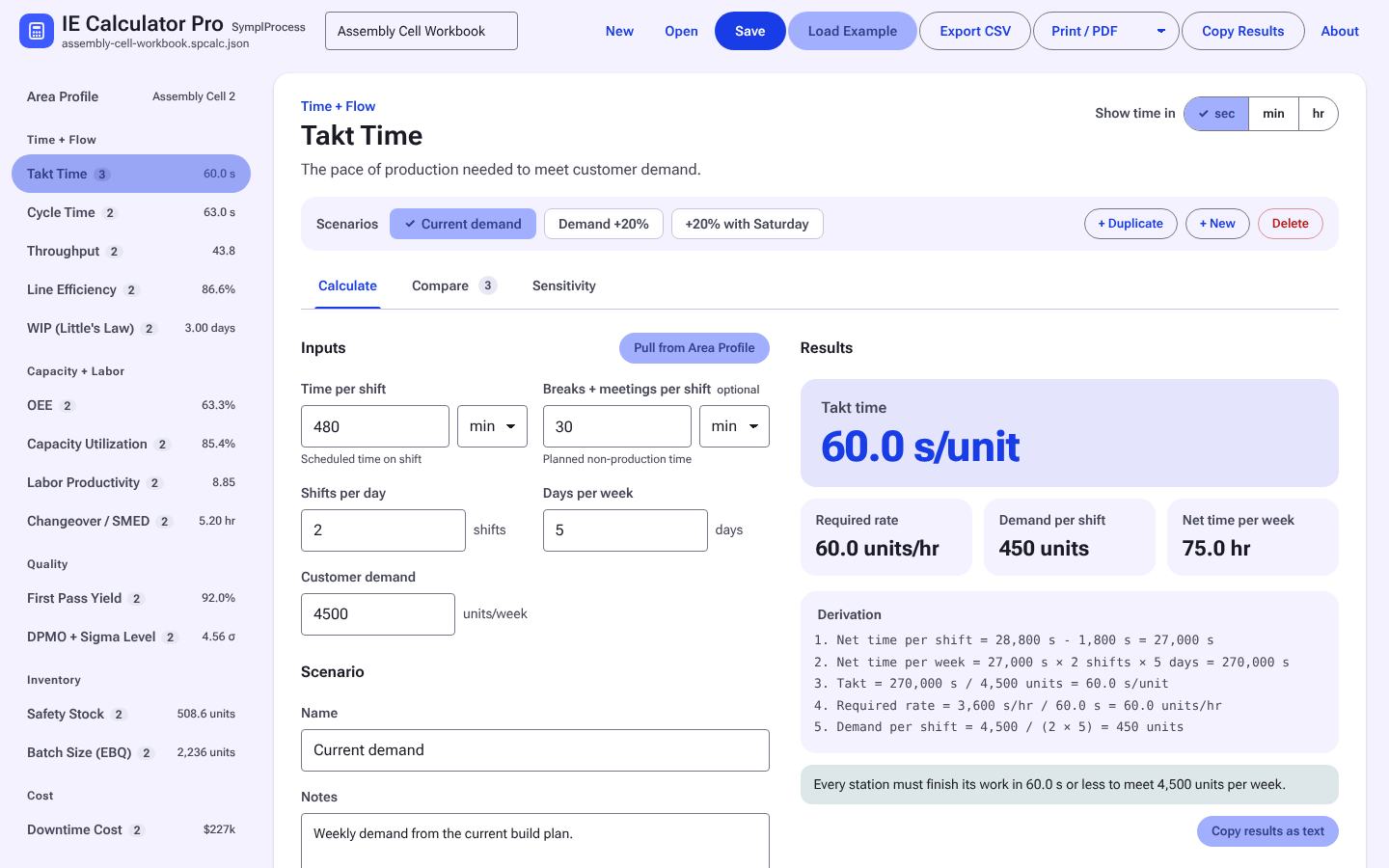
The Line Efficiency calculator from the site, built out and offline: named scenarios side by side, a sensitivity sweep on any input, a shared area profile, units toggles, and a printable report with every formula shown with your numbers. Files open in IE Calculator Pro if you add the full set later.
Math shown
Every result shows the formula with your numbers in it.
Named scenarios
Save several input sets and compare them side by side with deltas.
Sensitivity
Sweep one input over a range, see the table and the chart.
Area profile
Shift hours, days, and demand entered once and reused.
Export
CSV, printable report, copy as text.
Upgrade path
Same file format as IE Calculator Pro. Nothing to redo if you add the full set.
See It in Action
Real screens from Line Efficiency Calculator Pro with its example loaded. Click any screen to enlarge; arrow keys step through.
Free Online or Pro Offline
| Free online | Pro offline download | |
|---|---|---|
| Runs | On symplprocess.com, needs internet | Local file, no internet needed |
| Saves to | This browser, or your account if signed in | Files you keep, back up and share |
| Features | The modeler: scenarios, views, save and open files | Everything on the web, plus a one-page report, paste from Excel, CSV export, side-by-side scenario compare, chart images for slides, and autosave versions |
| Account | Optional | Not needed to run |
| Price | Free | One-time purchase, 2-day free trial |
Start with the free web Line Efficiency calculator →
Who It's For
- Engineers, planners, and leads who run this calculation every week
- Anyone who needs to show the math behind the number
- Teams comparing options before a change
Requirements
- Any modern browser (Chrome, Edge, Firefox, Safari)
- Windows, macOS, or Linux
Questions
Does it need internet or an account to run?
No. The download is a single file that opens in any modern browser and runs offline. Your data stays on your machine.
How does the free trial work?
Enter your email and the trial copy downloads right away. It is the full tool for 2 days from the first download, then it locks. Files you save during the trial are yours and open in the licensed copy. One trial per email per tool.
How does the license work?
One purchase covers one named user on their own computers. Your copy is stamped with your name and license key. A team license covers 5 named users. See the licensing page for the full terms.
Do I get updates?
Yes. Updates within the same major version are included. Sign in to your account to download the latest copy.
What is the refund policy?
Full refund within 14 days if the tool does not fit your work. Email support with your license key.
Works Well With
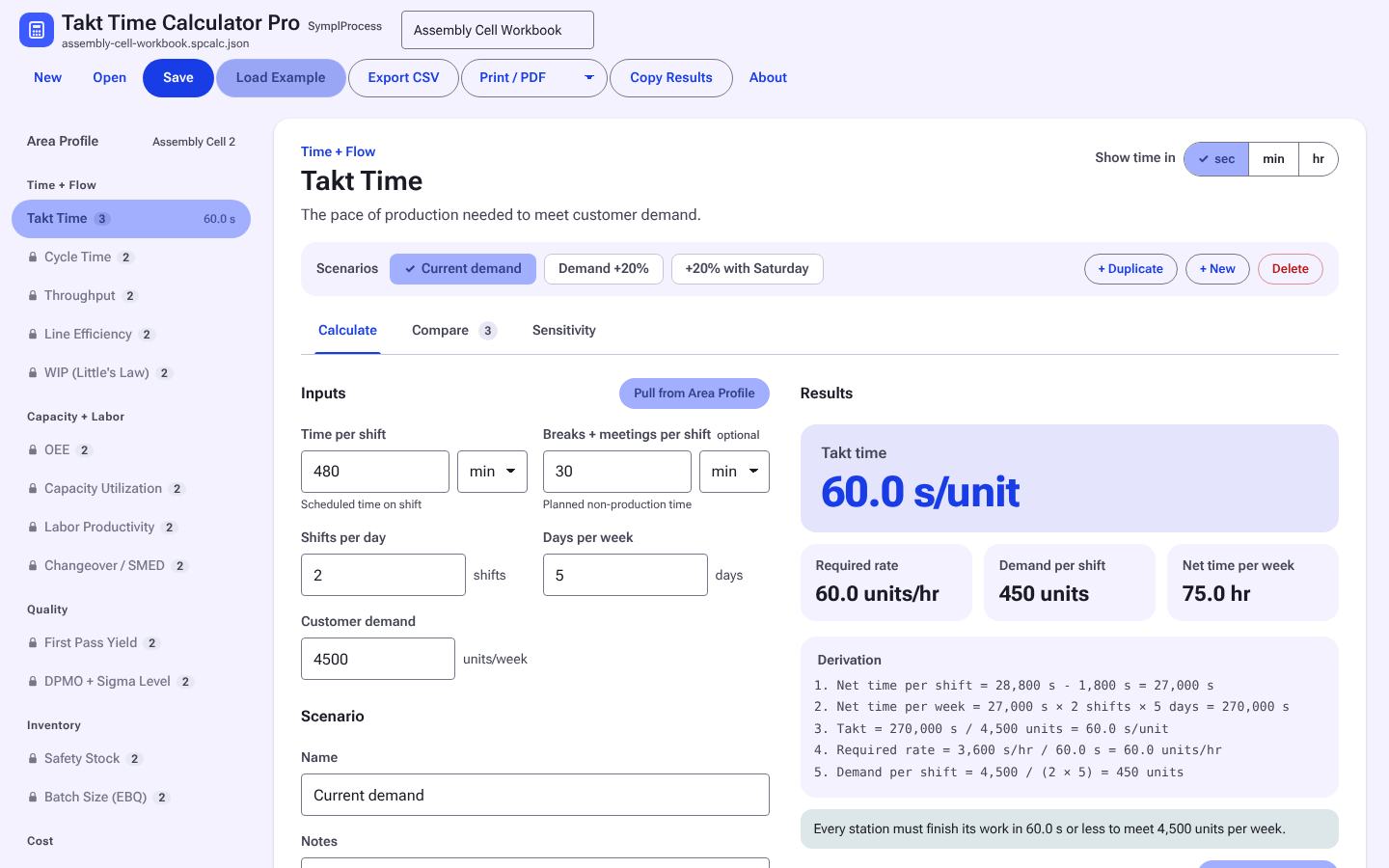
Takt Time Calculator Pro
Takt from available time and demand, by shift, for a line, a pack line, or an overhaul flow.
Free now, $9 after launch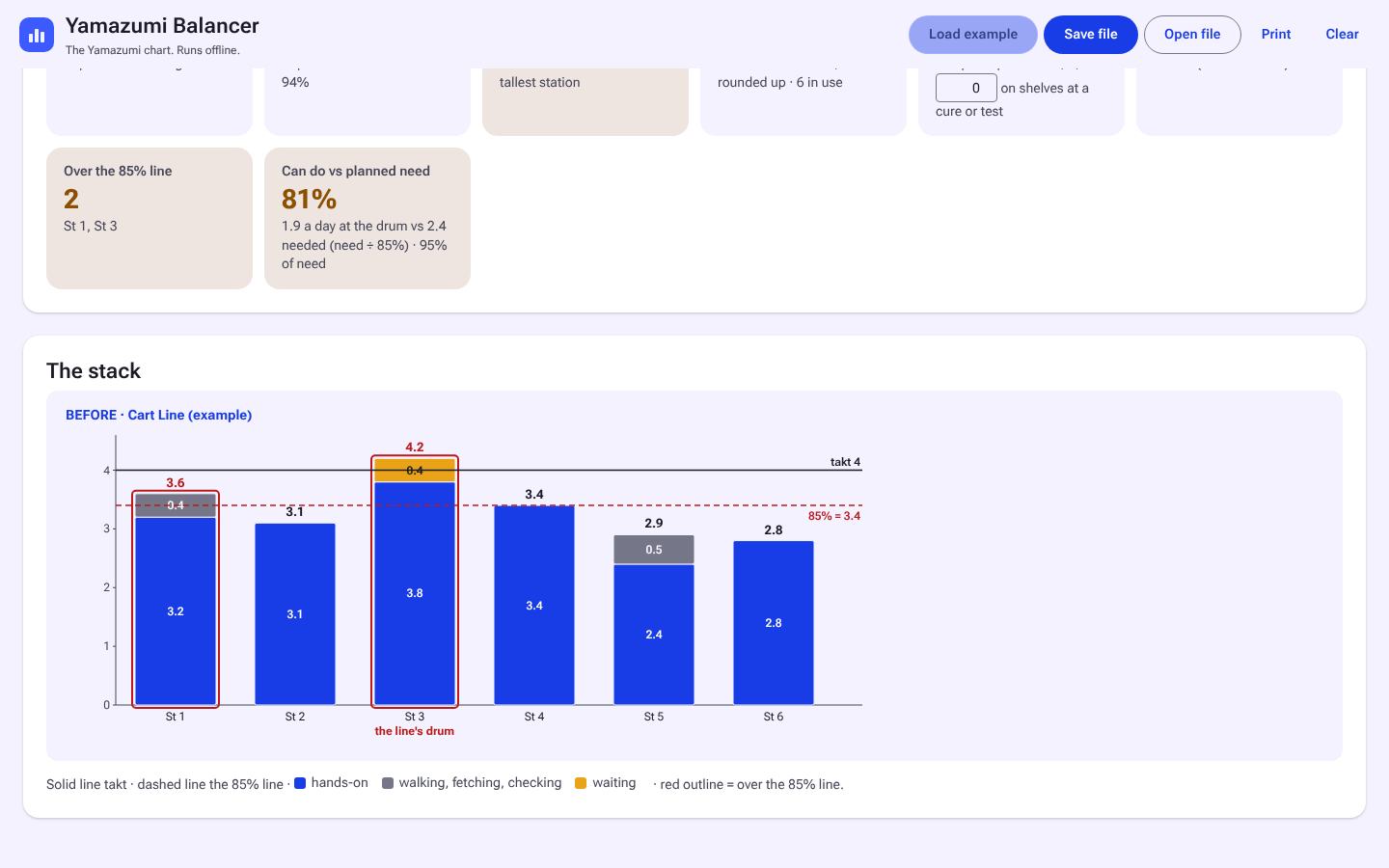
Yamazumi Balancer
Yamazumi stacks against takt for a line or a shop: Before, After, and compare.
Free now, $39 after launch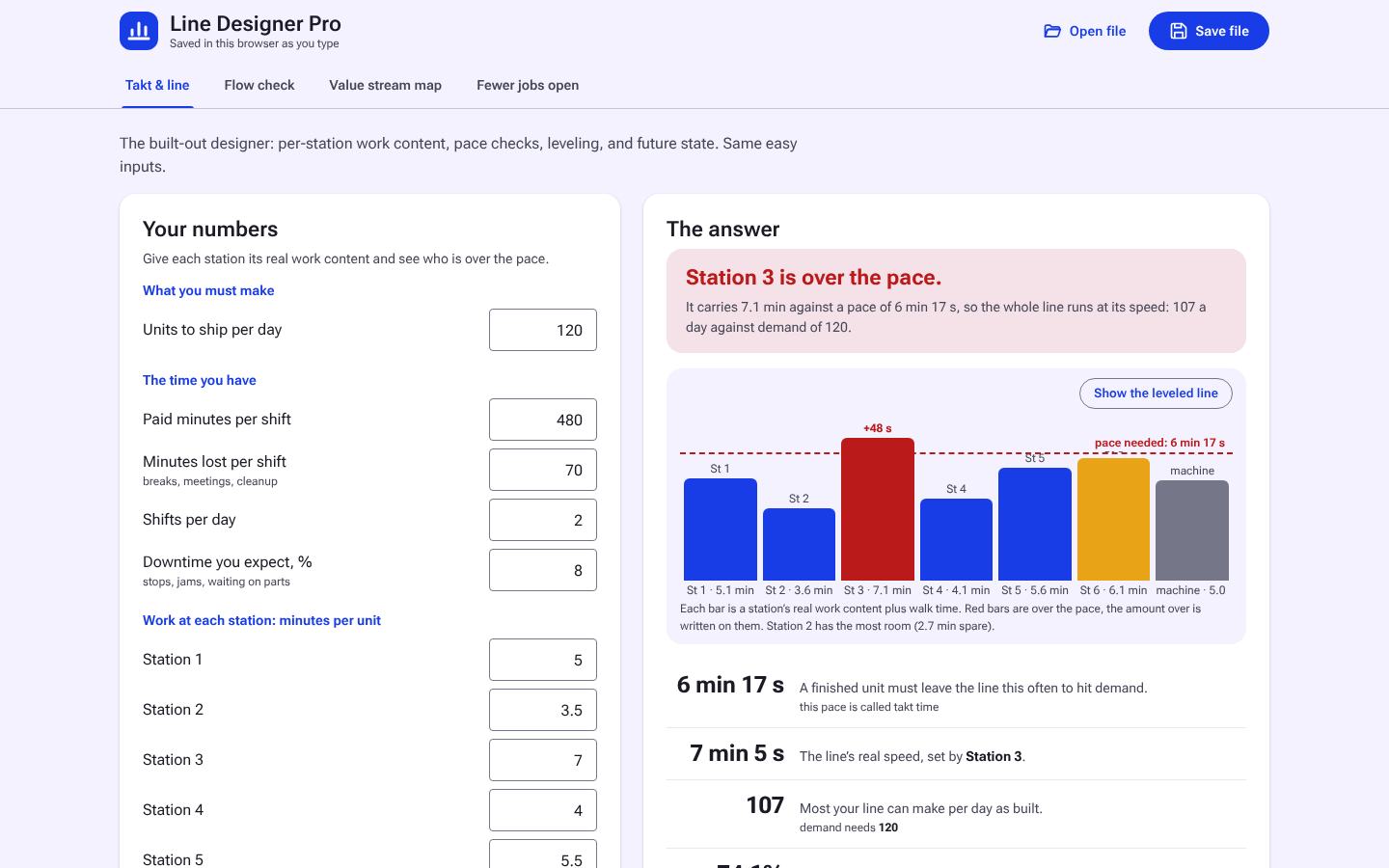
Line Designer Pro
Design a line station by station against takt, then level it and plan the future state.
Free now, $69 after launchEverything Else
Every tool is sold on its own, or use a whole tier on a plan. See all tools.