Tools & Downloads

Tools that run offline

Each tool is a single file that runs offline in any modern browser on Windows, macOS or Linux. Your files stay on your machine. Use a whole tier on a plan, or own the tools you need. On Windows, the desktop app keeps every tool in one window and every file in one folder.

12 tools Runs offline Saves to your files
Launch preview. Every tool below downloads free through November 30, no account and no card. Free copies stop working after that; download your work from them anytime. Prices shown are what they cost after launch.
Free onlineCalculators, templates, the web modelers, and the flow games stay free on the site.
PlansEvery tool in a tier, monthly or yearly. See plans
Or own itAny single tool, one-time, with a 2-day trial first.
Your filesWork saves to files on your machine. Nothing is uploaded.
I work in
SymplProcess Desktop for WindowsEvery tool in one library window. Save goes straight to Documents\SymplProcess\<Tool>, autosave keeps the last 10 versions, and the app tells you when tools update.
Get the desktop app →
StarterEveryday IE and planning math and problem solving for one engineer, planner, or lead.$9 / monthProfessionalMapping, line design and readiness work, plus the training kits.$19 / monthCompleteThe full set, including the offline modelers, for engineers who model lines, shops, warehouses, and repair flows.$29 / month
Featured

Floor Simulator

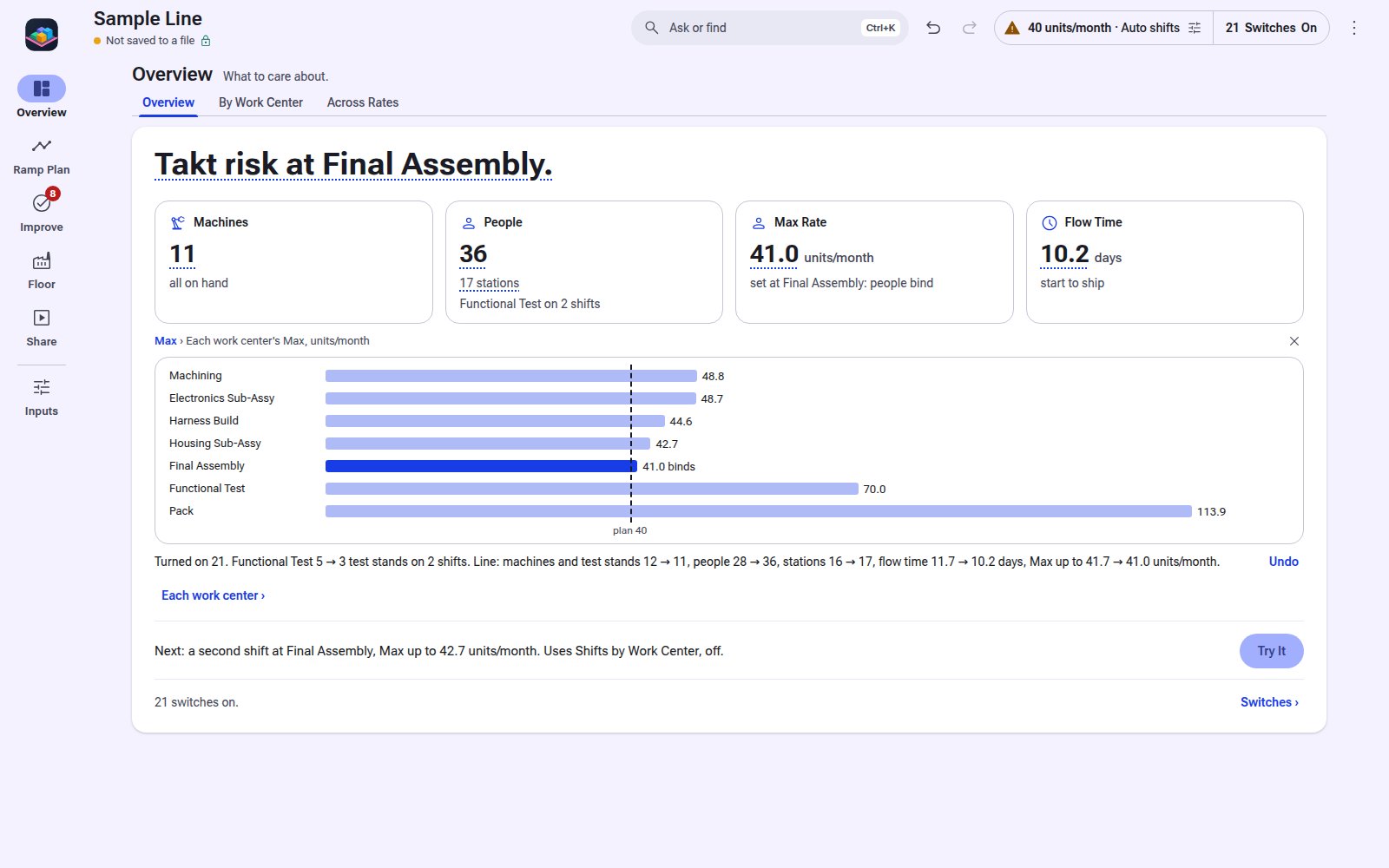
Machines, people and flow time for a production line at any rate. Starts simple; turn on detail when you need it.

Version 0.5.1. Starts simple: every switch off until your line needs it.

See the screens
Floor Simulator live 3D floor
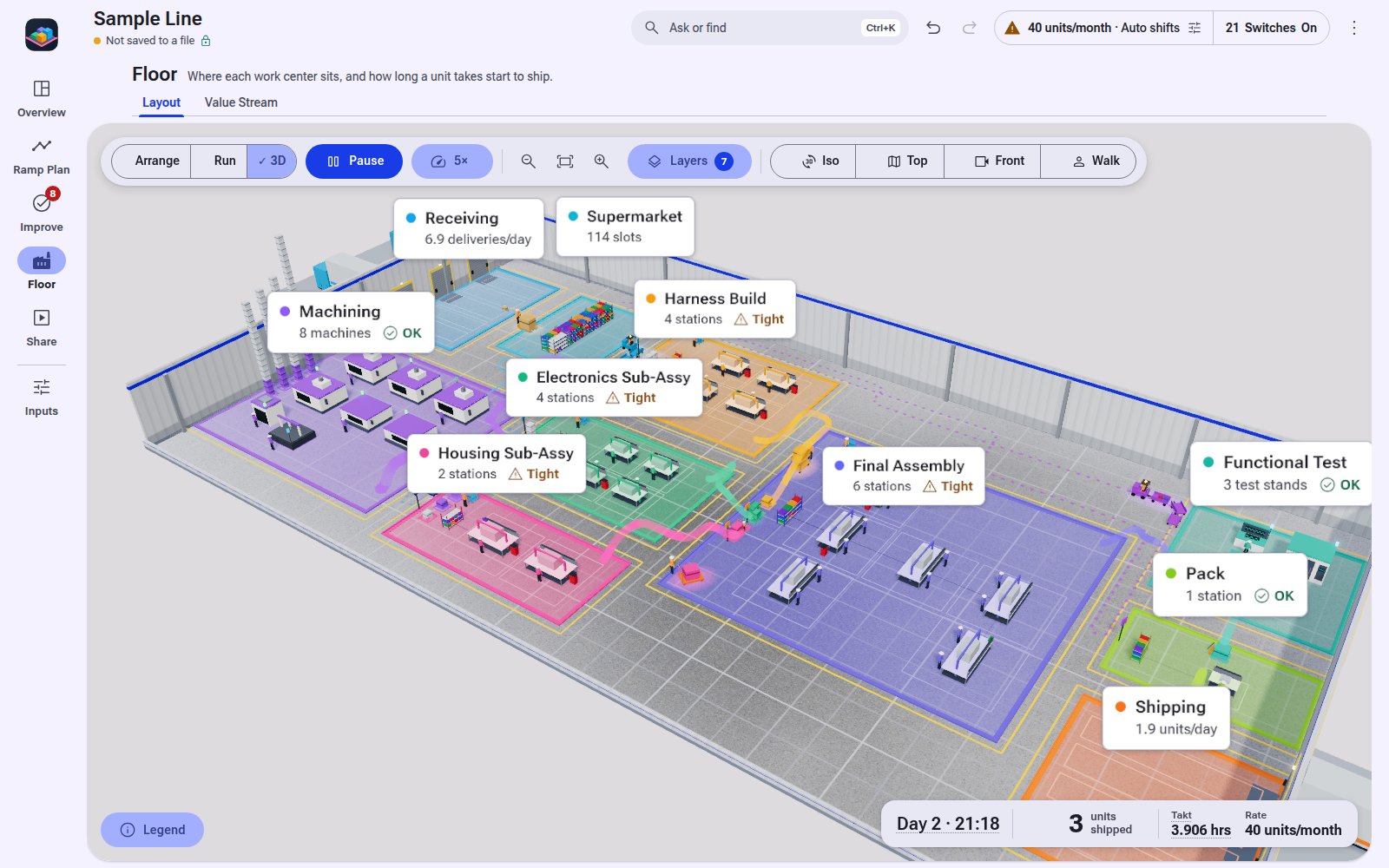
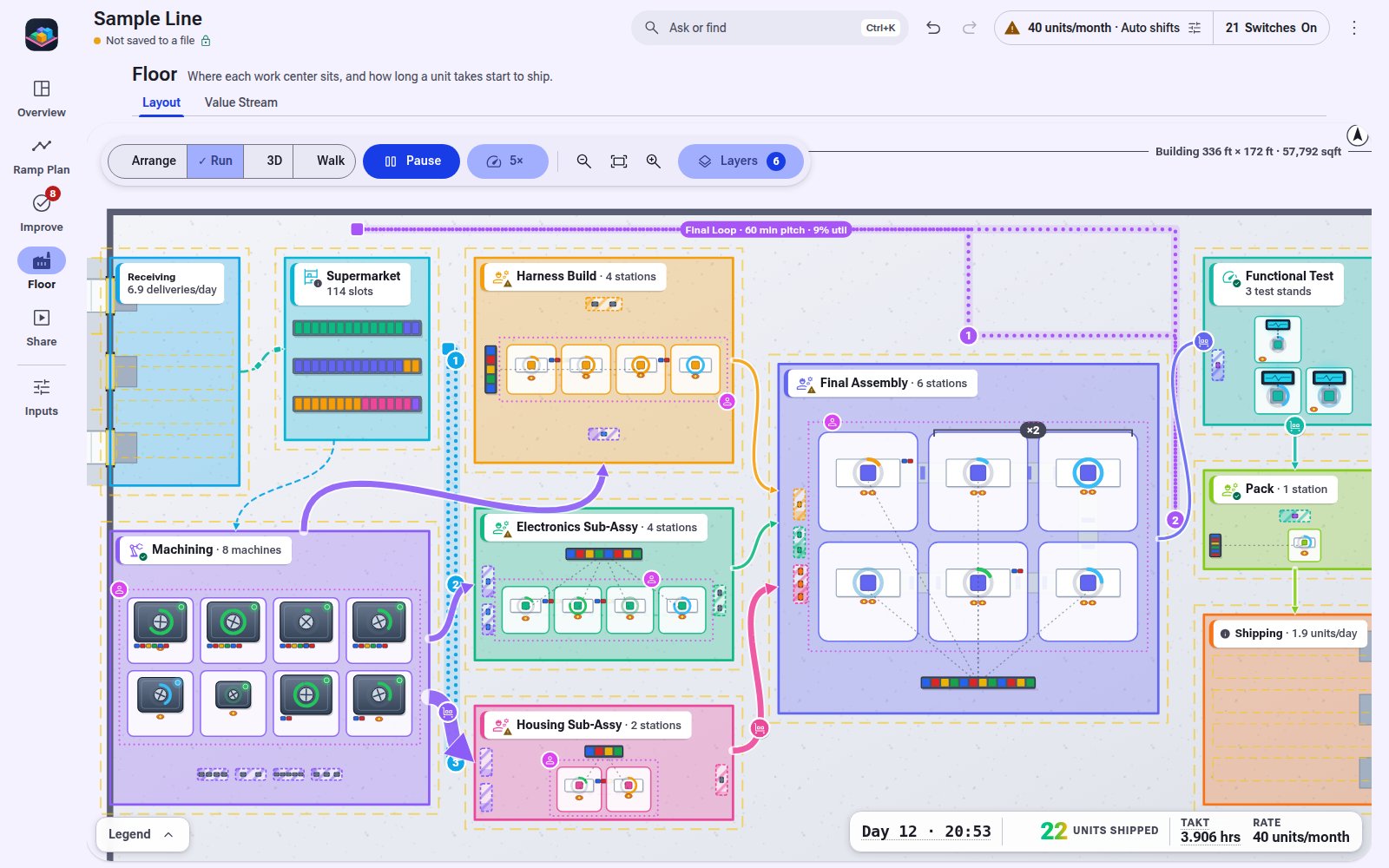
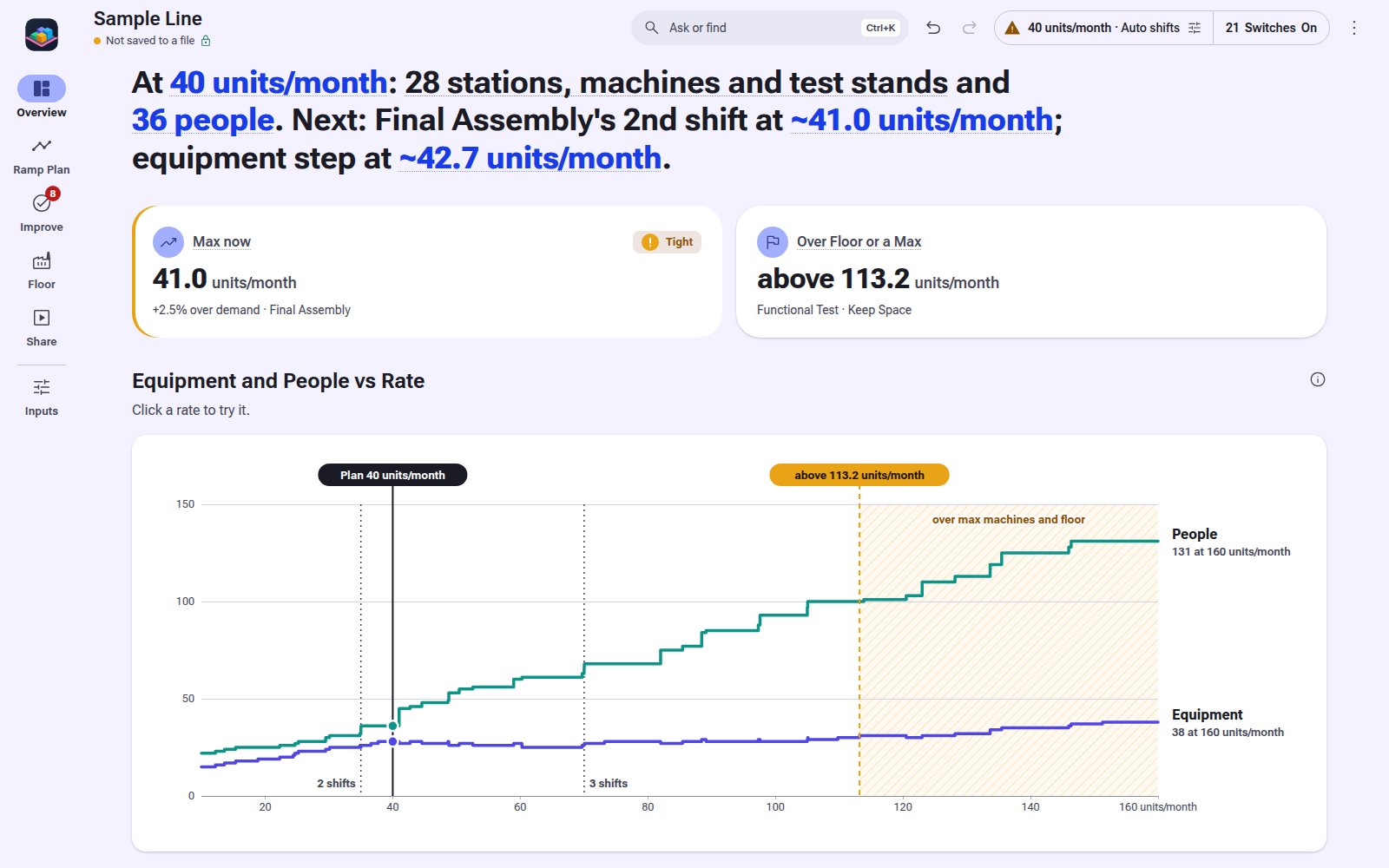
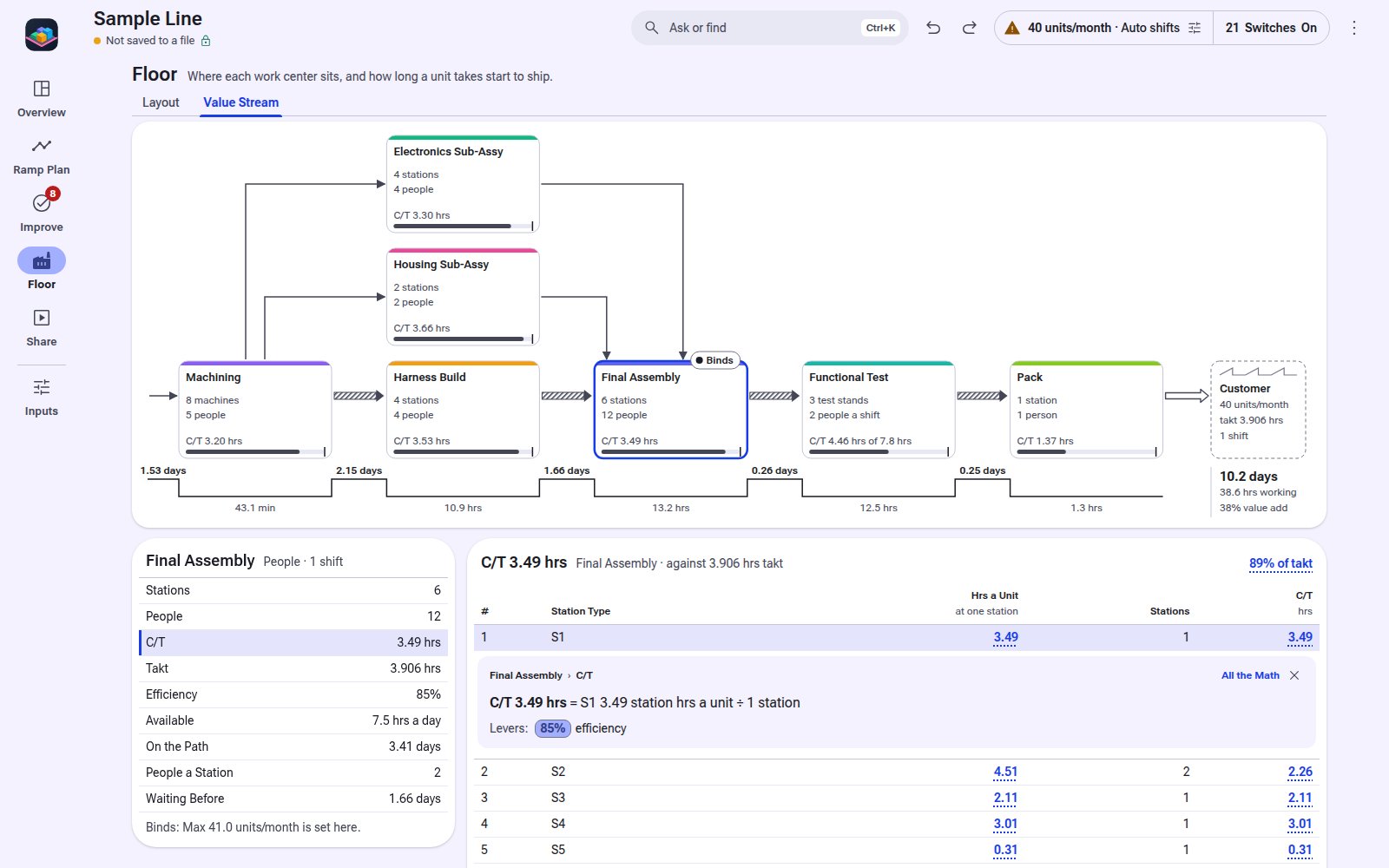
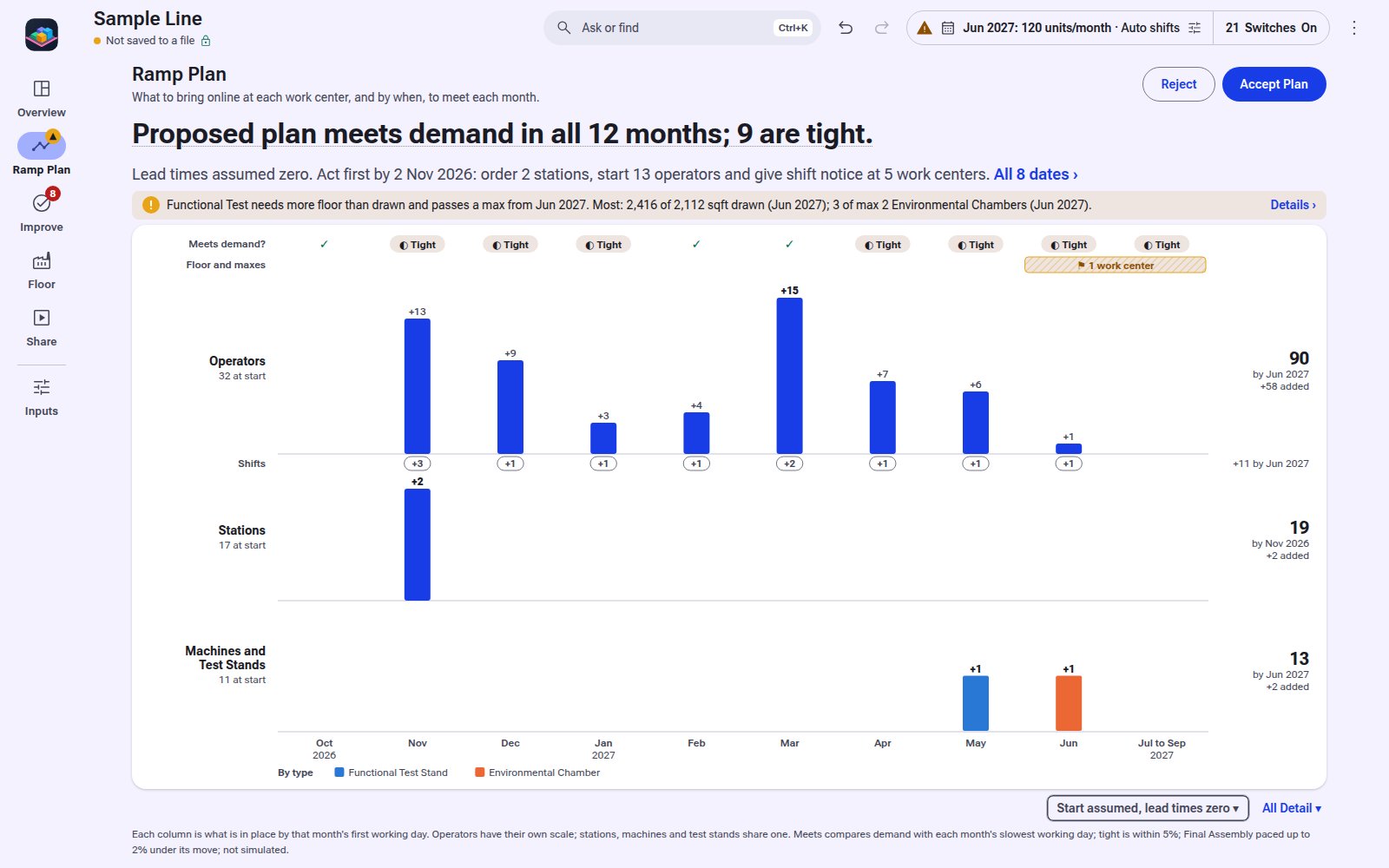
Overview: 11 machines, 36 people, Max 41.0 units/month, 10.2 days to ship, and each work center's Max.Ramp Plan: the operators, shifts, stations and equipment to add each month to reach 120 units/month.Live 2D floor: work, material and the 60 min Final Loop moving, 22 units shipped by Day 12.Across Rates: 28 pieces of equipment and 36 people at 40 units/month, and how both climb to 160.Value Stream: 10.2 days start to ship, 38% value add, and Final Assembly opened with its C/T math.
Modelers

Which Modeler?

Staffing and load models for lines, fulfillment flows, and high-mix or repair shops, plus the full floor model. The web versions of the Process and Mixed Shop modelers stay free.

3 tools
Process Modeler screen 4 screens
Free during launch Free web version too

Process Modeler

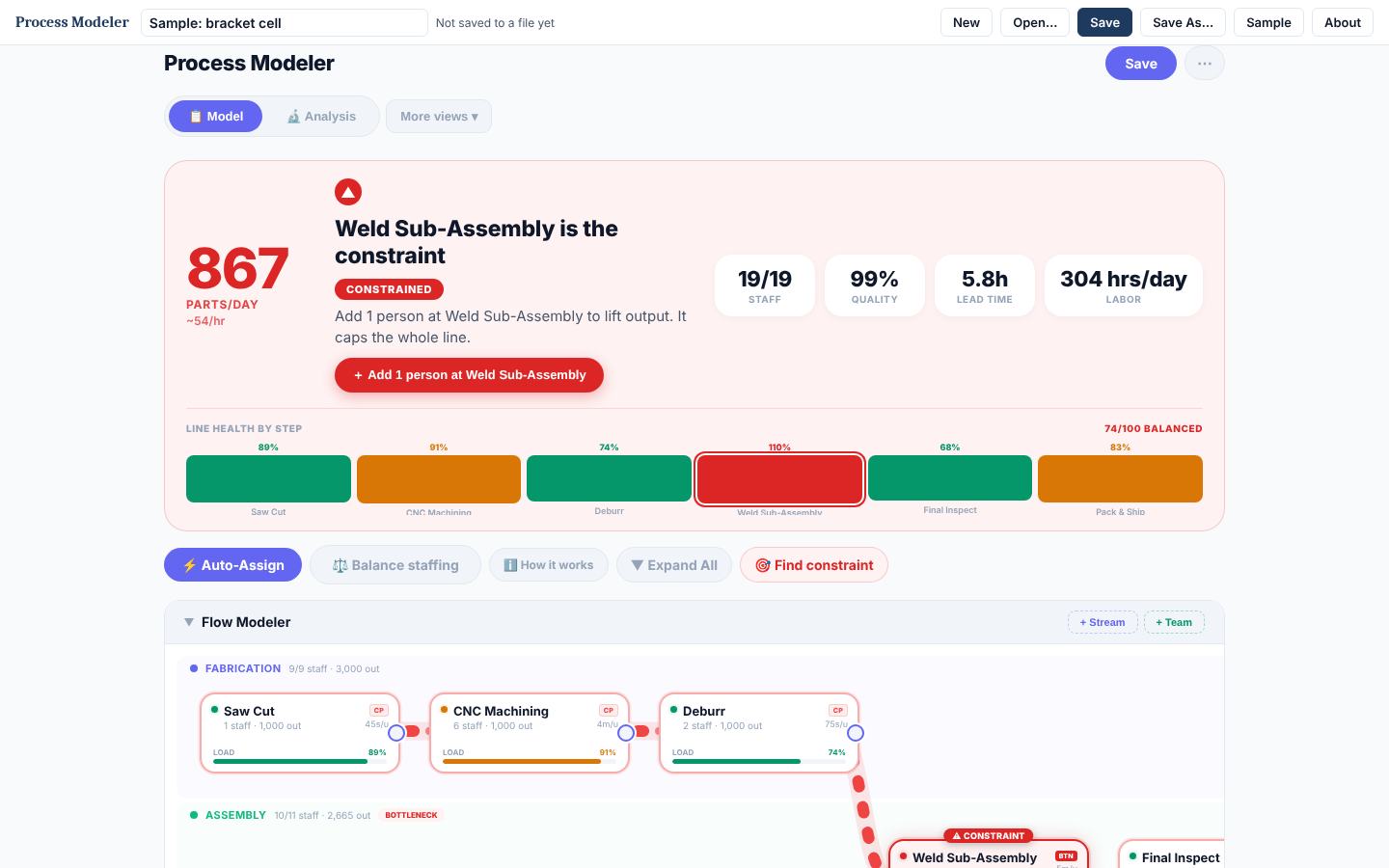
Staffing and throughput for one multi-step flow, such as a line, a pick, pack and ship flow, or a repair process: who goes where, what the bottleneck is, what output you get.

The question
How many people, where, and what output?
You model
Steps, streams, headcount by team
Best for
Assembly lines, fulfillment and repair flows, office processes
Runs as
One HTML file, any browser
Free $99 after launch
Mixed Shop Modeler screen 4 screens
Free during launch Free web version too

Mixed Shop Modeler

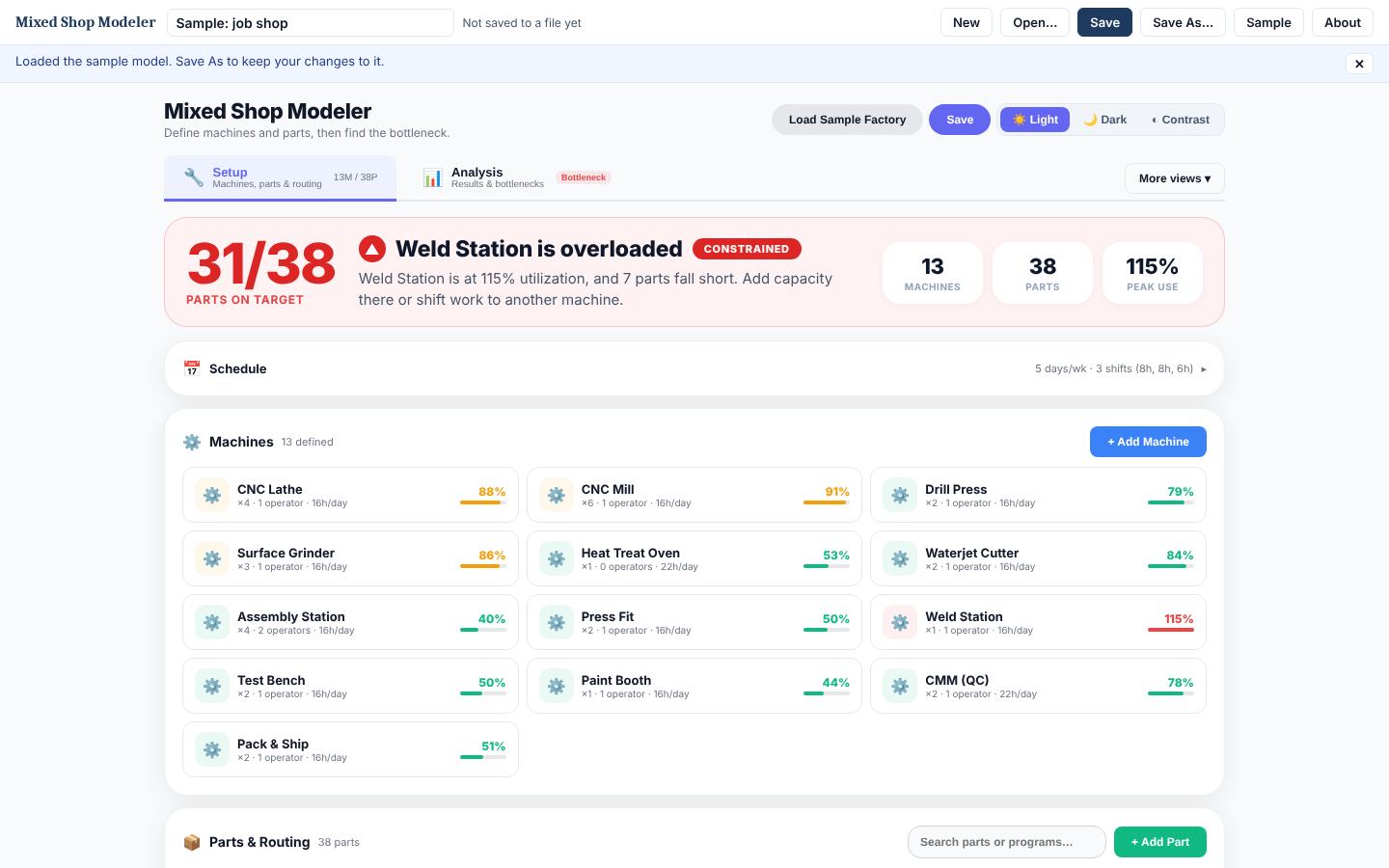
Resource load in a high-mix or repair shop: many parts or work order types, routings and setups across shared machines, test stands, and bays.

The question
Do my machines and stands have room for this mix?
You model
Machines or stands, parts or work orders, routings, setups
Best for
Job shops, high-mix machining, repair shops with shared test stands
Runs as
One HTML file, any browser
Free $129 after launch
Floor Simulator screen 10 screens
Free during launch

Floor Simulator

Sizing a whole line at a rate: machines, people, Max rate and flow time, simple first, with a live 2D and 3D floor.

The question
What does the whole line look like at this rate?
You model
Work centers and hrs first; operations, parts and the floor when you turn them on
Best for
New production lines, rate changes, layouts
Runs as
One HTML file, Chrome or Edge
Free $199 after launch
Value Stream Mapping

Which Value Stream Tool?

Map a production, order-to-delivery, or repair flow, find where the time goes, plan the future state.

2 tools
VSM Pro screen 4 screens
Free during launch Free web version too

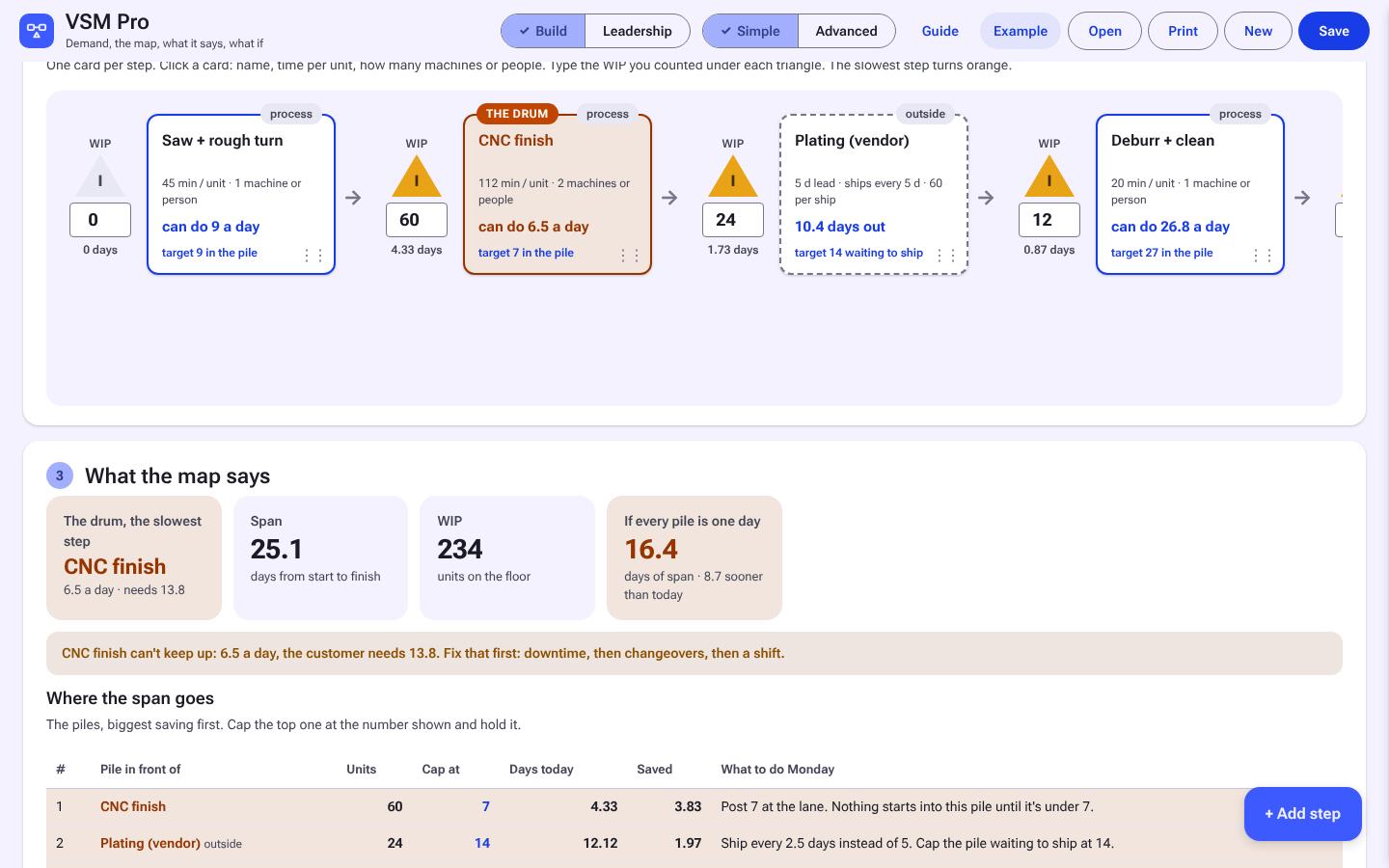
VSM Pro

The value stream tool: a guided first map for anyone walking an area, then current and future state, demand and takt, and what-if on the numbers, for production, order-to-delivery, or repair flows.

Made for
Anyone mapping a real area, first time or fiftieth
How it works
Guided mode walks the build; Simple and Advanced add future state and what-if
Files
Opens Class Workbook and old Floor Map files
Free $79 after launch
VSM Class Workbook screen 4 screens
Free during launch

VSM Class Workbook

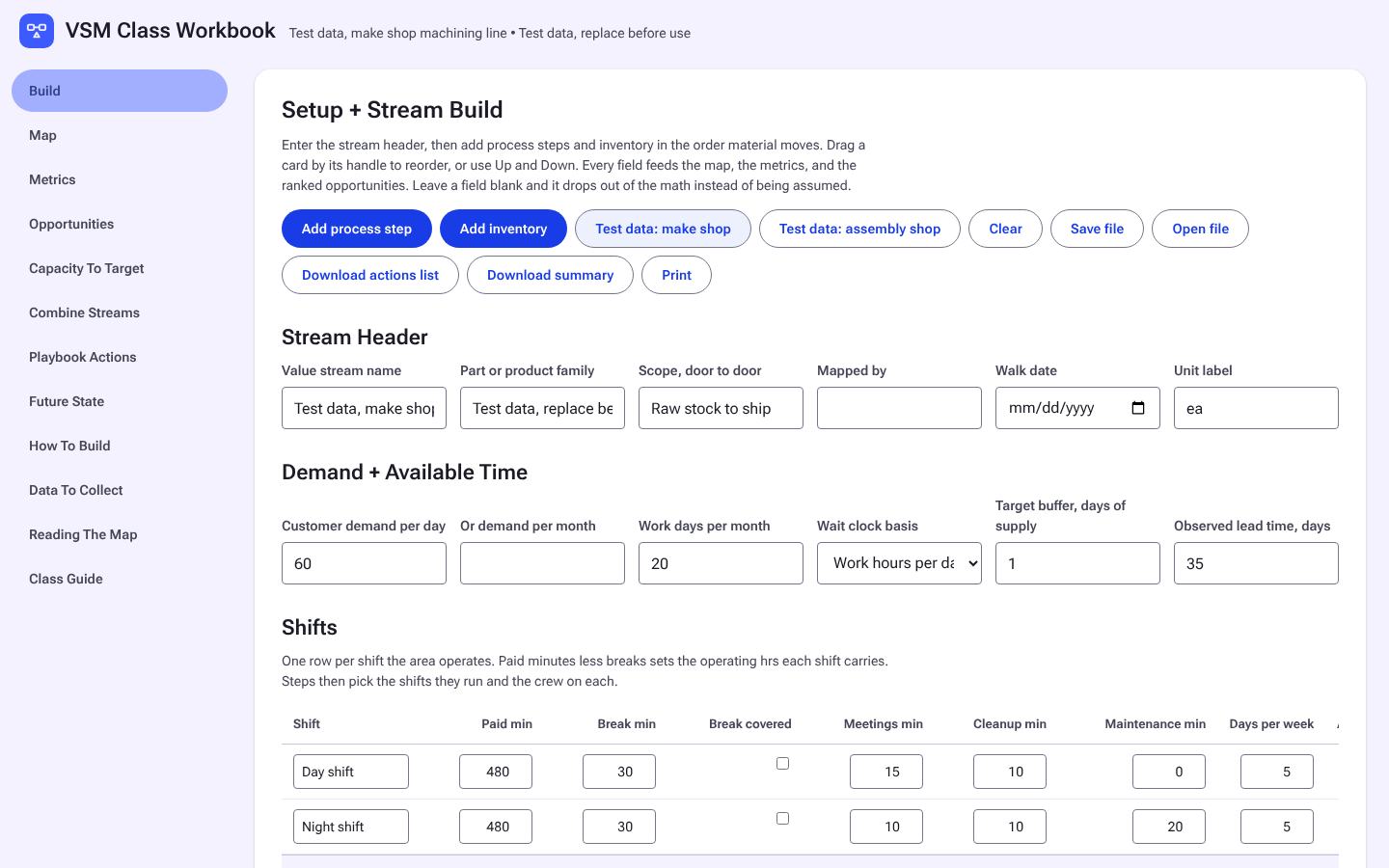
Learning or teaching value stream mapping: stage-by-stage build, metrics, and a class guide.

Made for
Classes learning the method
How it works
Stage-by-stage classic map with teaching notes
Files
Saves files that open in VSM Pro
Free $39 after launch
Line Design + Flow

Which Line Design Tool?

Takt, stations, and yamazumi stacks for assembly, pack, and overhaul lines, and the steps to move an area to flow.

3 tools
Line Designer Pro screen 4 screens
Free during launch

Line Designer Pro

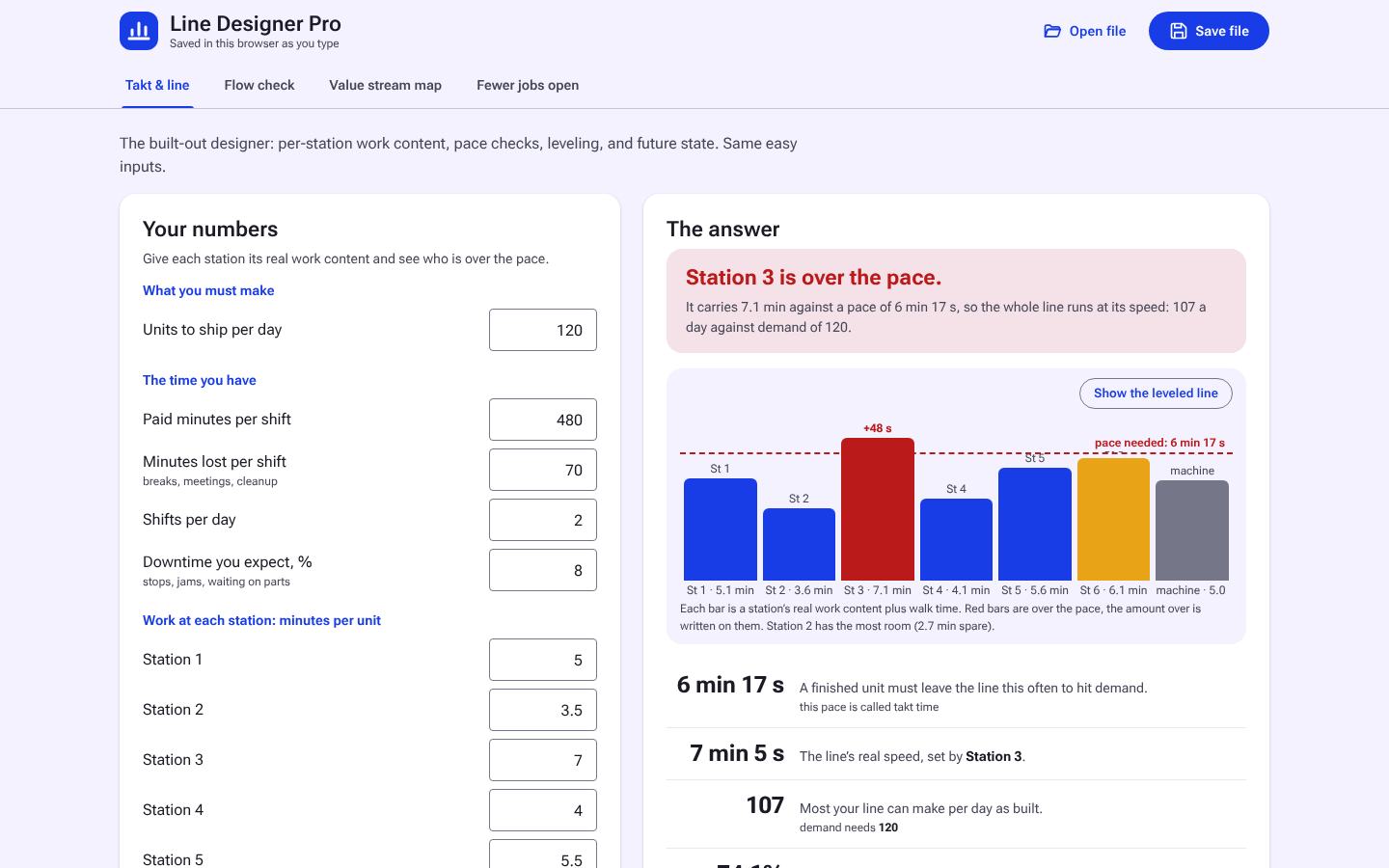
Designing or rebalancing a line station by station against takt, with crews and work elements, plus a Quick mode for first answers on one page each.

The job
Quick checks, then design the line station by station
Output
Takt, station plan with crews and elements, leveled line, WIP cap
Free $69 after launch
Yamazumi Balancer screen 5 screens
Free during launch Free web version too

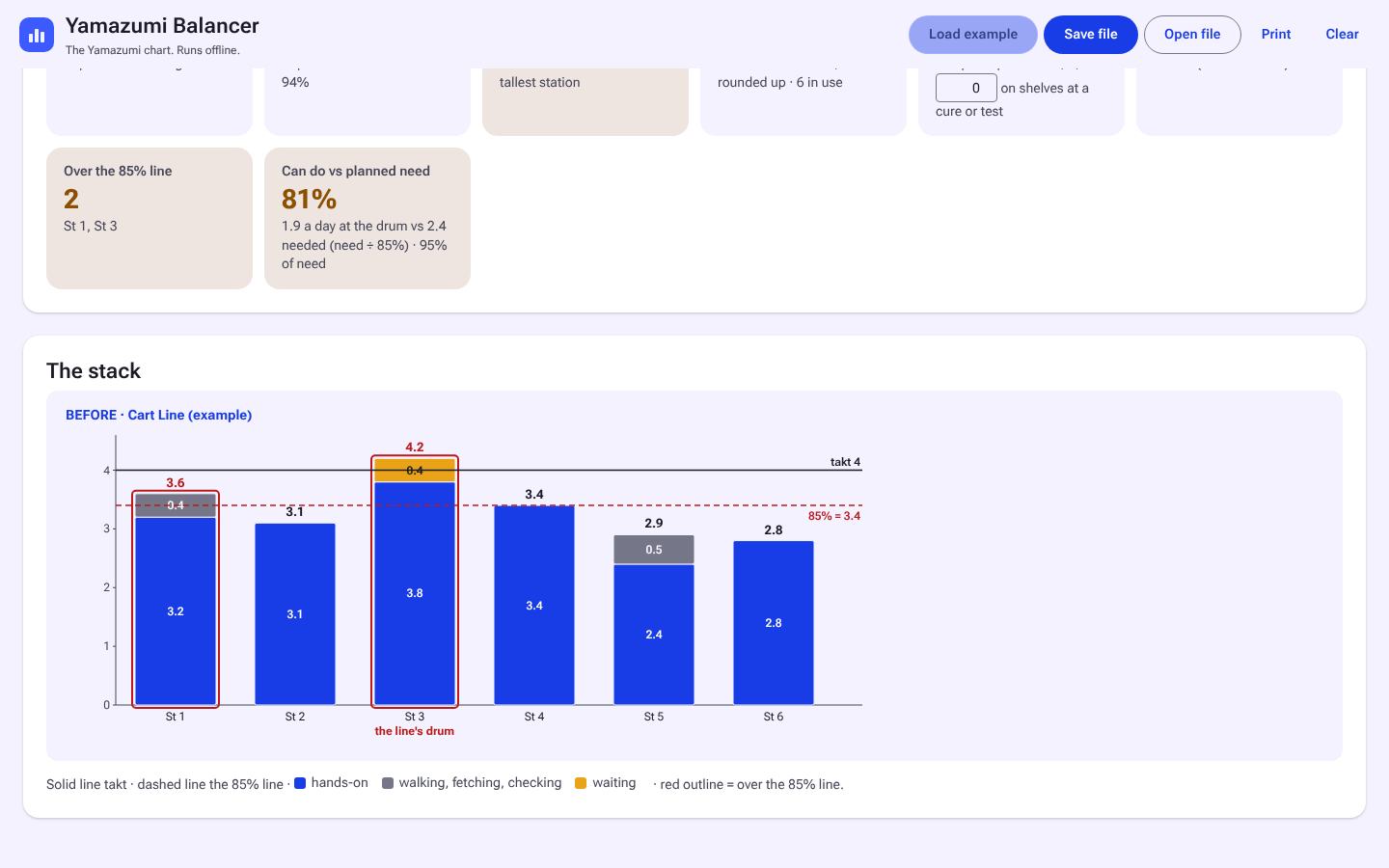
Yamazumi Balancer

Stacking work elements per station against takt and rebalancing them, Before against After.

The job
Rebalance work elements on stations that exist
Output
Yamazumi chart, Before vs After
Free $39 after launch
Flow Starter Kit screen 4 screens
Free during launch Free web version too

Flow Starter Kit

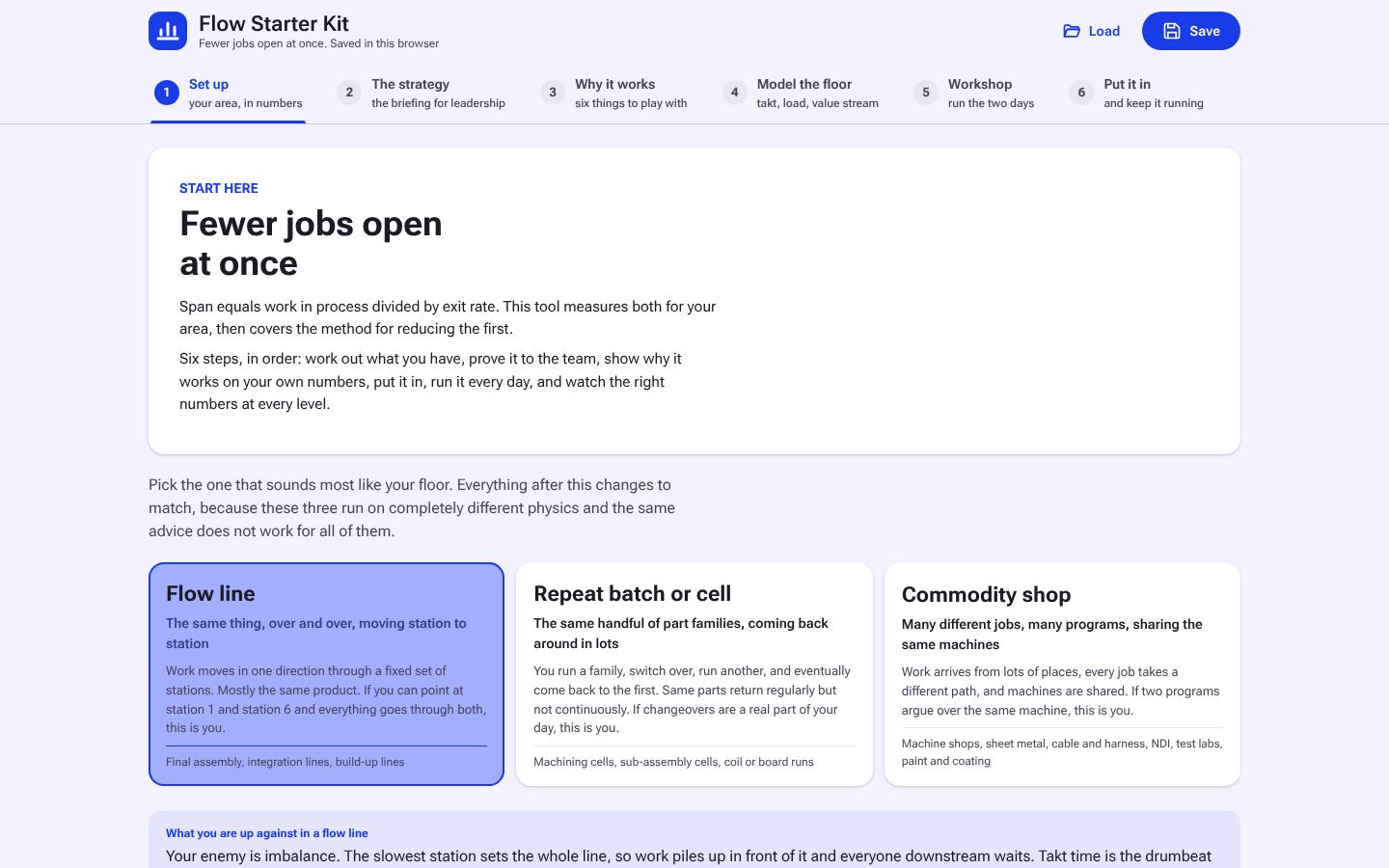
Moving one area to flow, on the floor, in the warehouse, or in a repair shop, with your numbers, a checklist, a two-day workshop and daily floor scripts.

The job
Move one area to flow
Output
Checklist, workshop, daily scripts
Free $49 after launch
Problem Solving

A3 Pro, 5 Why Pro, or Both?

A3 and 5 Why, built to work together, for problems anywhere in operations.

3 tools
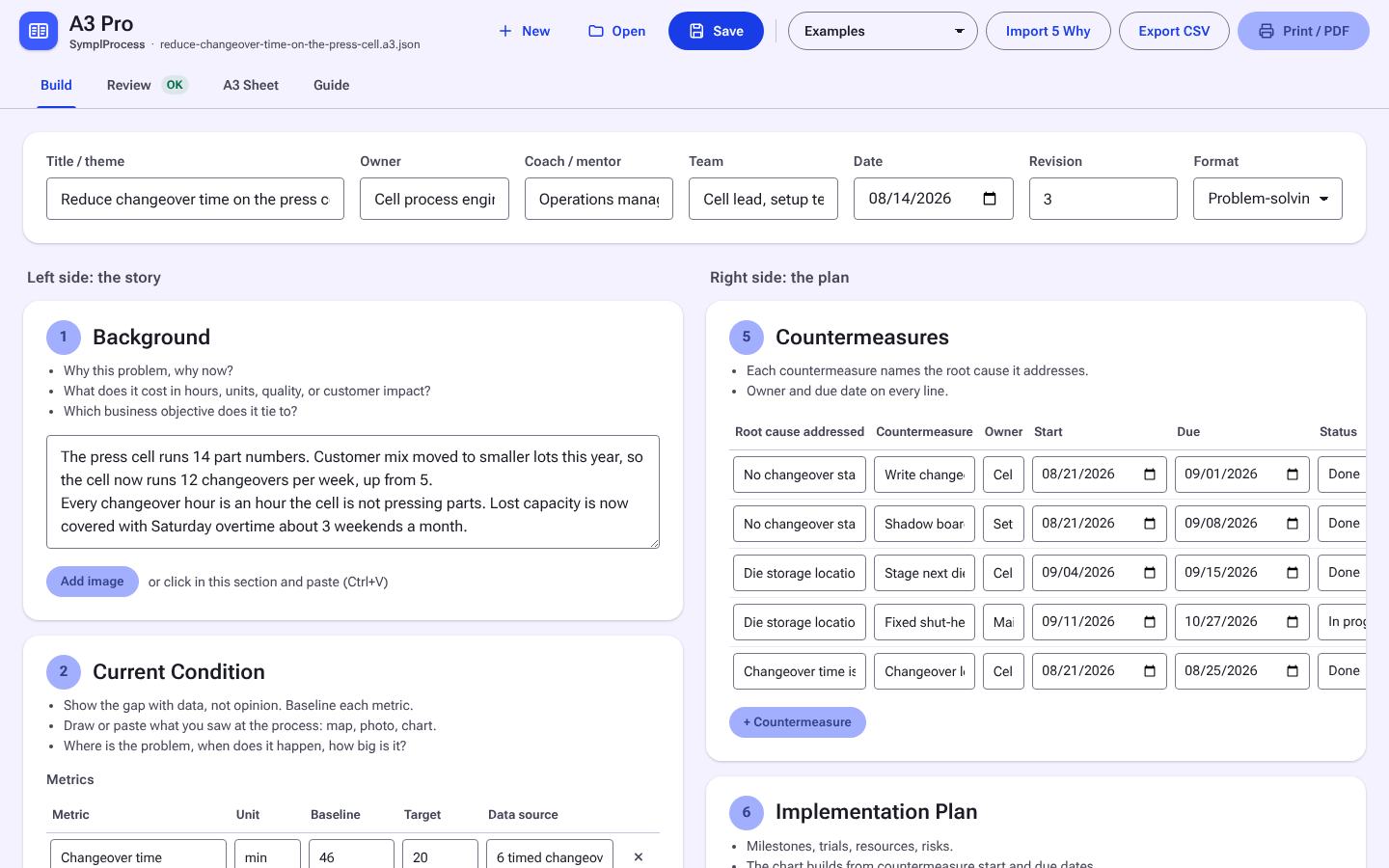
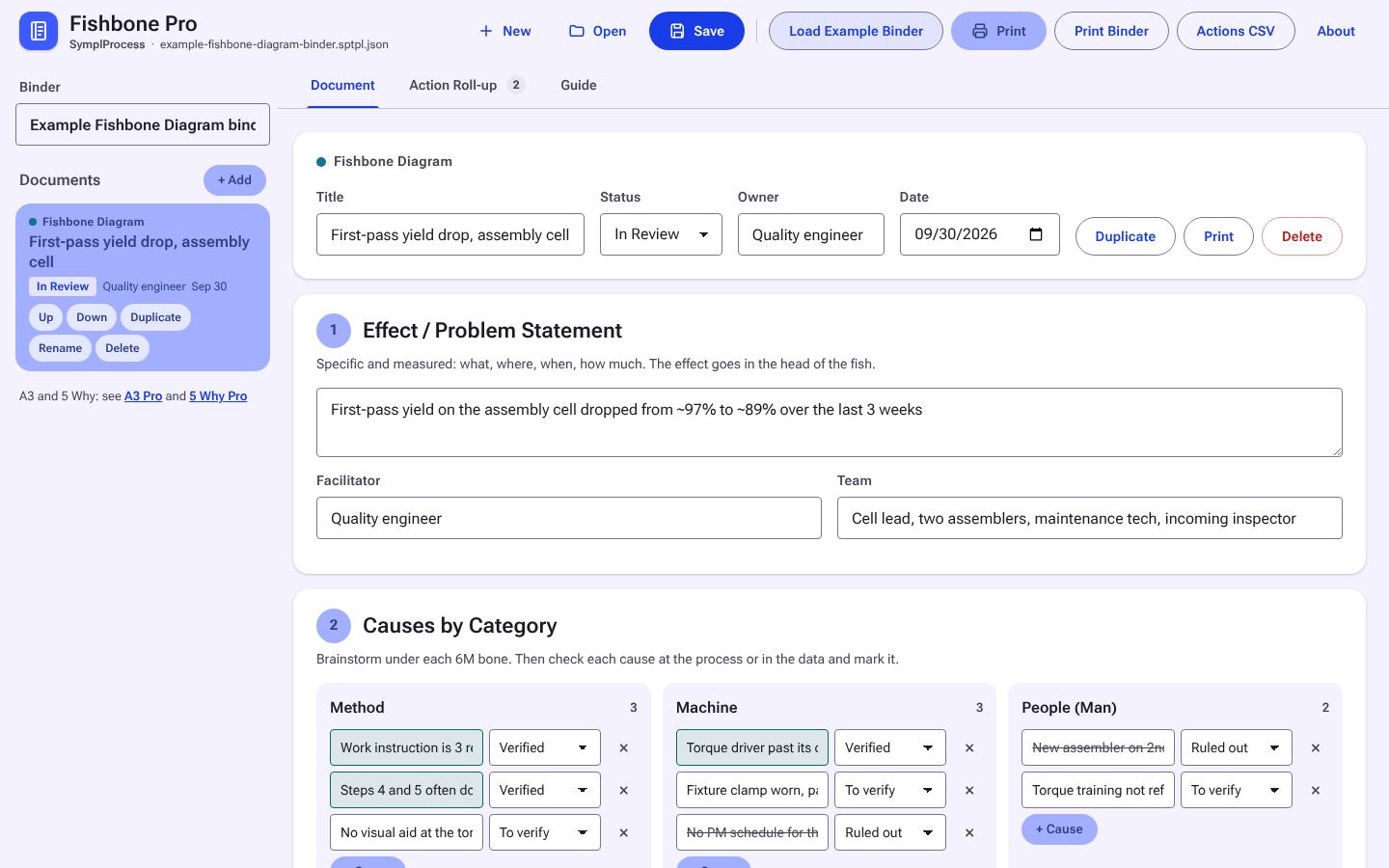
A3 Pro screen 3 screens
Free during launch Free web version too

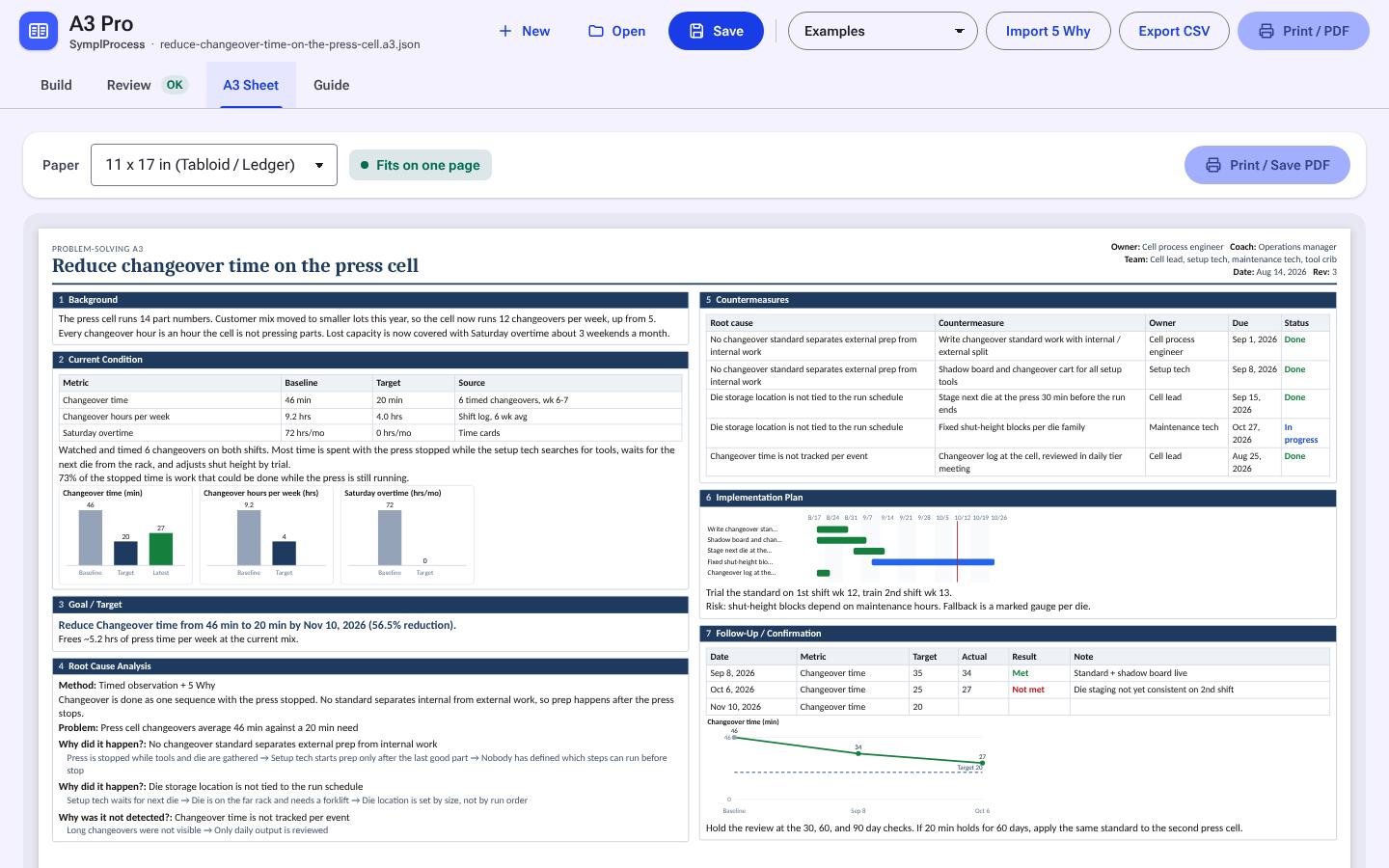
A3 Pro

Writing and printing a one-page A3: problem, analysis, countermeasures, follow-up.

Use it to
Tell the whole story on one page
Comes first
After the root cause is known
Free $39 after launch
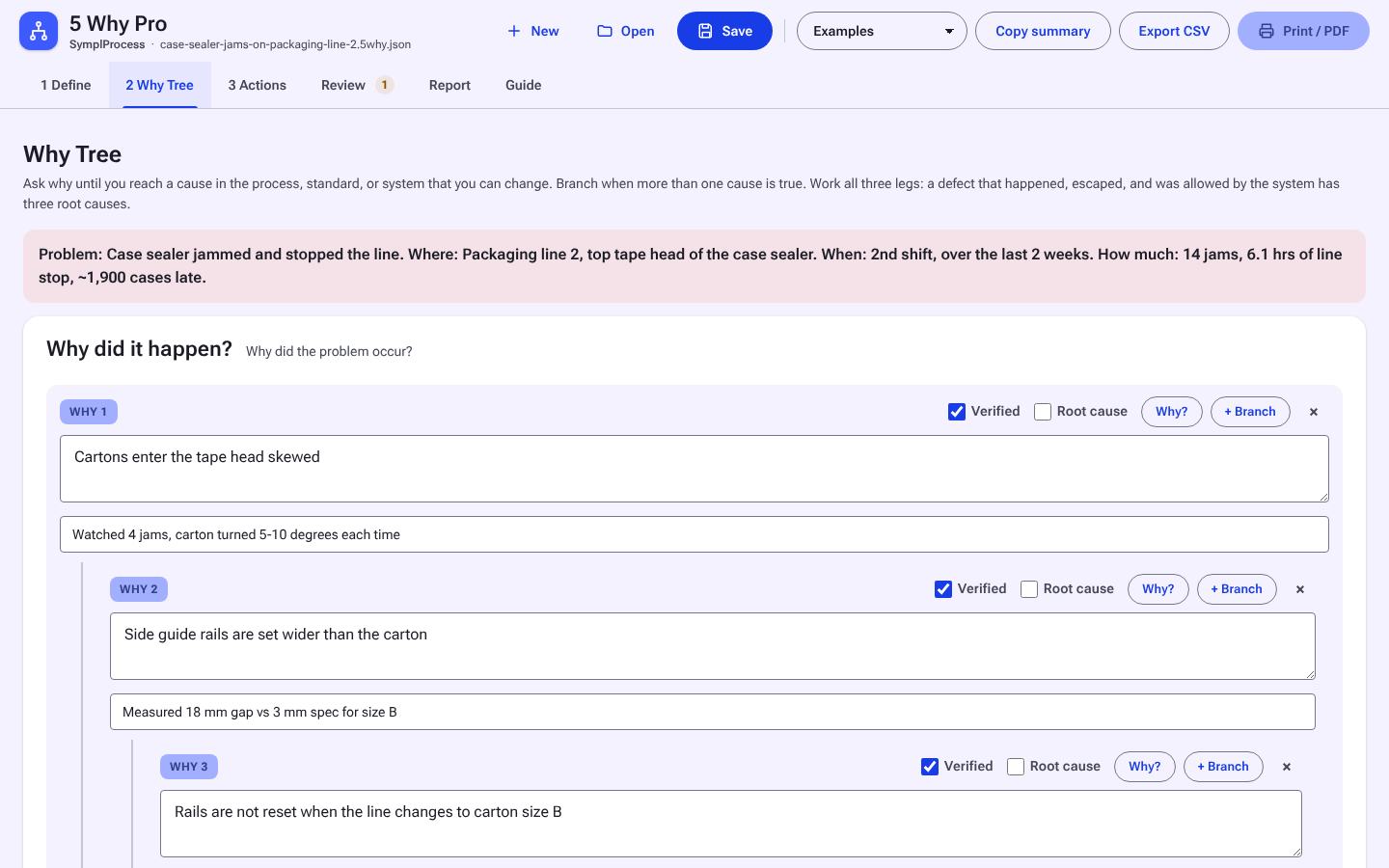
5 Why Pro screen 4 screens
Free during launch Free web version too

5 Why Pro

Getting from a problem statement to verified root causes and the actions that close them.

Use it to
Find and prove the root cause
Comes first
Yes, then send into A3 Pro
Free $29 after launch
5 Why + A3 Pair screen 4 screens
Free during launch

5 Why + A3 Pair

Running root cause and writing the A3, with the work carried from one into the other.

Use it to
Do both, with Send to A3 between them
Comes first
Start in 5 Why Pro
À la carte $68, bundle $55, save $13
Free $55 after launch
Templates

Templates

Every free web template has a Pro offline version. Buy one, or all eight in IE Templates Pro.

8 tools
Calculators

Calculators

Every free web calculator has a Pro offline version. Buy one, or all fourteen in IE Calculator Pro.

14 tools
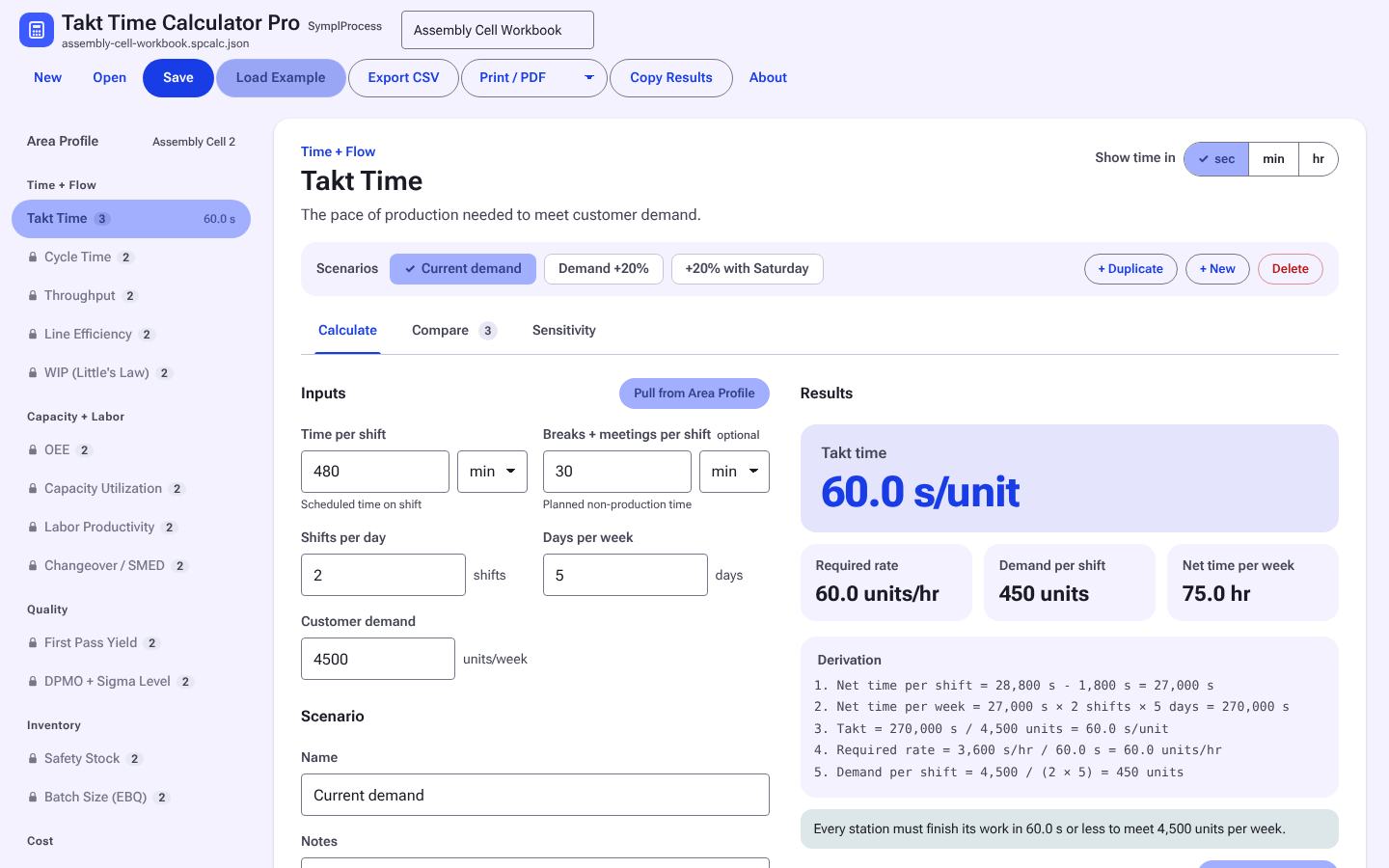
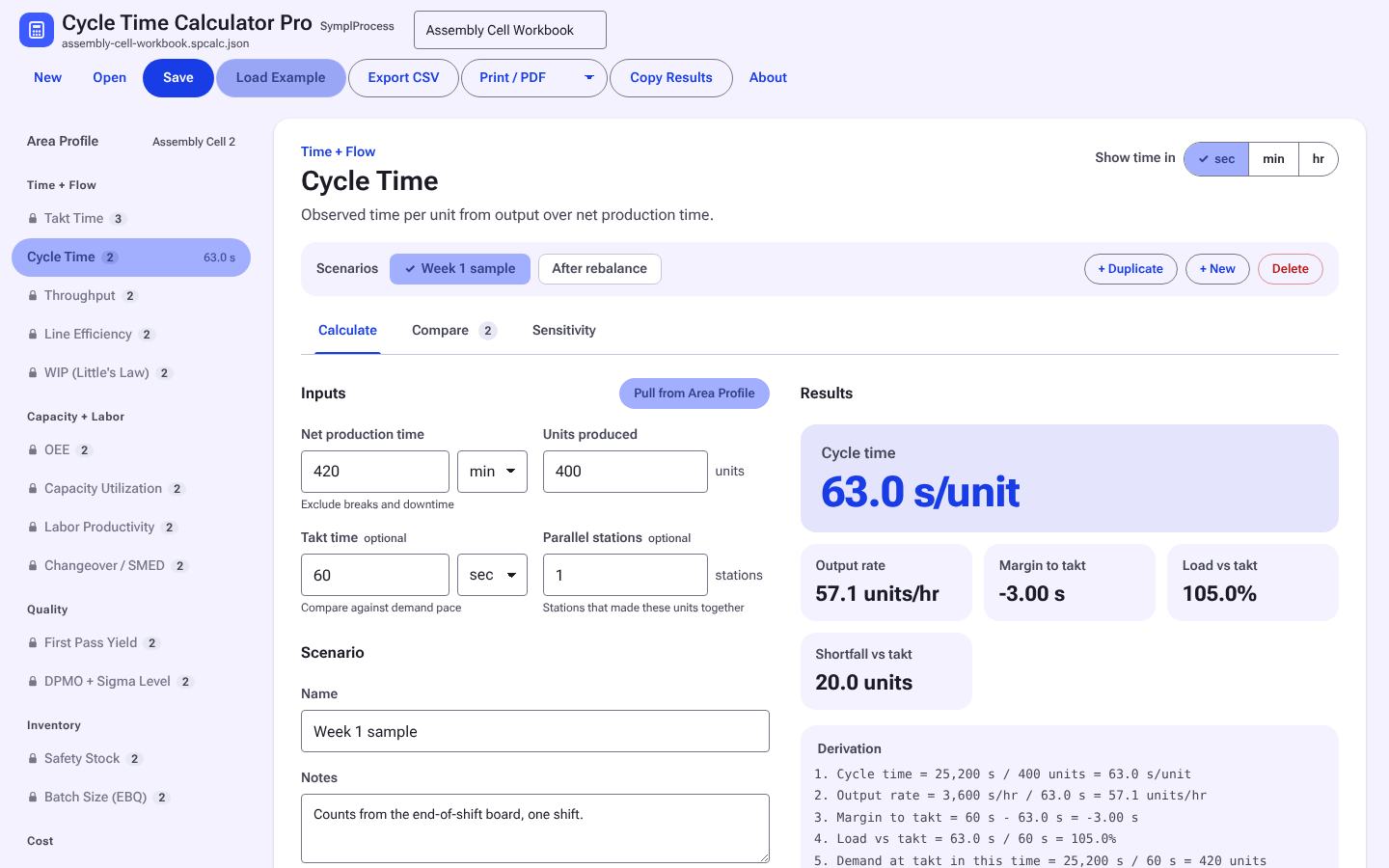
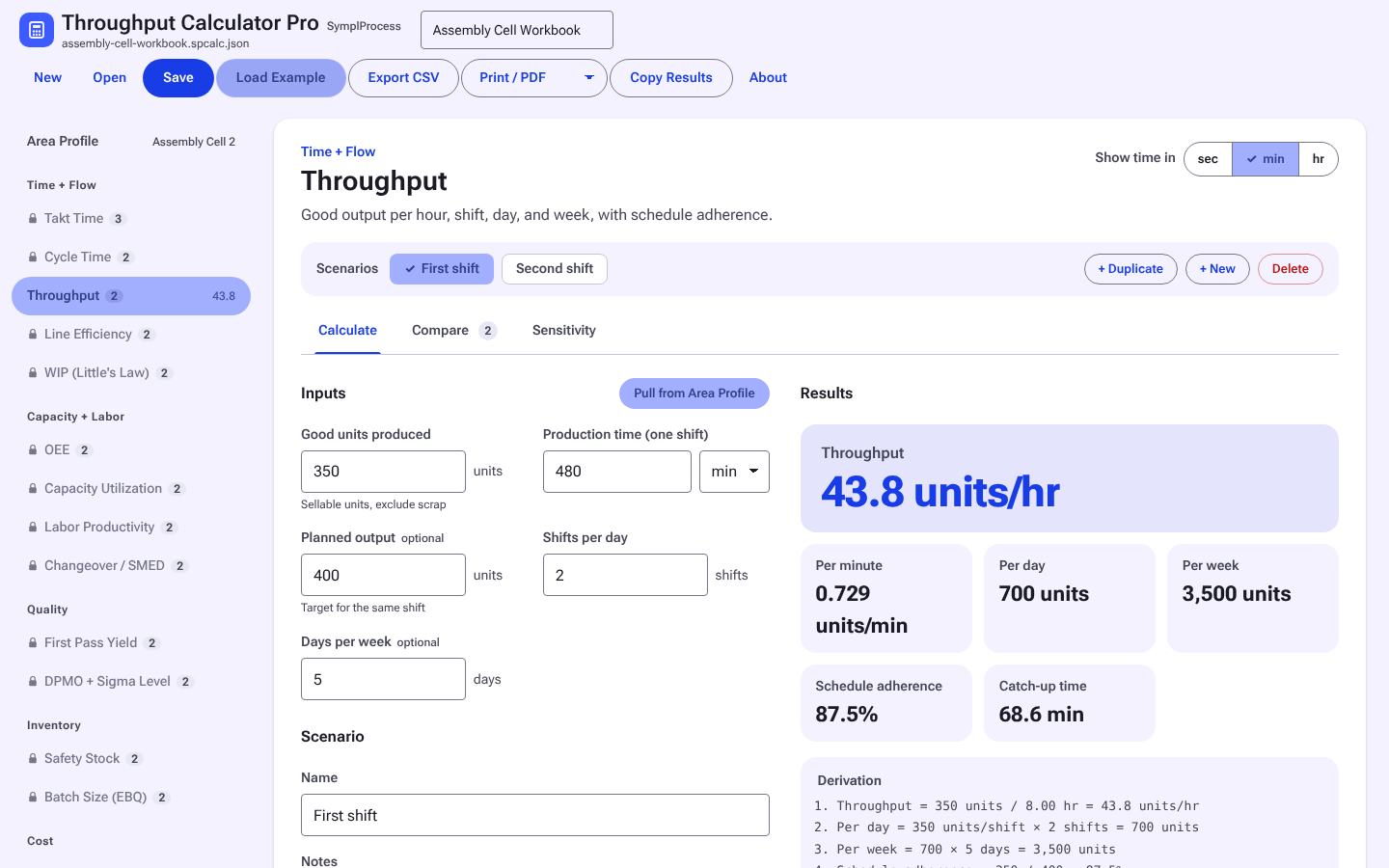
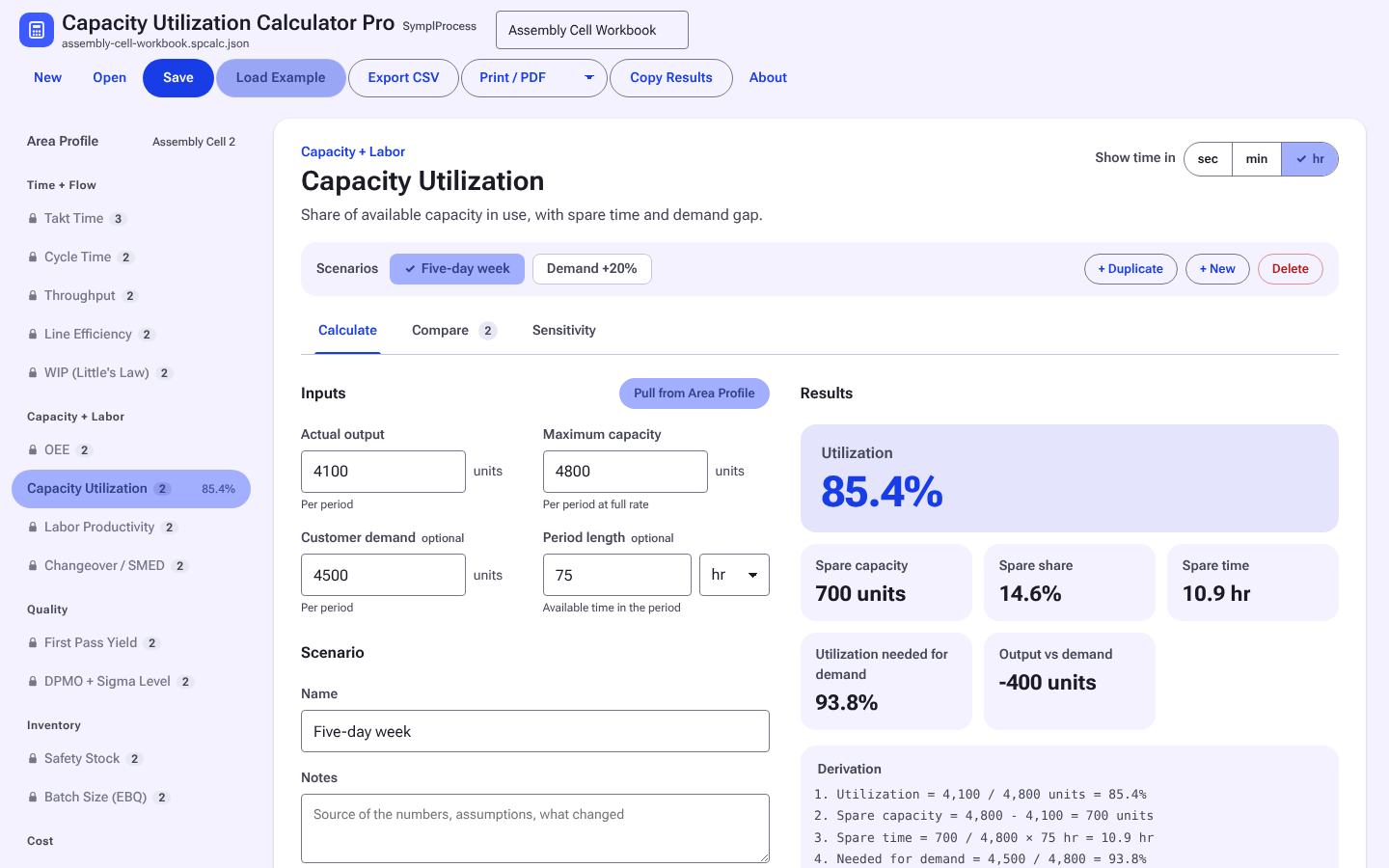
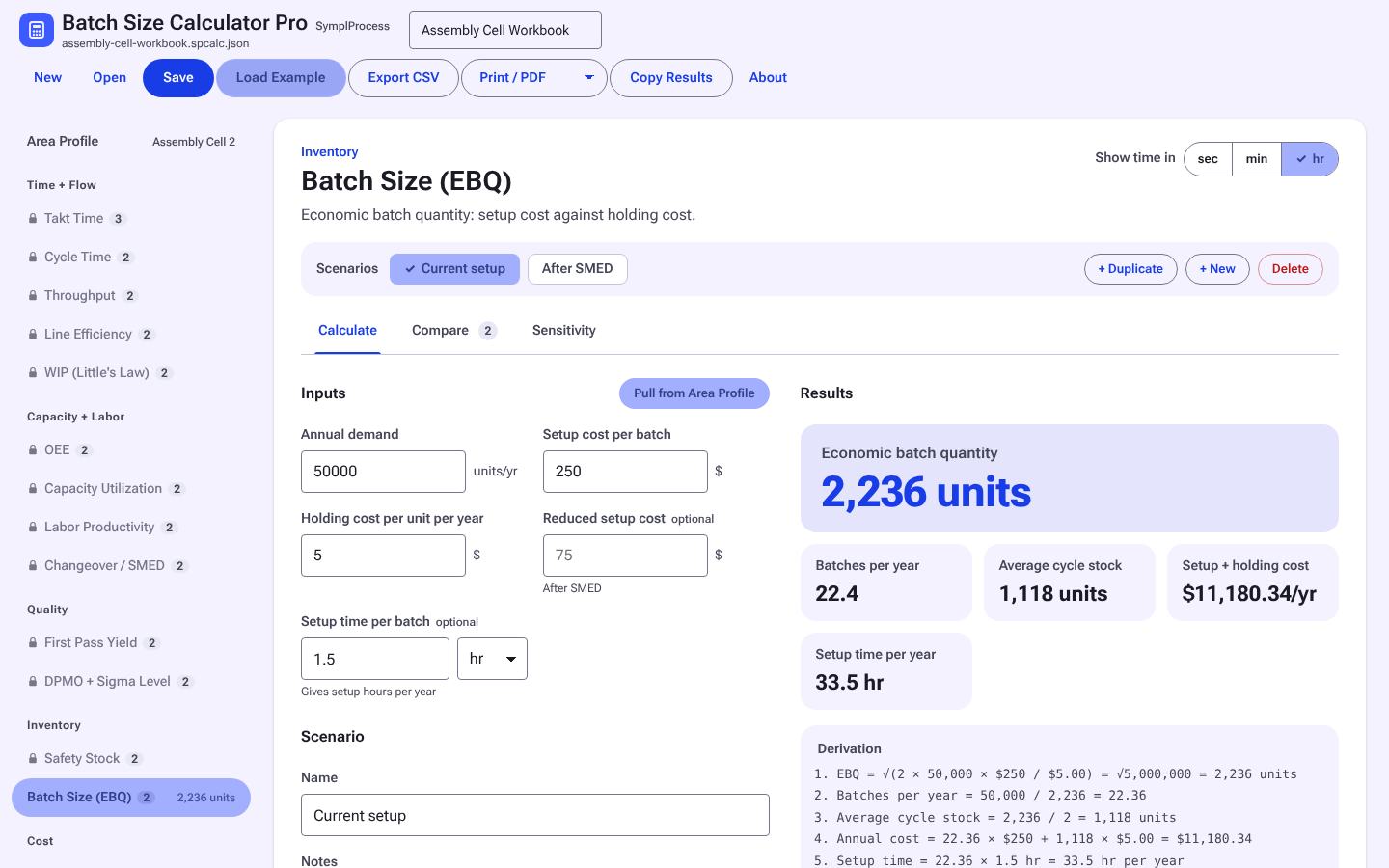
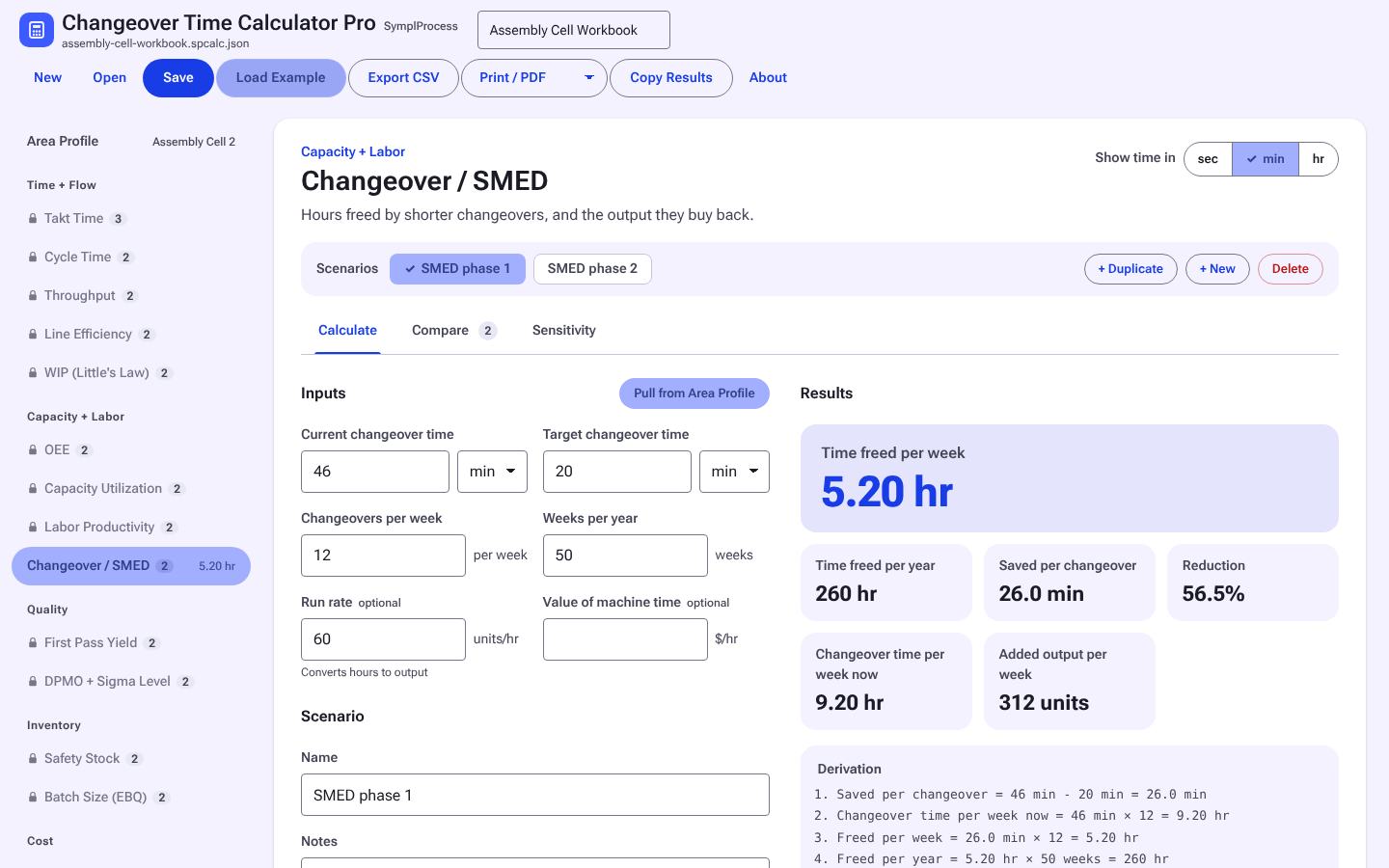
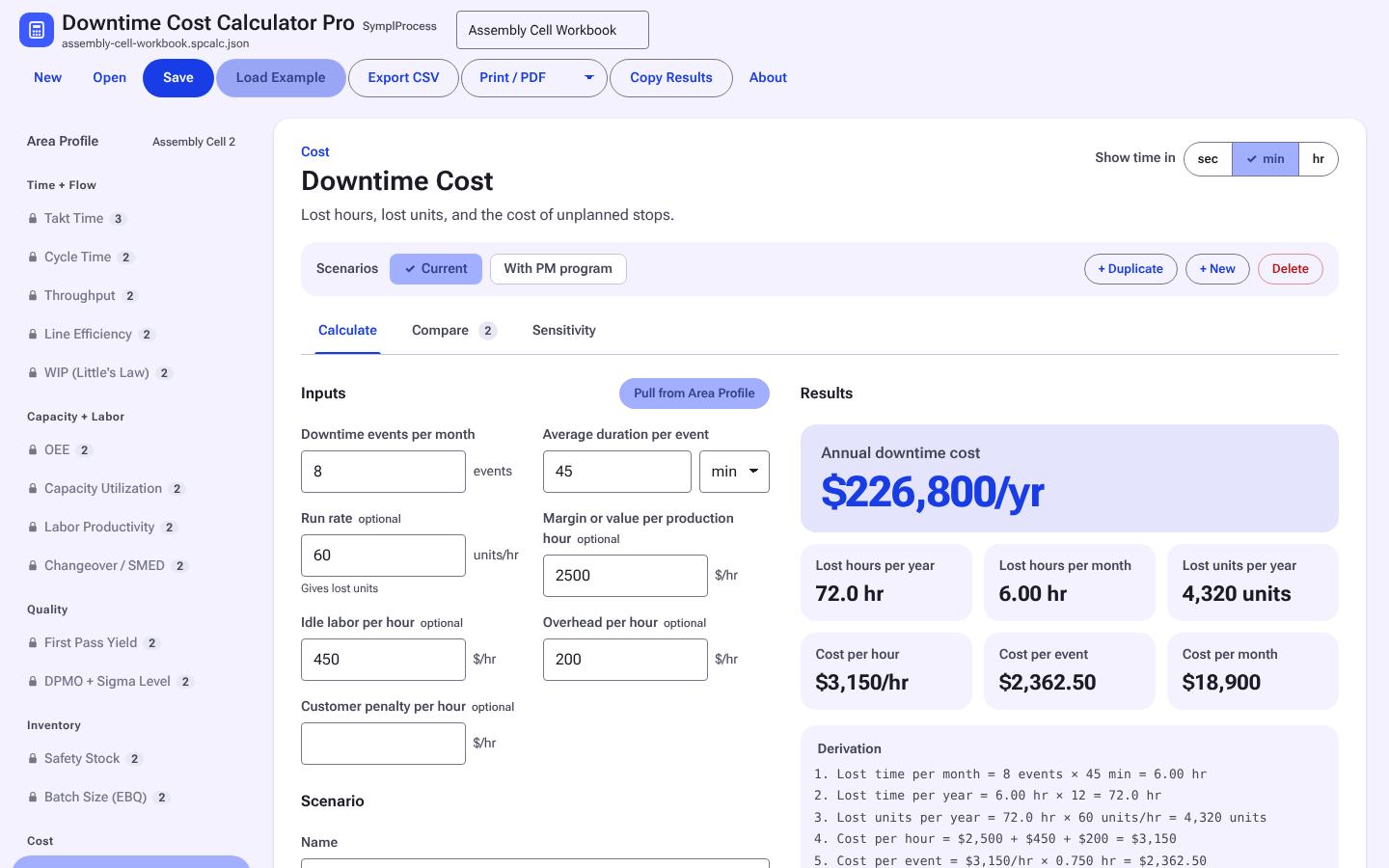
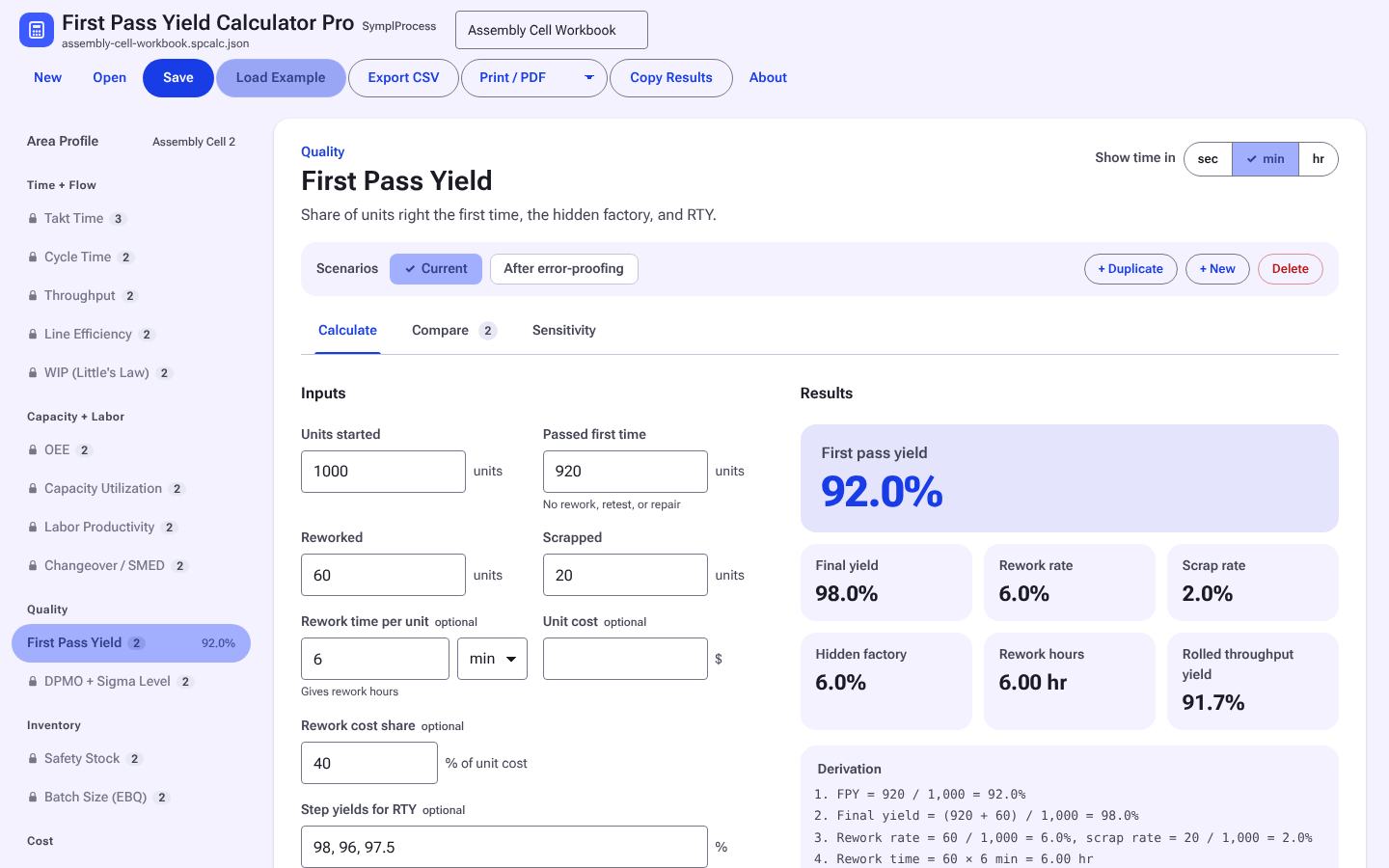
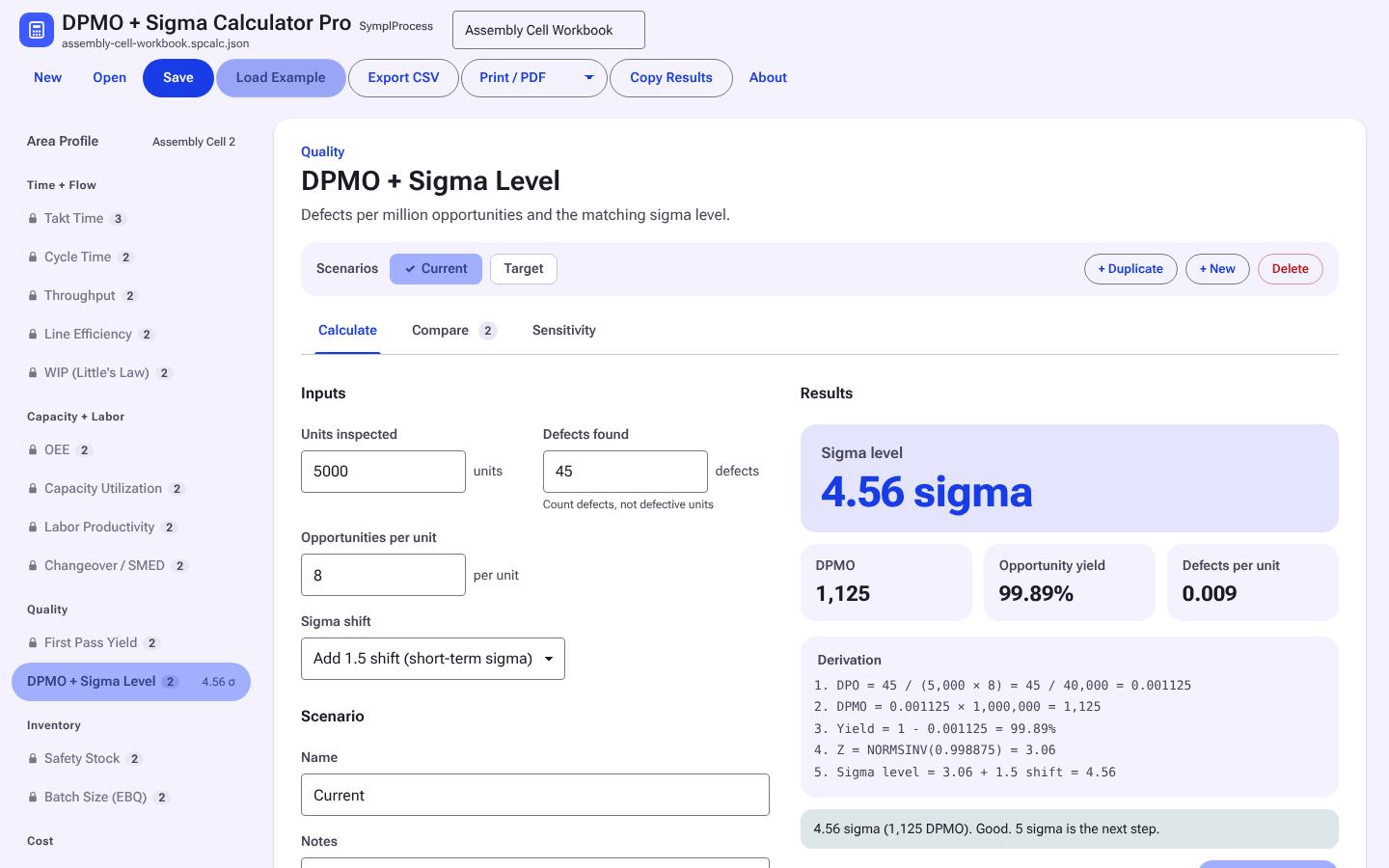
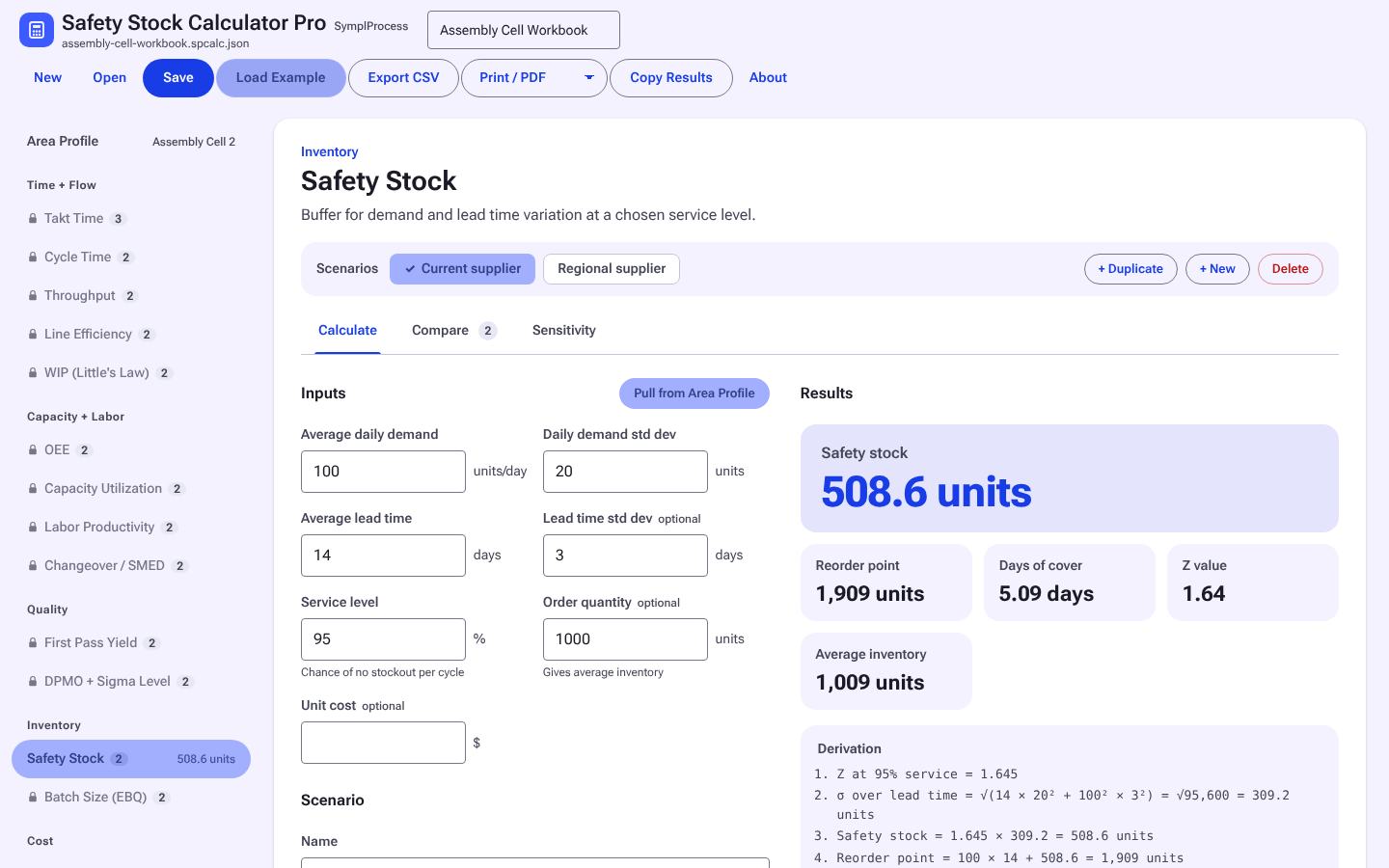
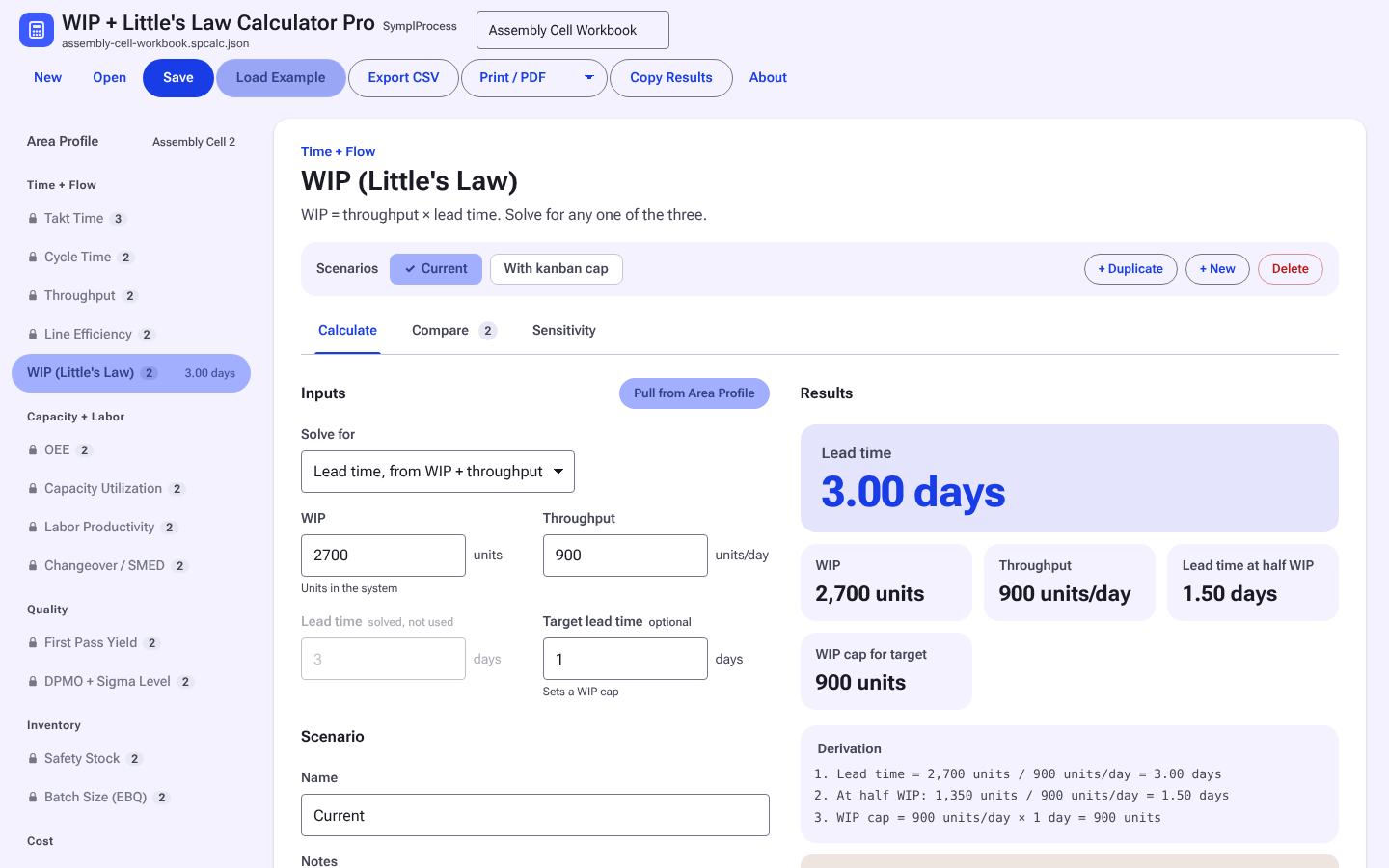
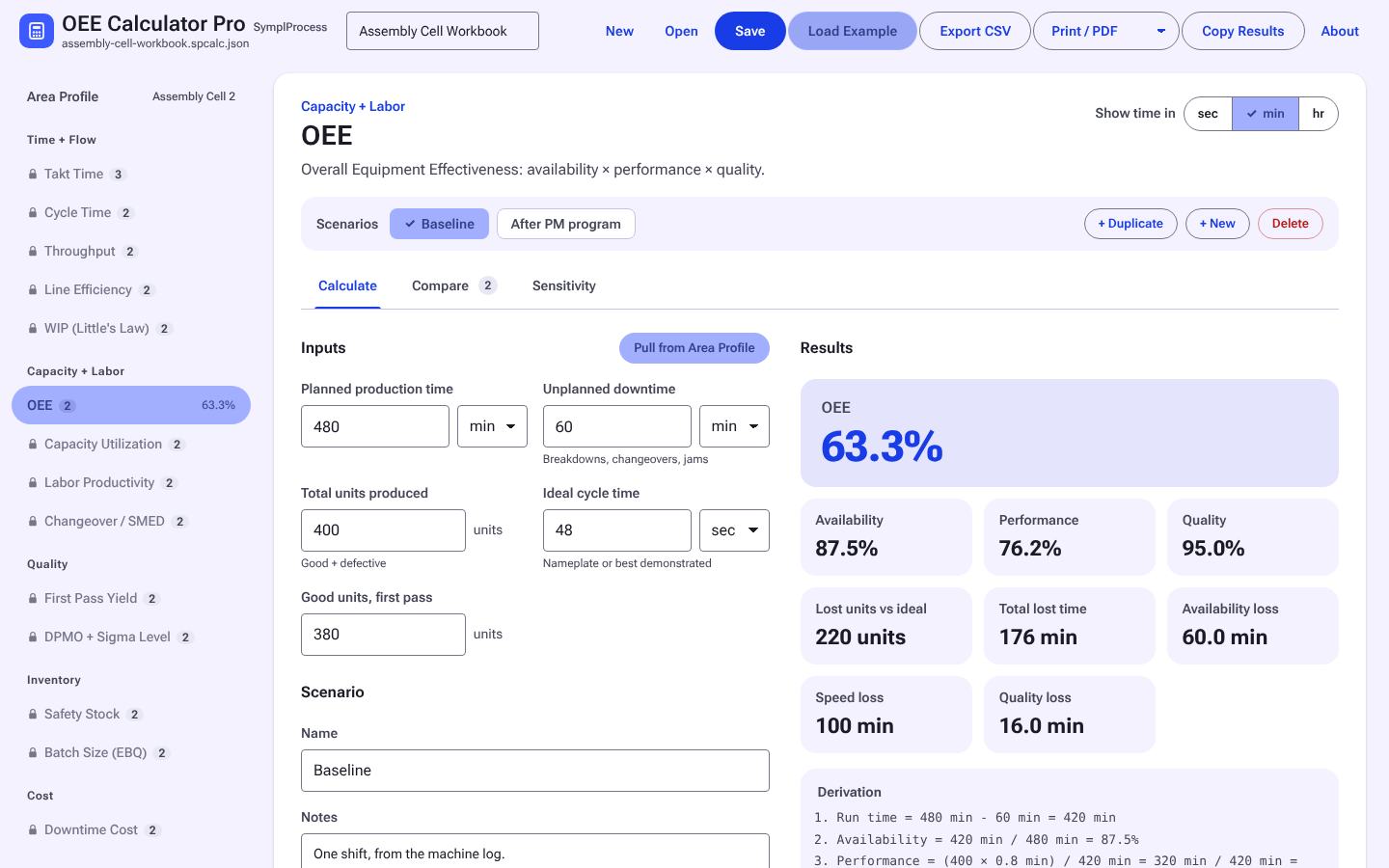
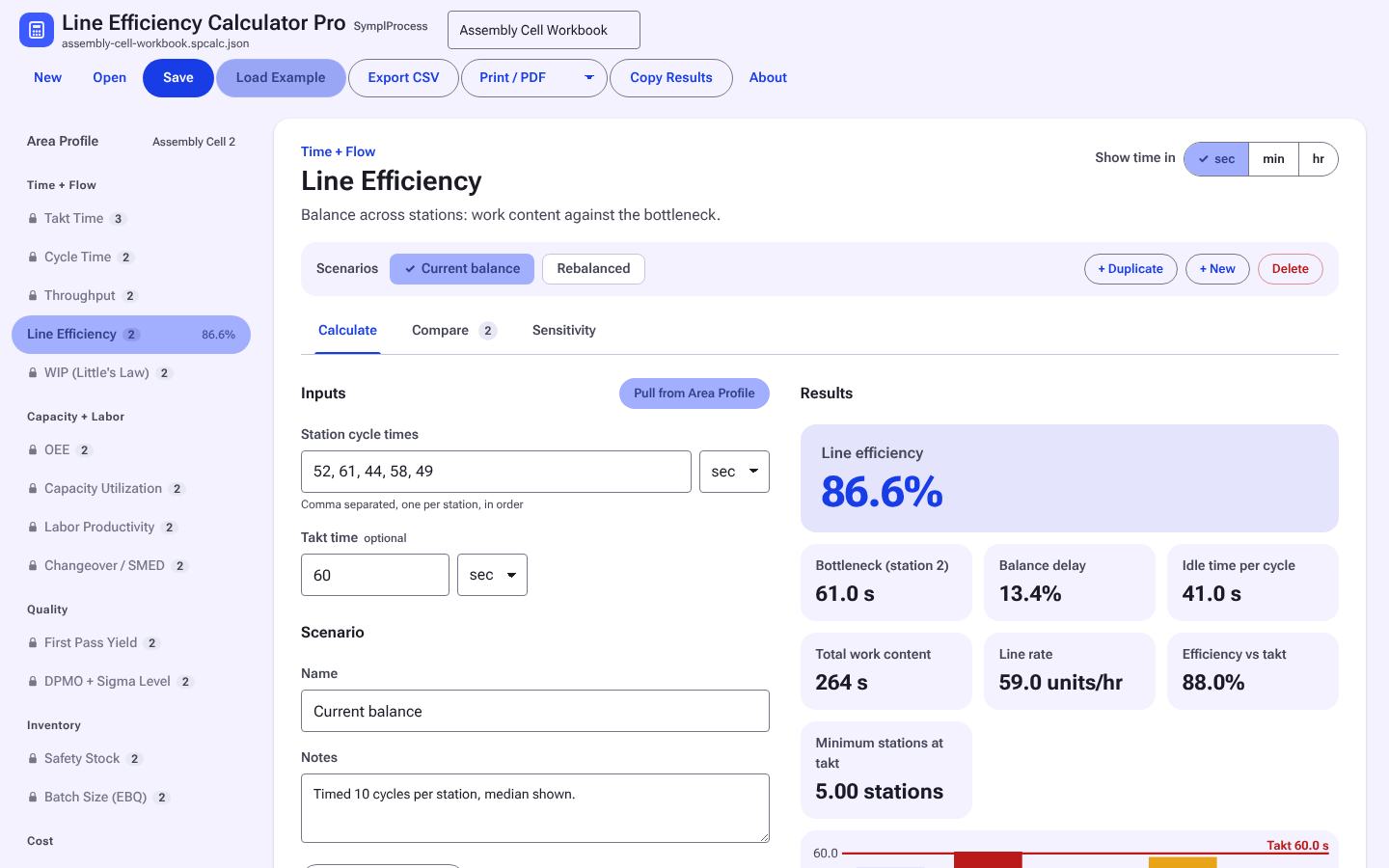
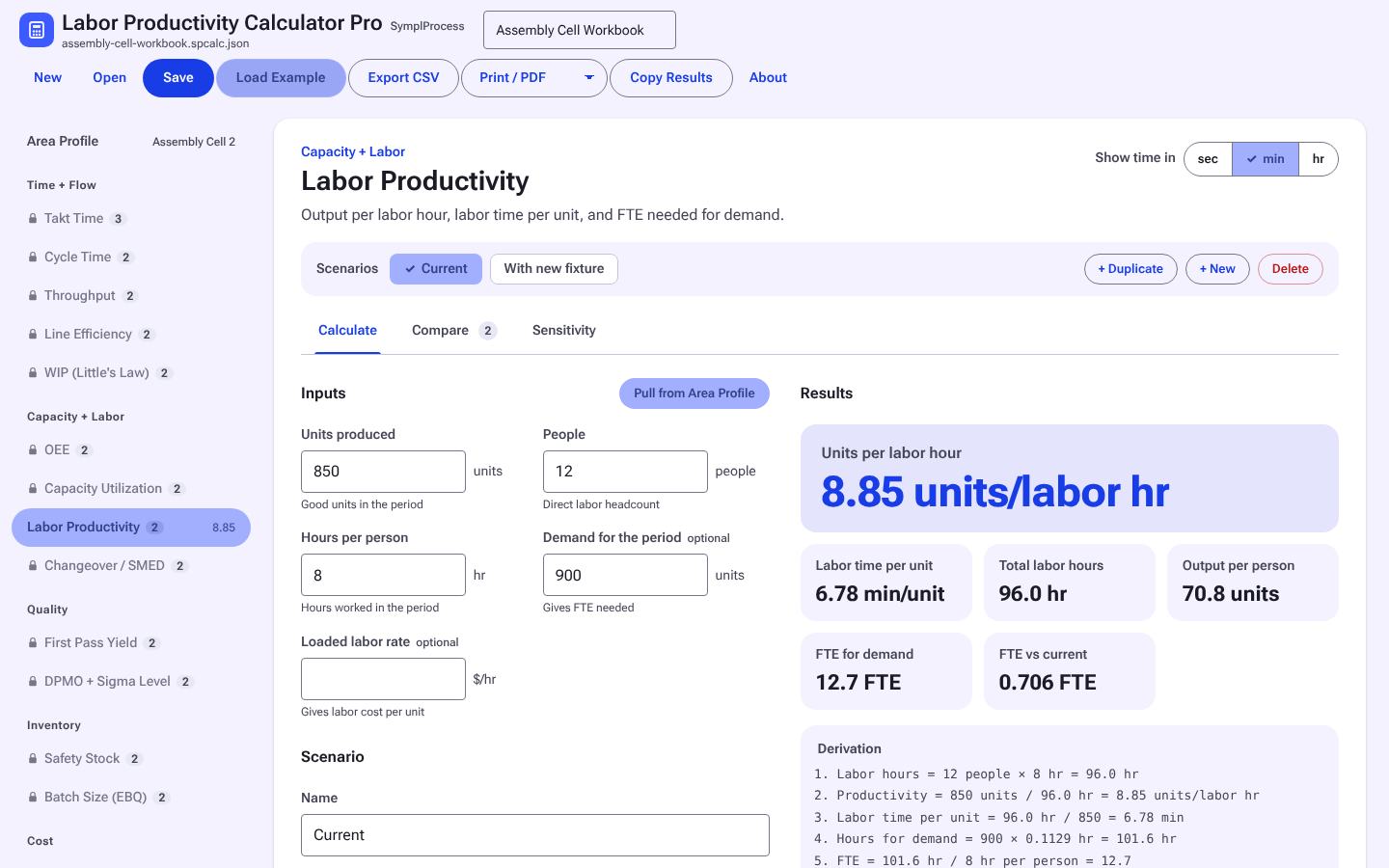
All 14 in one file IE Calculator Pro All fourteen IE calculators in one workbook file, for people who use several of them. Free now, $39 after launch Takt Time Calculator Pro Takt from available time and demand, by shift, for a line, a pack line, or an overhaul flow. $9 Free now Cycle Time Calculator Pro Cycle time from observations or output, compared against takt. $9 Free now OEE Calculator Pro Availability, performance, and quality for a machine, conveyor, or test stand, with lost hours and units per loss. $9 Free now Throughput Calculator Pro Output per period from cycle time, uptime, and yield. $9 Free now Capacity Utilization Calculator Pro Load against available hours, by resource, with a sensitivity sweep. $9 Free now Line Efficiency Calculator Pro Balance efficiency and balance loss from station times against takt. $9 Free now Labor Productivity Calculator Pro Units, lines, or orders per labor hour and hours per unit, period over period. $9 Free now Order / Batch Quantity Calculator Pro Order or batch quantity (EOQ) against setup and holding cost, with the trade-off charted. $9 Free now Changeover Time Calculator Pro Changeover or setup hours per period and what a SMED cut gives back. $9 Free now Downtime Cost Calculator Pro Lost hours, lost units, and cost of downtime by cause. $9 Free now First Pass Yield Calculator Pro FPY and rolled throughput yield across steps. $9 Free now DPMO + Sigma Calculator Pro DPMO, yield, and sigma level from defects and opportunities. $9 Free now Safety Stock Calculator Pro Safety stock and reorder point from demand and lead time variation, for stock items or MRO spares. $9 Free now WIP + Little's Law Calculator Pro WIP, throughput, and lead time or repair turn time: solve for any one from the other two. $9 Free now
Assessment

Assessment

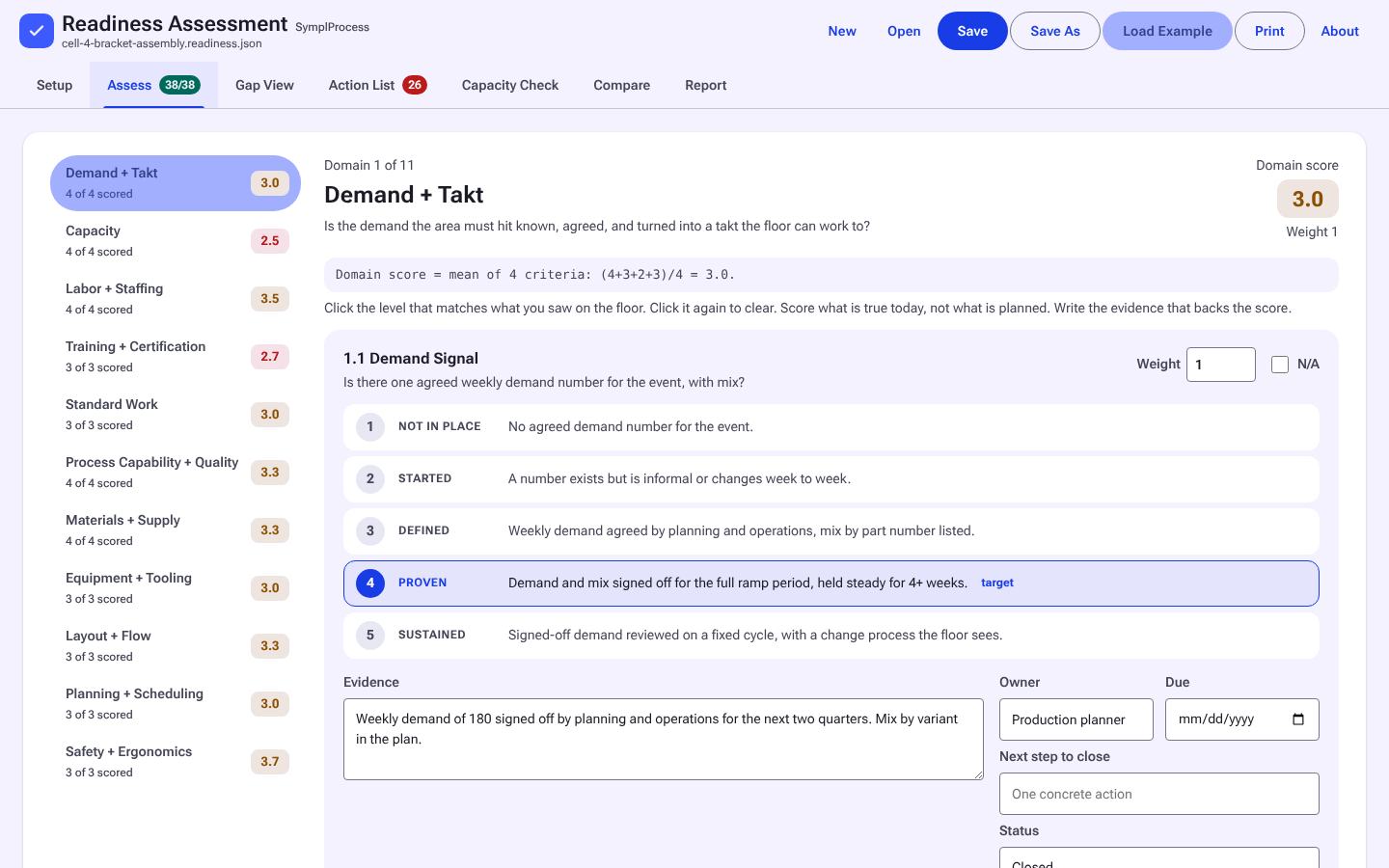
Score readiness against a written rubric and see what to fix first.

1 tool
Training

Which Flow Basics Material?

Class material and self-teaching worksheets for flow basics.

2 tools
Flow Basics Self-Study Worksheets screen 4 screens
Free during launch

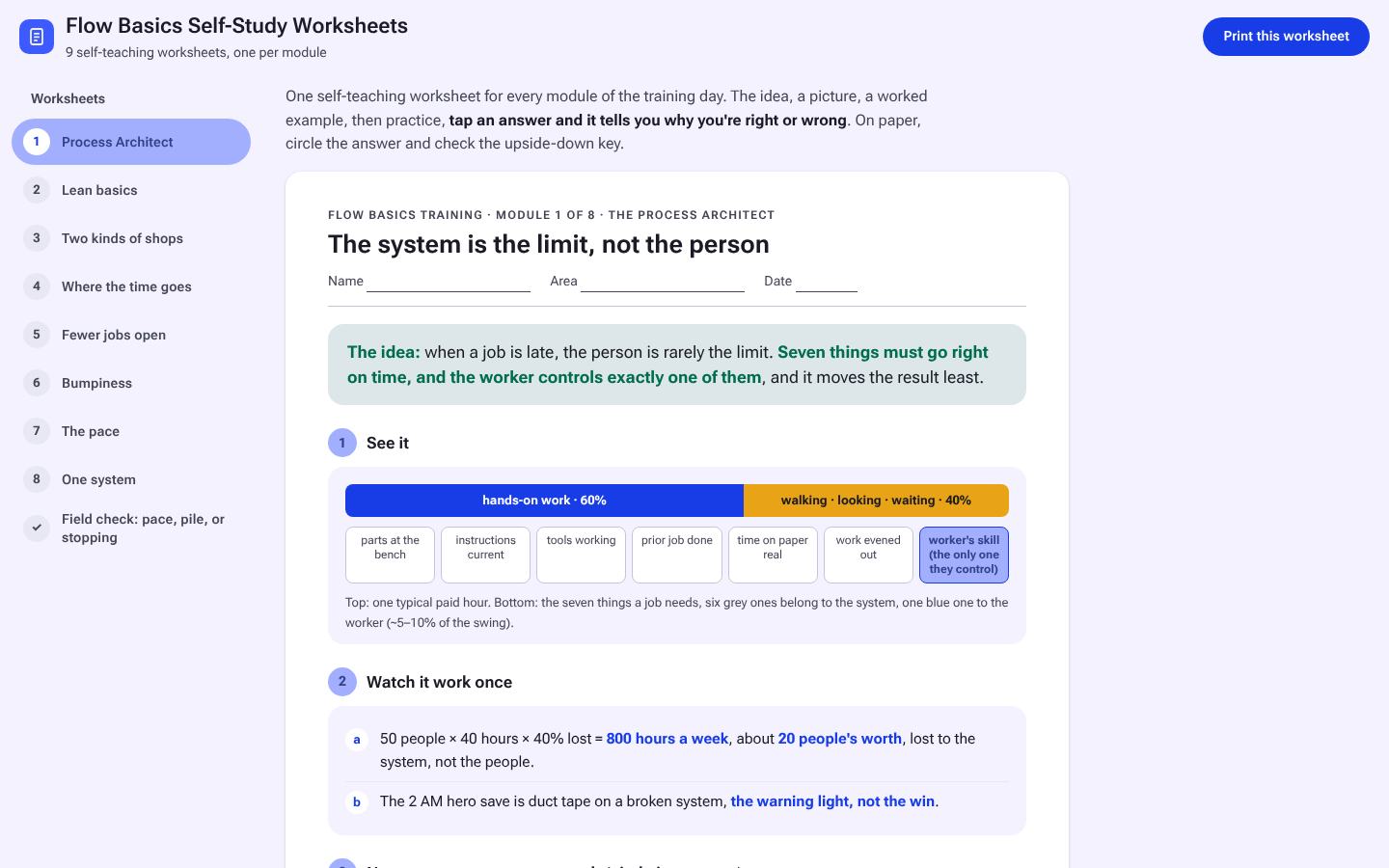
Flow Basics Self-Study Worksheets

For engineers and leads learning flow on their own: eight worksheets and a field check, idea to practice.

Who uses it
One person learning on their own
What is in it
Eight worksheets and a field check with worked examples
Free $24 after launch
Flow Basics Trainer Pack screen 6 screens
Free during launch

Flow Basics Trainer Pack

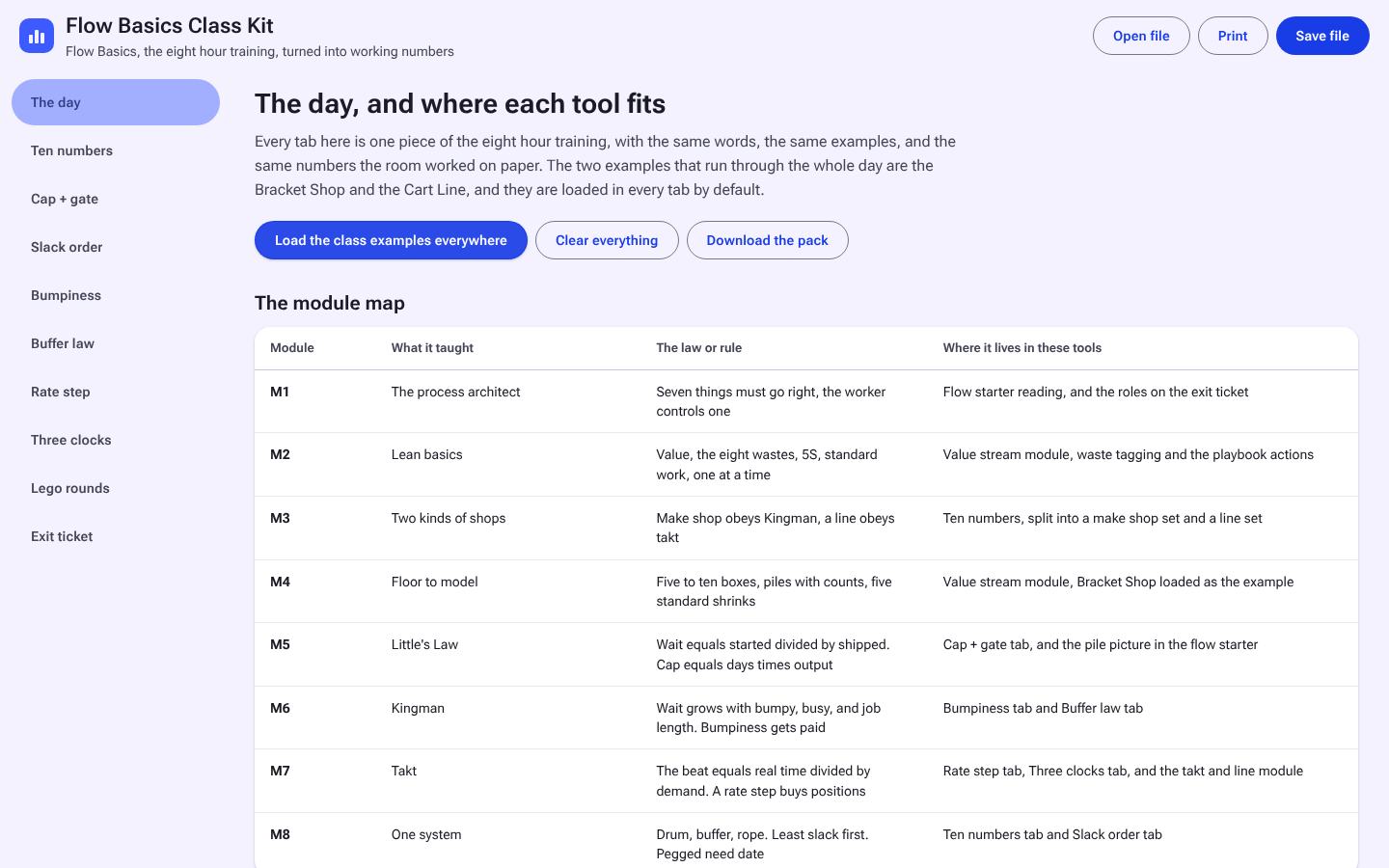
Running a one-day flow basics class: facilitator screens, slides, the Lego game, and the participant and supervisor sheets.

Who uses it
The trainer, for a whole class
What is in it
Class Kit, slides, Lego game pack, worksheets, supervisor sheets, classroom print license
À la carte $102, bundle $79, save $23
Free $79 after launch
Bundles

Bundles

Everything is sold à la carte. Bundles cost less than buying the same tools one at a time.

3 tools
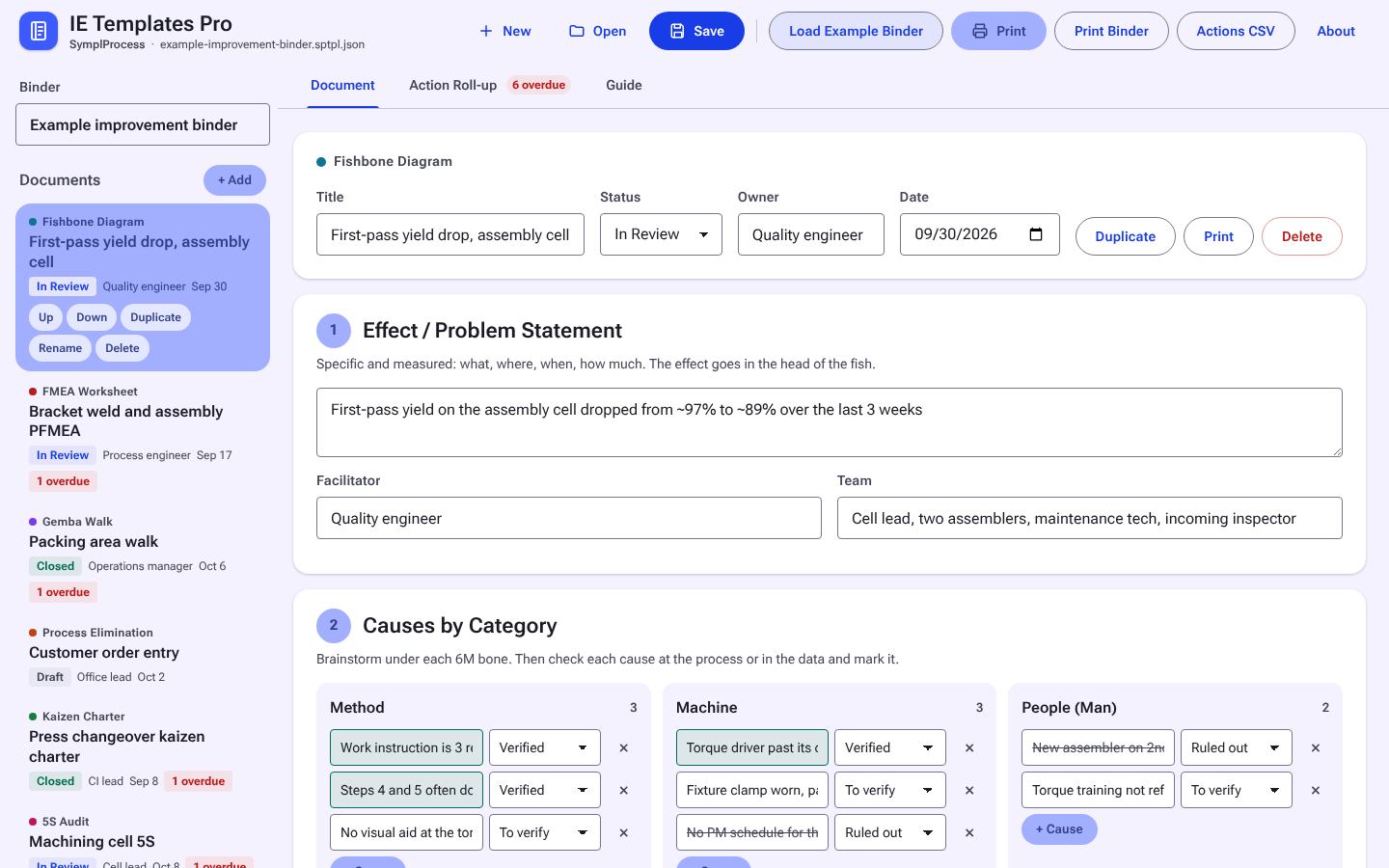
IE Templates Pro screen 4 screens
Free during launch Free web version too

IE Templates Pro

All eight IE templates in one binder file, for people who use several of them.

À la carte $87, bundle $49, save $38
Free $49 after launch
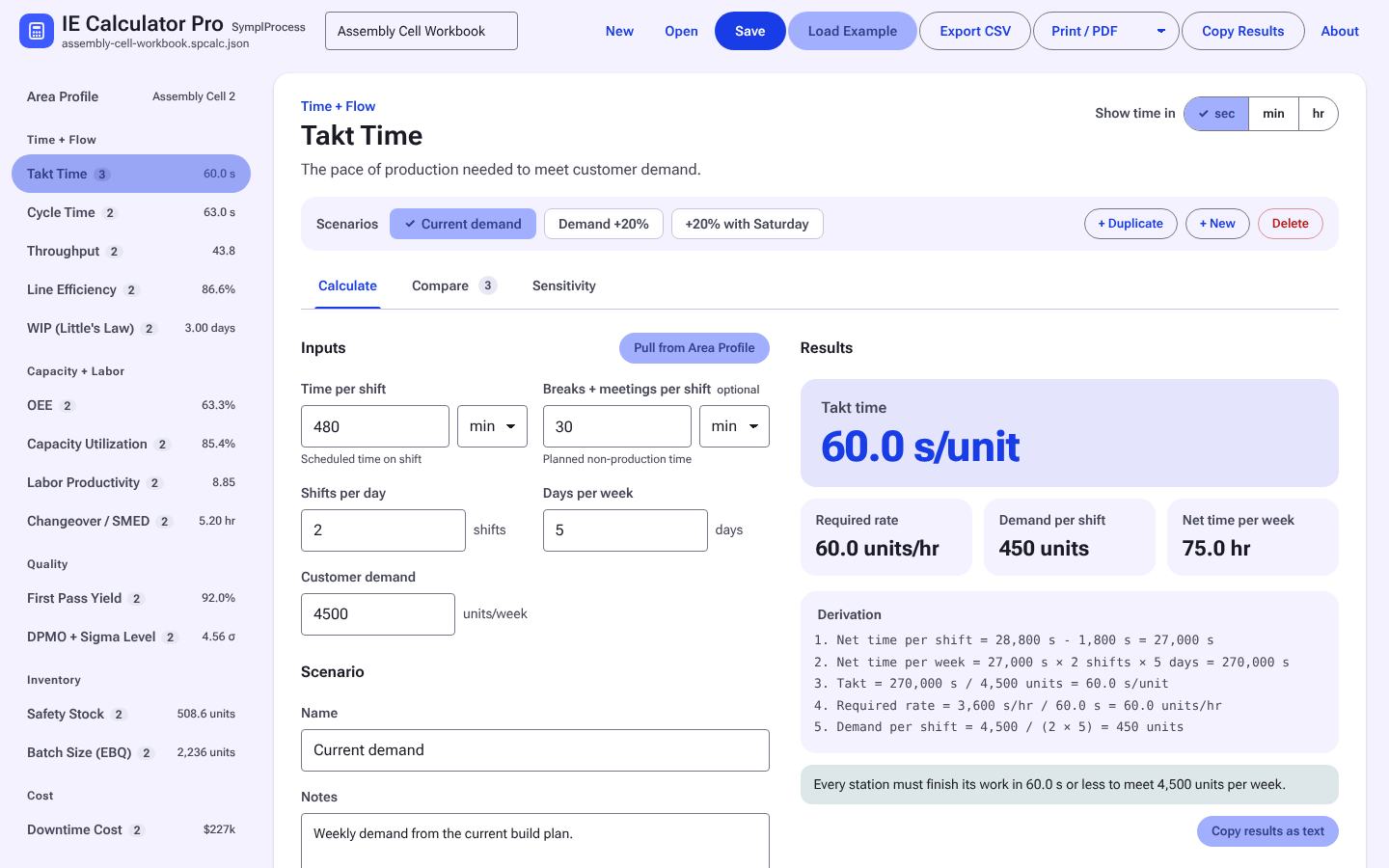
IE Calculator Pro screen 4 screens
Free during launch Free web version too

IE Calculator Pro

All fourteen IE calculators in one workbook file, for people who use several of them.

À la carte $126, bundle $39, save $87
Free $39 after launch
Free during launch

Everything Bundle

Owning every available tool outright with one purchase. To use the tools without buying them, see the plans.

À la carte $1023, bundle $449, save $574
Free $449 after launch
Licensing, team licenses, trials and refunds, in plain terms.Licensing →
Guides, learning tracks, calculators, templates and flow games are free on the Learn side.Go to Learn →