5 Why Pro
Branching 5 Why root cause analysis with evidence, checks, and actions.
Best for: Getting from a problem statement to verified root causes and the actions that close them.
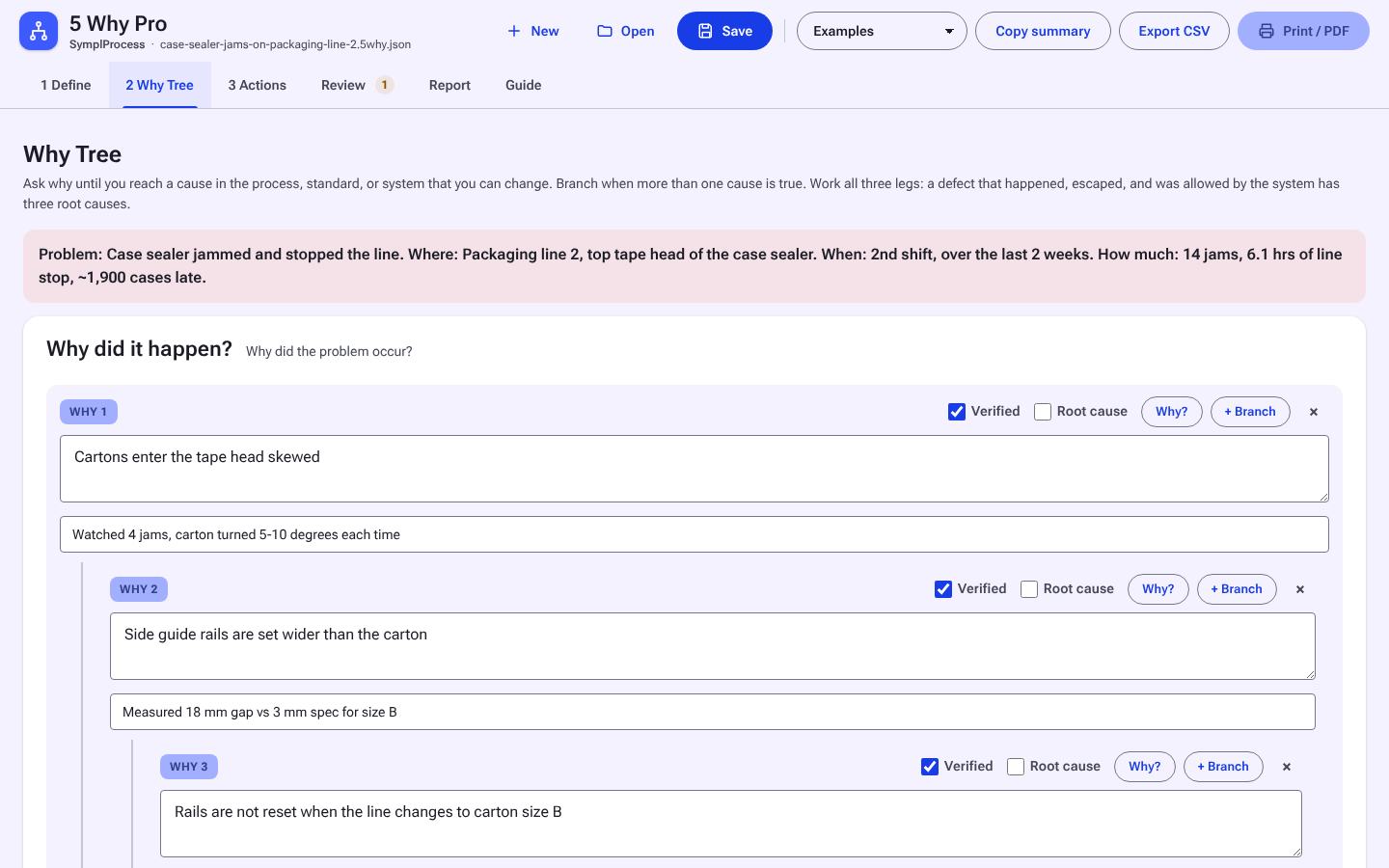
1 / 4Why tree: each branch down to a cause you can act on.
Not Sure This Is the One?
What It Does
Take a problem from a clear statement to verified root causes and the actions that close them. Branch the why tree as deep as it needs to go and check every answer against evidence.
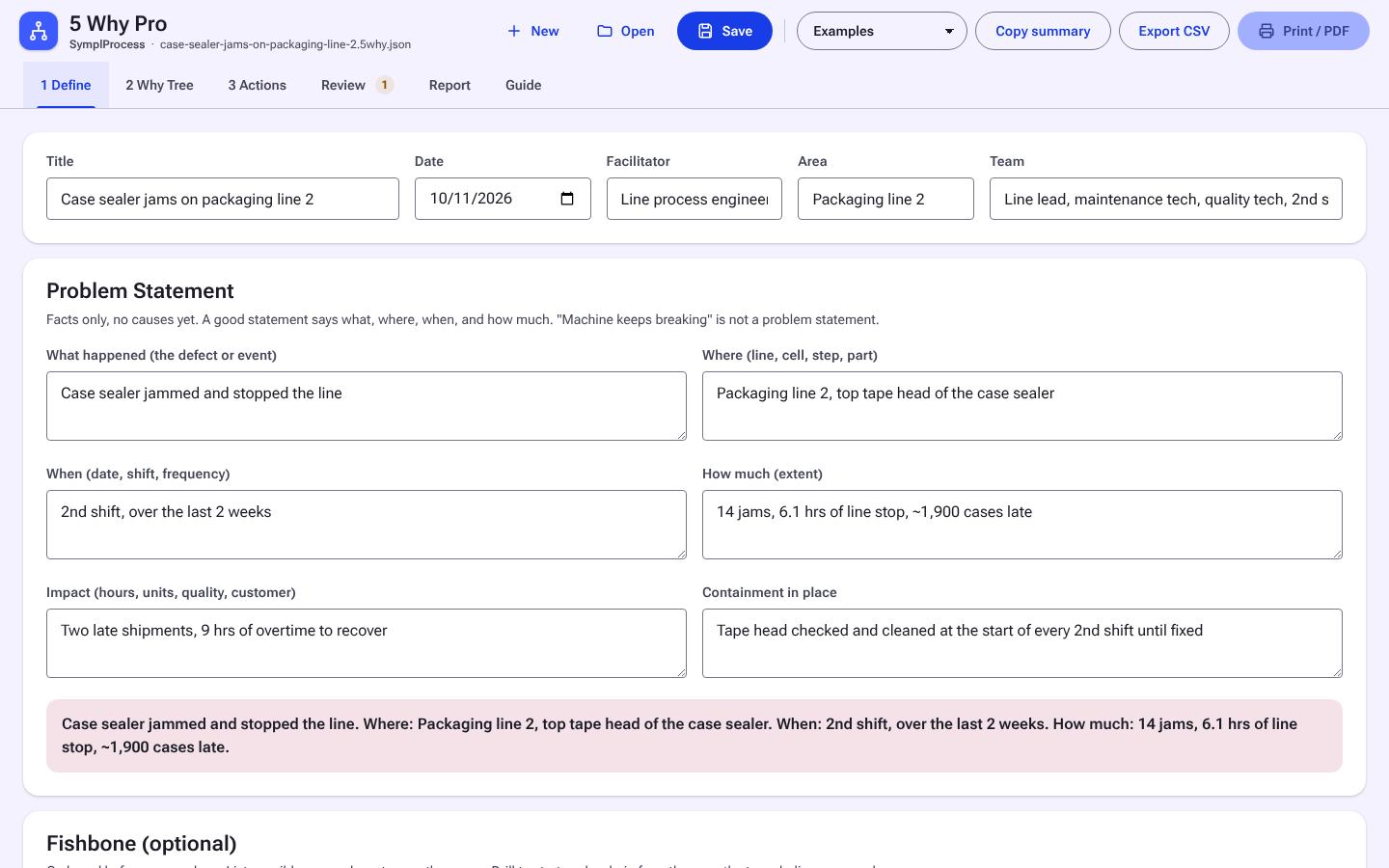
Structured problem statement
What, where, when, and how much.
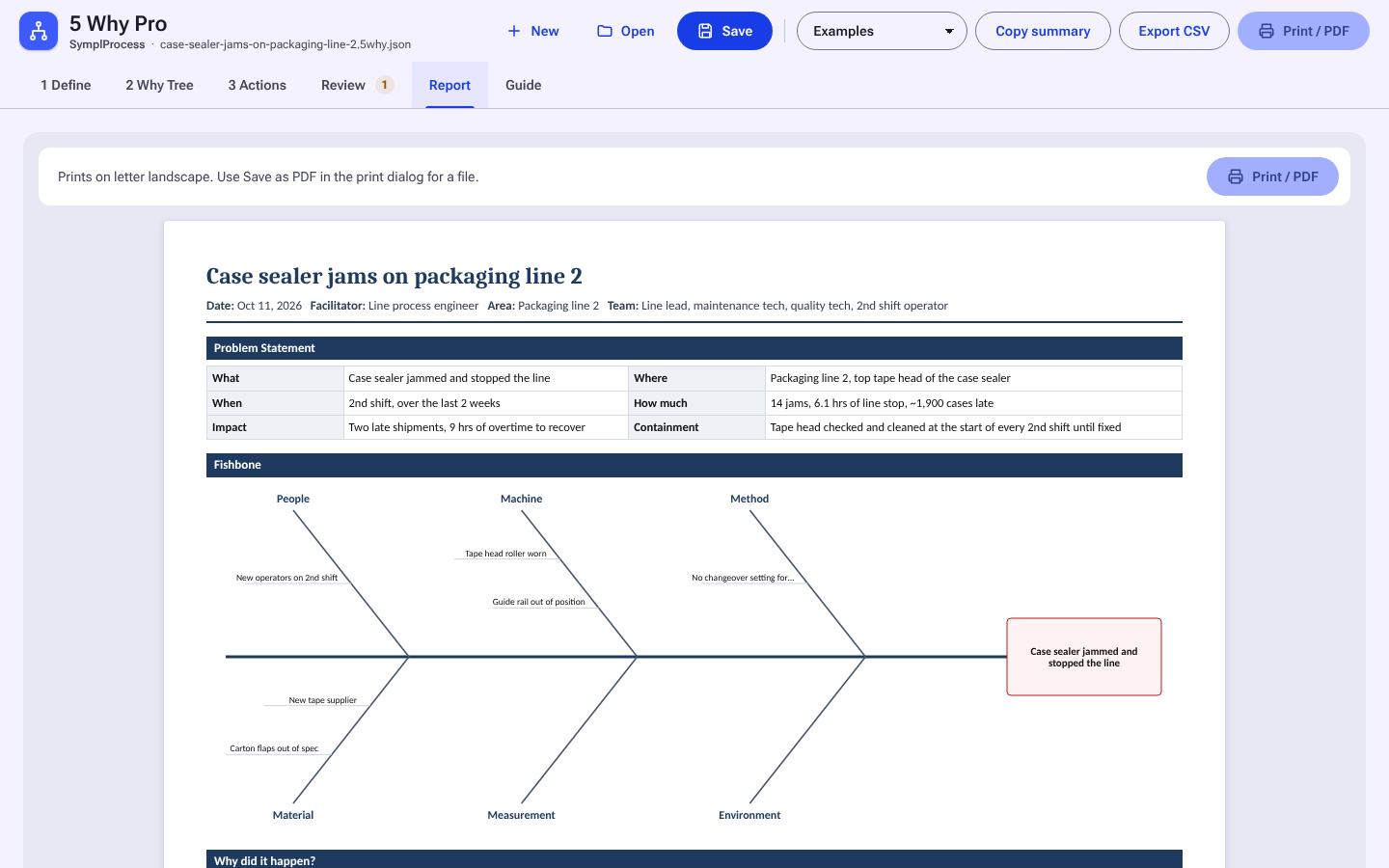
Fishbone to why chains
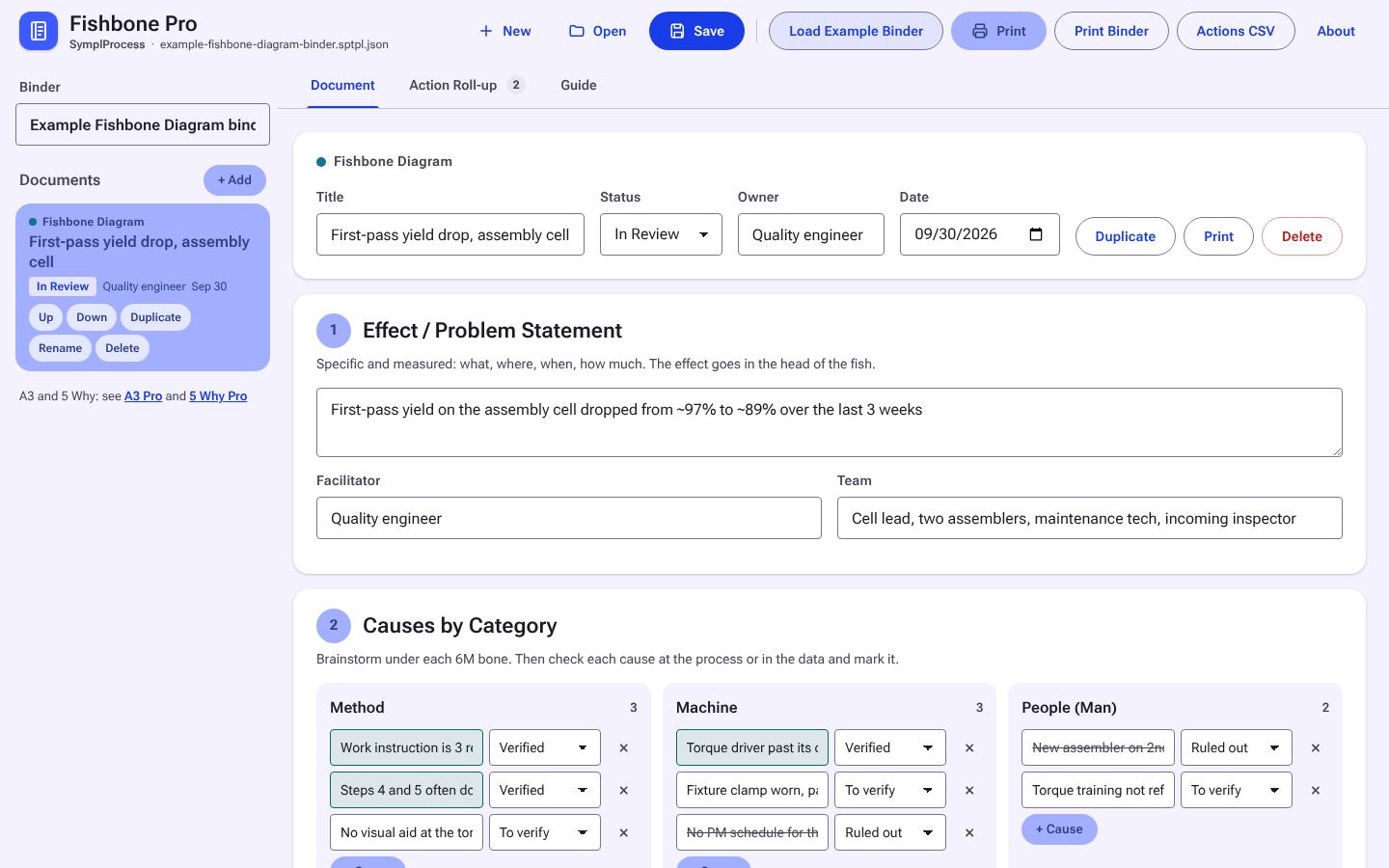
Brainstorm on a fishbone, then drill into why chains.
Branching why tree
Any depth, with three legs: why it happened, why it was not caught, why the system allowed it.
Evidence on every why
Each answer carries evidence and a verified tag.
Built-in checks
Flags blame answers and chains that stop early. Therefore check reads the chain in reverse.
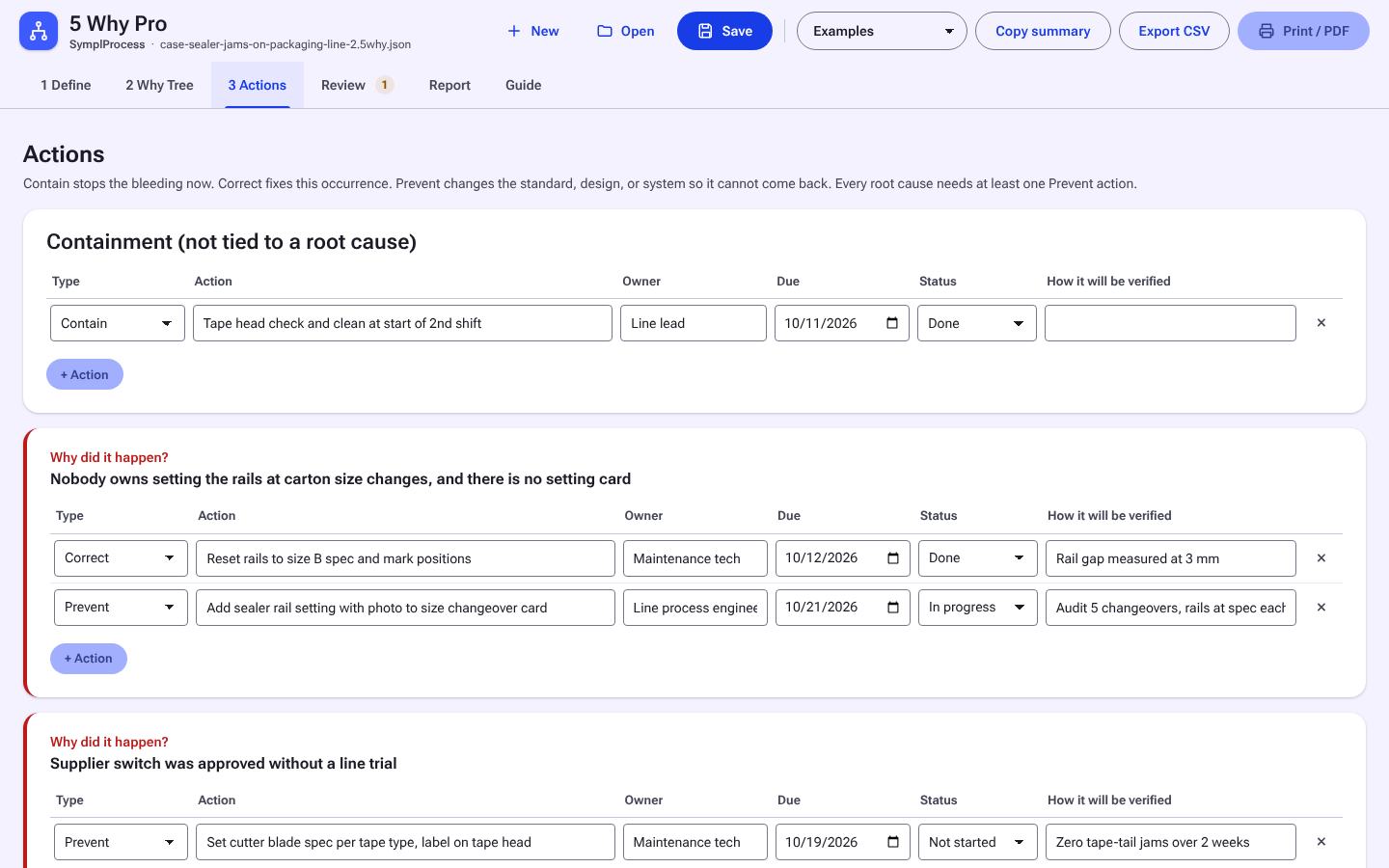
Actions per root cause
Contain, correct, and prevent, each with owner, date, and verification.
Report
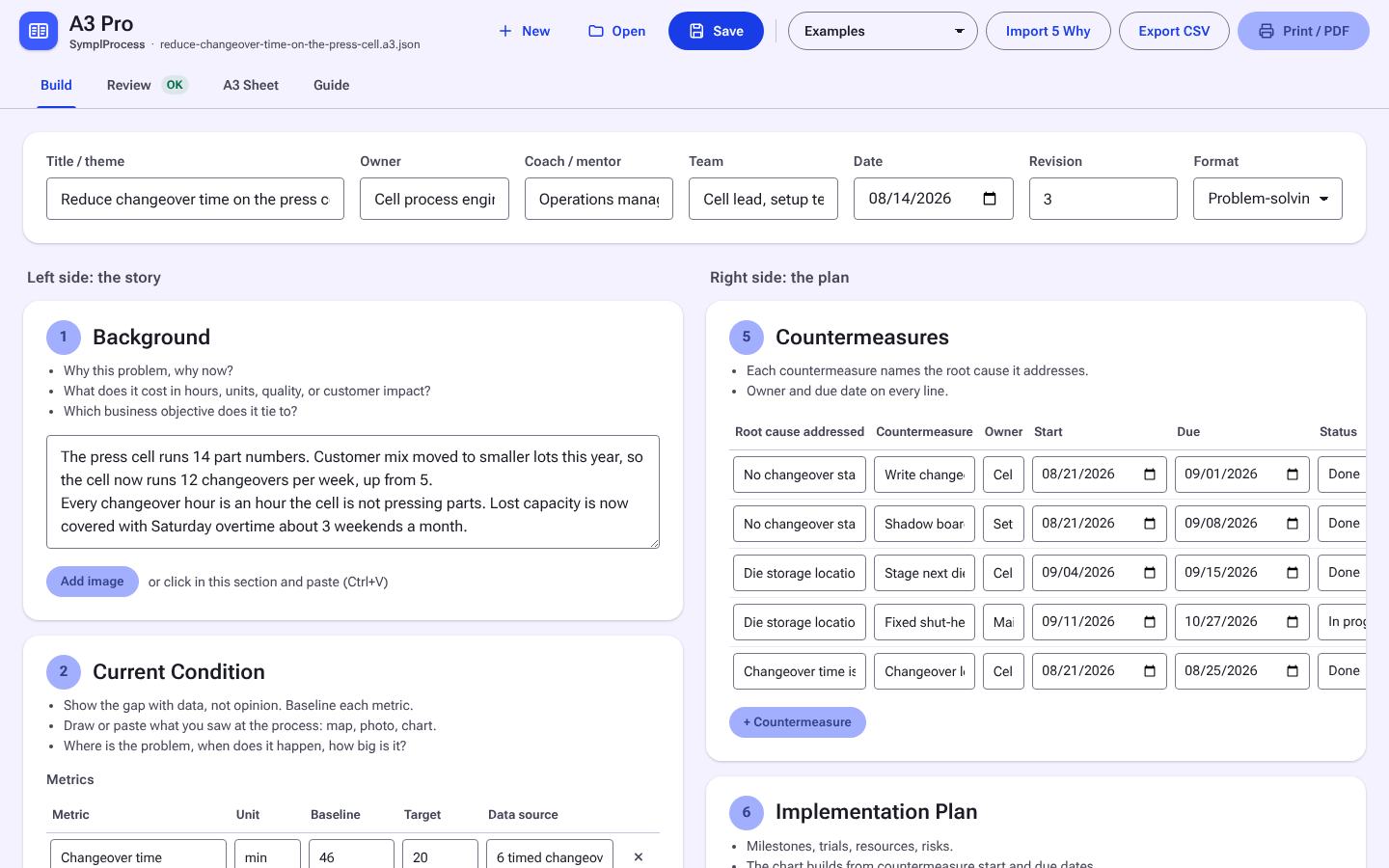
Printable report with tree diagrams.
Works with A3 Pro
Exports straight into A3 Pro.
See It in Action
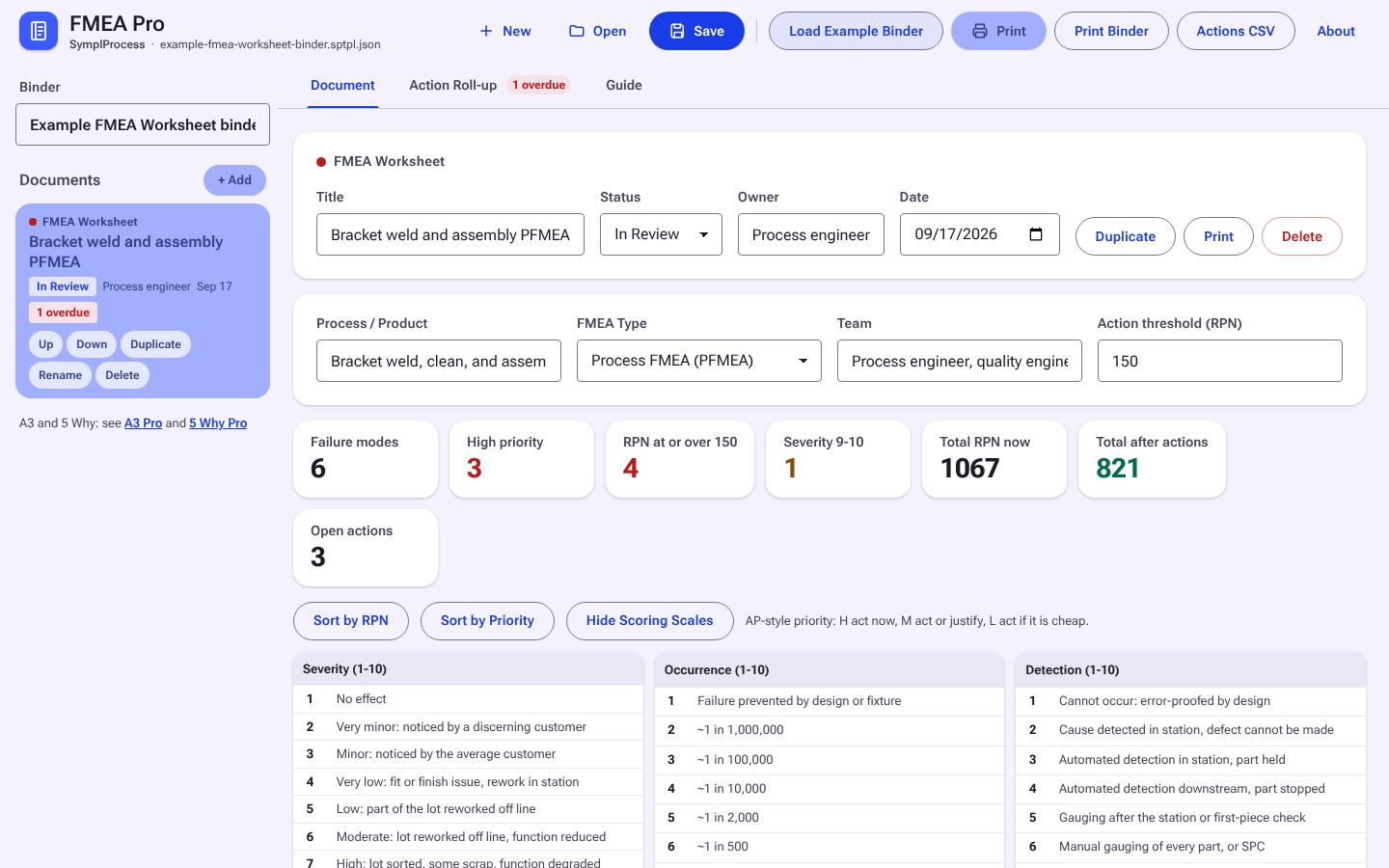
Real screens from 5 Why Pro with its example loaded. Click any screen to enlarge; arrow keys step through.
Free Online or Pro Offline
| Free online | Pro offline download | |
|---|---|---|
| Runs | On symplprocess.com, needs internet | Local file, no internet needed |
| Saves to | This browser, or your account if signed in | Files you keep, back up and share |
| Features | The modeler: scenarios, views, save and open files | Everything on the web, plus a one-page report, paste from Excel, CSV export, side-by-side scenario compare, chart images for slides, and autosave versions |
| Account | Optional | Not needed to run |
| Price | Free | One-time purchase, 2-day free trial |
Start with the free web 5 Whys template →
Who It's For
- Engineers and quality leads running root cause analysis
- Supervisors closing out escapes and repeat problems
- Maintenance and reliability leads chasing repeat equipment failures
- Teams feeding root cause into an A3
Requirements
- Any modern browser (Chrome, Edge, Firefox, Safari)
- Windows, macOS, or Linux
Questions
Does it need internet or an account to run?
No. The download is a single file that opens in any modern browser and runs offline. Your data stays on your machine.
How does the free trial work?
Enter your email and the trial copy downloads right away. It is the full tool for 2 days from the first download, then it locks. Files you save during the trial are yours and open in the licensed copy. One trial per email per tool.
How does the license work?
One purchase covers one named user on their own computers. Your copy is stamped with your name and license key. A team license covers 5 named users. See the licensing page for the full terms.
Do I get updates?
Yes. Updates within the same major version are included. Sign in to your account to download the latest copy.
What is the refund policy?
Full refund within 14 days if the tool does not fit your work. Email support with your license key.
Works Well With
Everything Else
Every tool is sold on its own, or use a whole tier on a plan. See all tools.