Mixed Shop Modeler
Machines, parts, and routings for a high-mix or repair shop: find the constraint before the floor does.
Best for: Resource load in a high-mix or repair shop: many parts or work order types, routings and setups across shared machines, test stands, and bays.
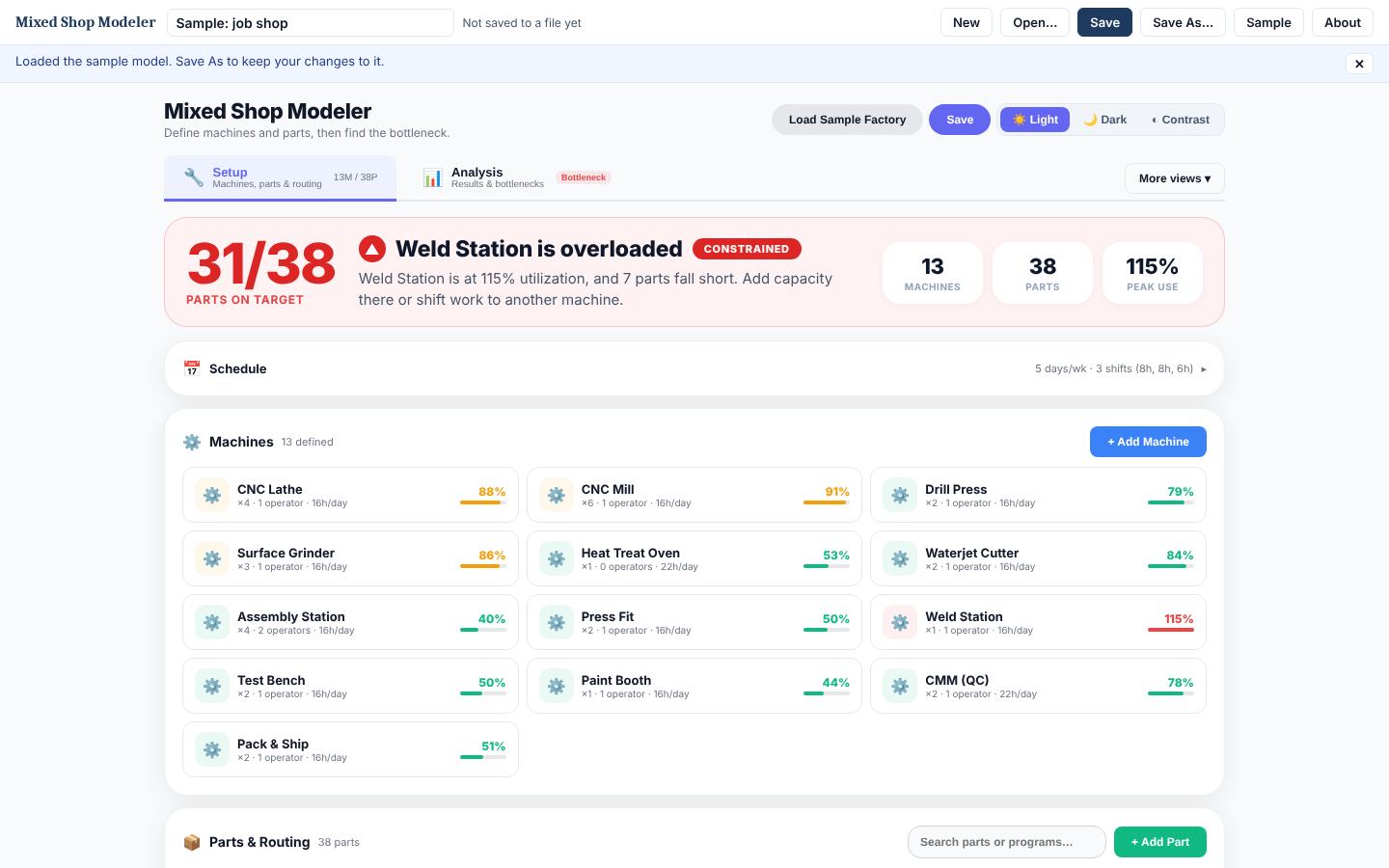
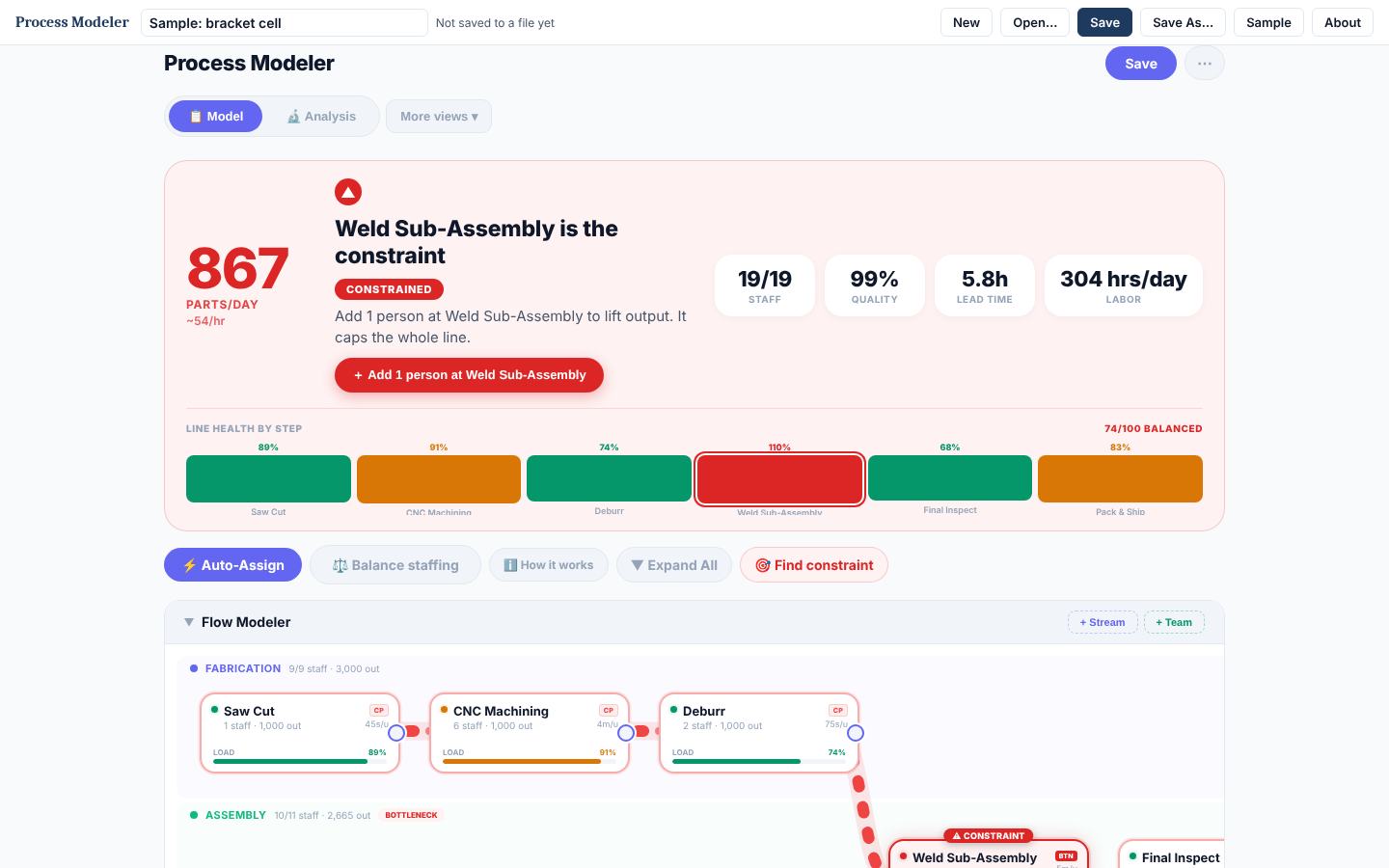
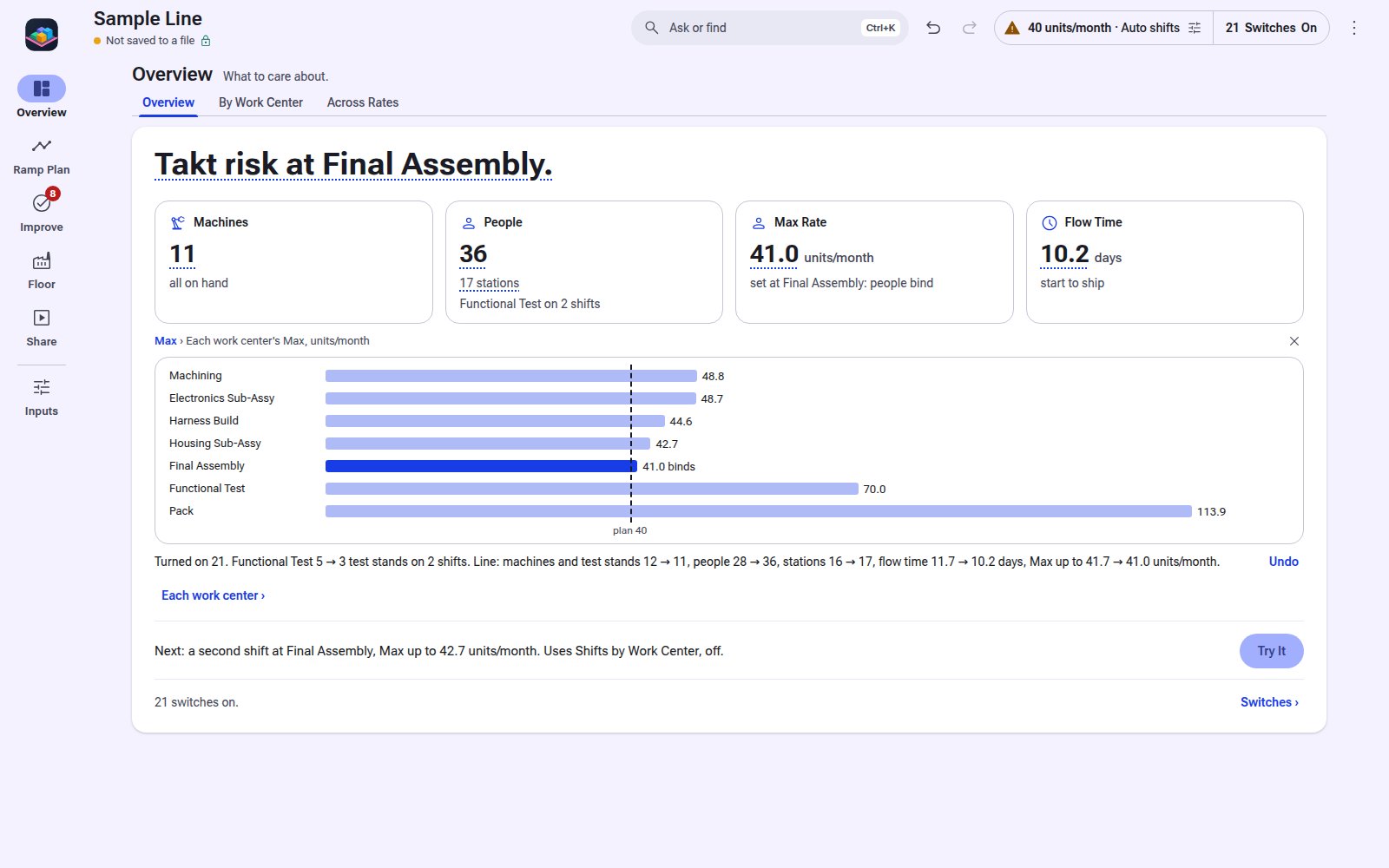
1 / 4Setup: machines with their load, and the overloaded one called out.
Not Sure This Is the One?
What It Does
Lay out machines by floor, route every part through them, and set demand by part and program. The model loads each machine with demand and setup, shows utilization and which parts fall short, and lets you test shifts, machine counts, and demand mix. Works the same for a repair shop where many work order types share test stands and bays. Runs offline from one file.
Machines and floors
Quantity, shifts, hours, setup, operators, and batch processing per machine, laid out by floor.
Part routings
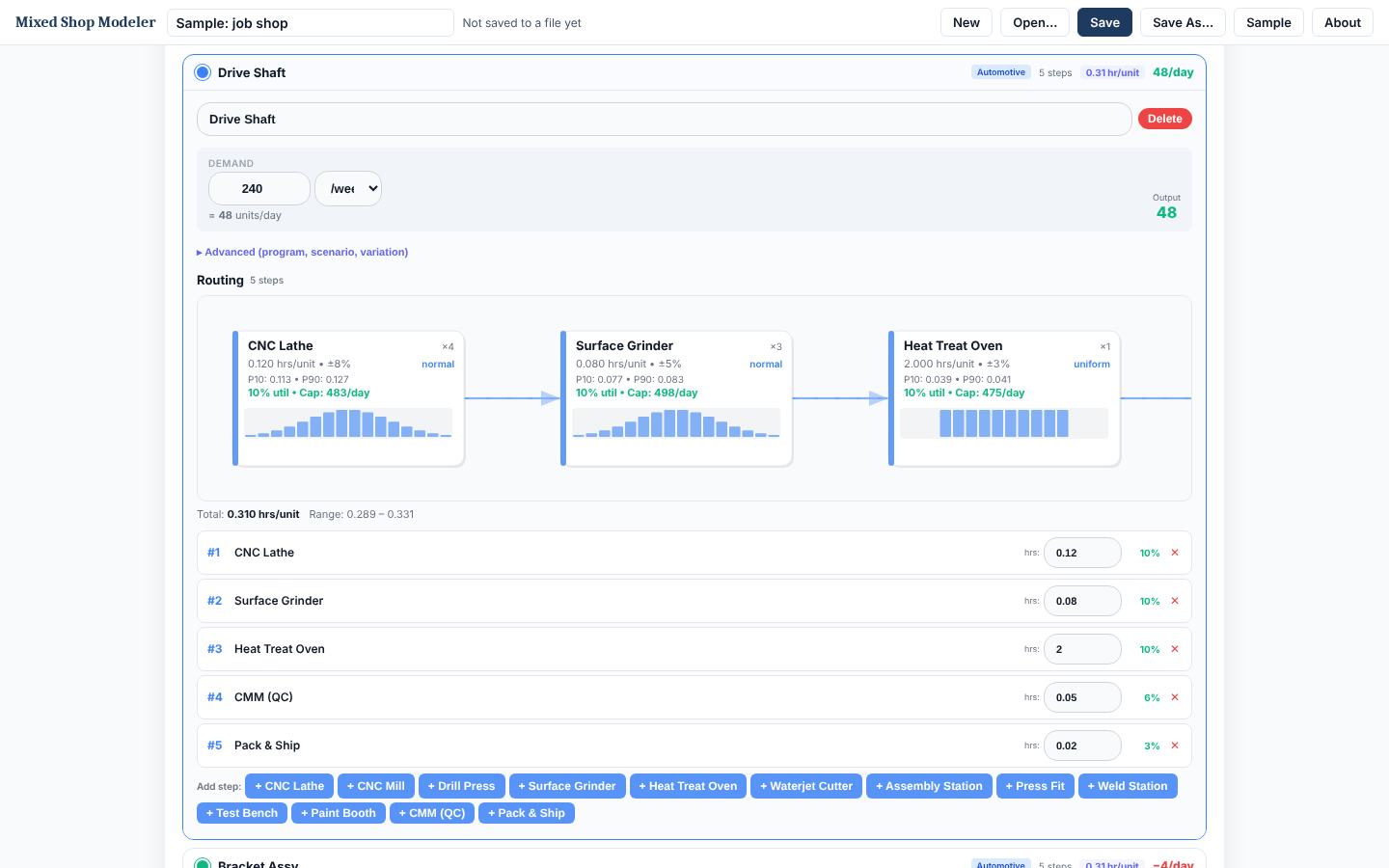
Each part routes through machines with its own processing time and variation.
Demand by part and program
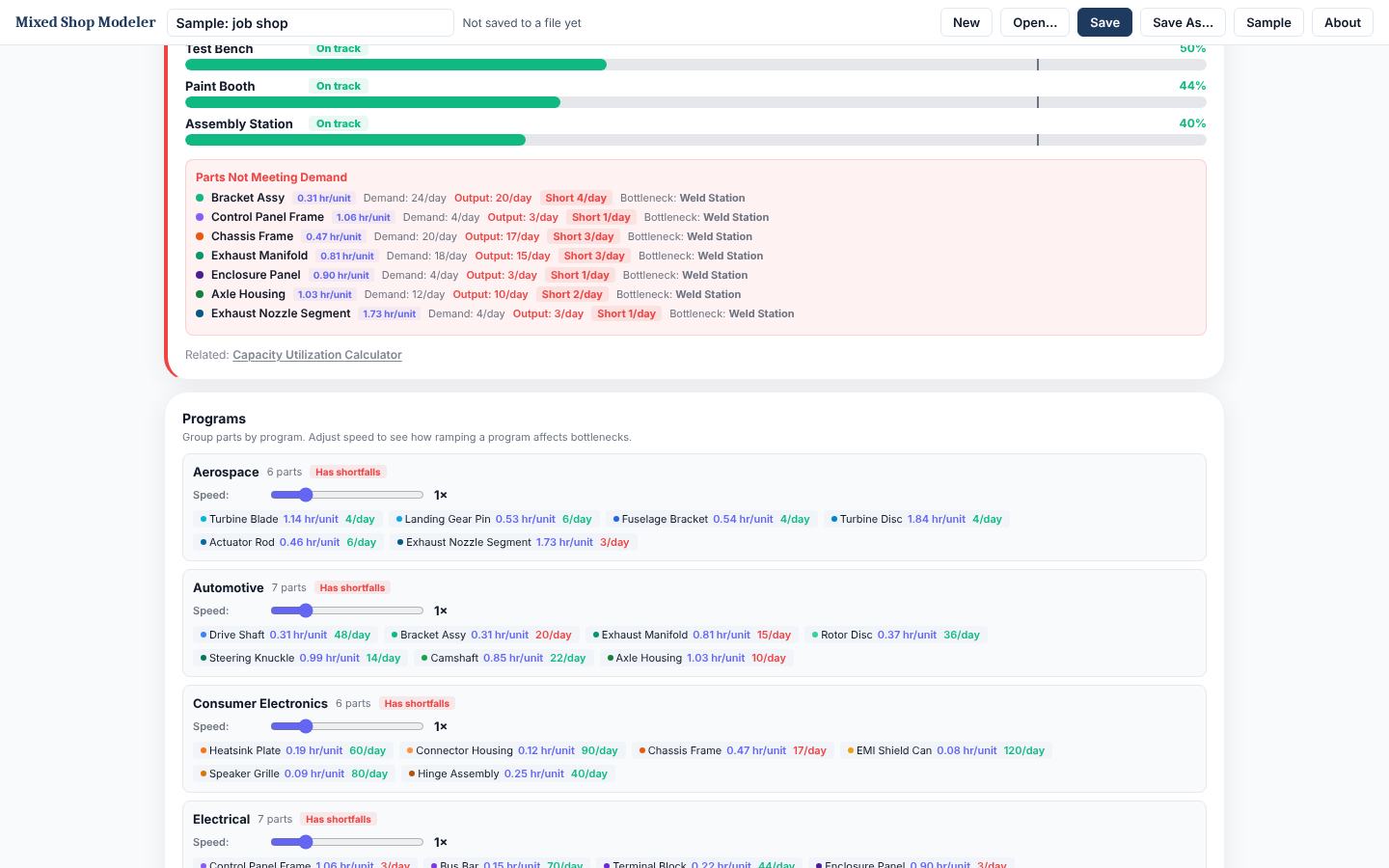
Day, week, month, or year demand, with program-level multipliers for what-if.
Utilization and shortfall
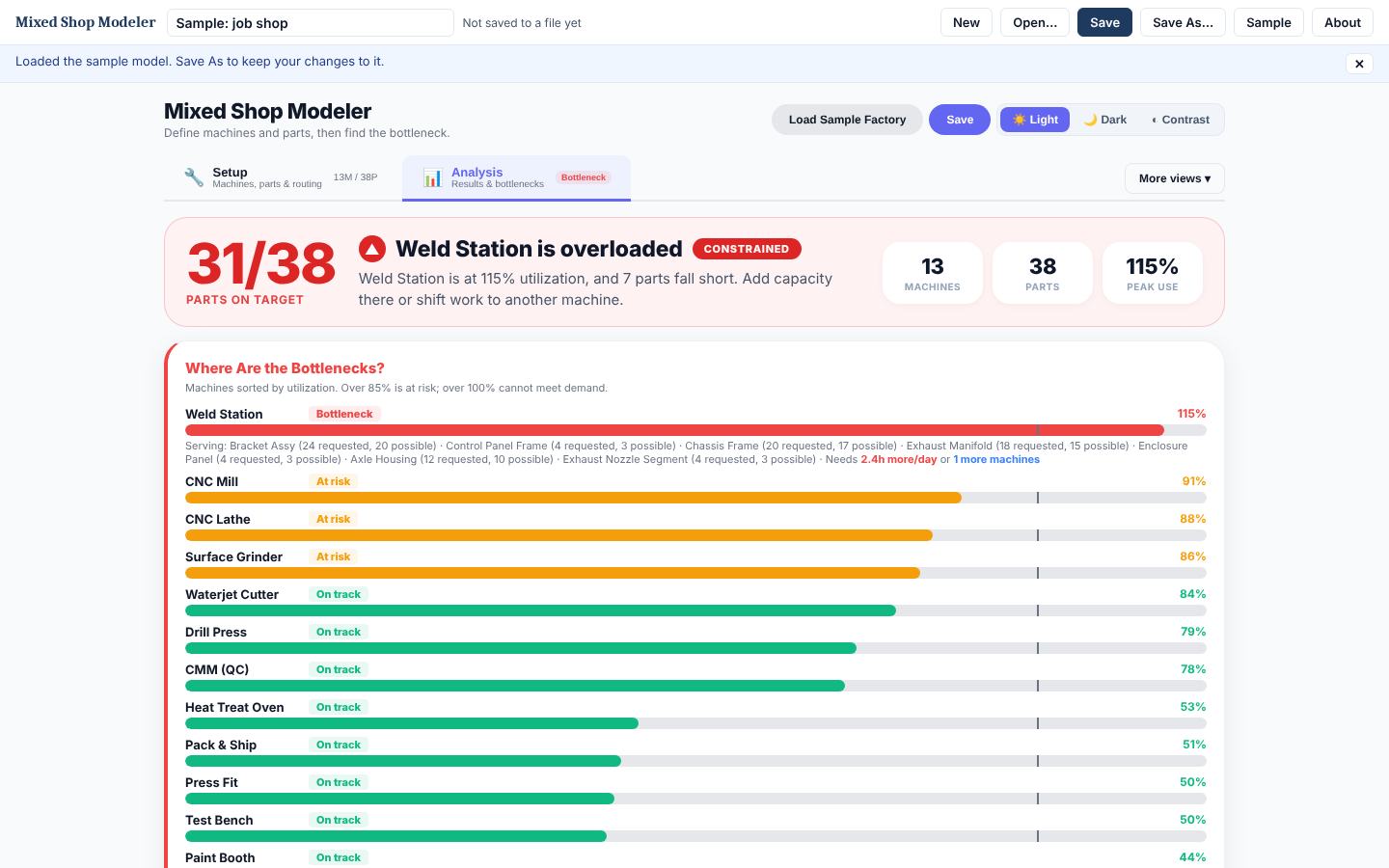
Load per machine including setup, and which parts miss demand and why.
Schedules
Output and production schedules, time-phased.
Sample shop
A generic 13-machine, 38-part shop to learn on before you build your own.
Save to files
Shops save as .spshop files. Nothing is uploaded.
See It in Action
Real screens from Mixed Shop Modeler with its example loaded. Click any screen to enlarge; arrow keys step through.
Free Online or Pro Offline
| Free online | Pro offline download | |
|---|---|---|
| Runs | On symplprocess.com, needs internet | Local file, no internet needed |
| Saves to | This browser, or your account if signed in | Files you keep, back up and share |
| Features | The modeler: scenarios, views, save and open files | Everything on the web, plus a one-page report, paste from Excel, CSV export, side-by-side scenario compare, chart images for slides, and autosave versions |
| Account | Optional | Not needed to run |
| Price | Free | One-time purchase, 2-day free trial |
Start with the free web Mixed Shop Modeler →
Who It's For
- Engineers running a job shop or high-mix machining area
- MRO and repair shop leads loading shared test stands and bays
- Planners checking whether a demand mix fits the equipment
- Teams deciding where the next machine, stand, or shift goes
Requirements
- Any modern browser (Chrome, Edge, Firefox, Safari)
- Windows, macOS, or Linux
- Chrome or Edge saves straight back to the open file; other browsers save to Downloads
Questions
Does it need internet or an account to run?
No. The download is a single file that opens in any modern browser and runs offline. Your data stays on your machine.
How does the free trial work?
Enter your email and the trial copy downloads right away. It is the full tool for 2 days from the first download, then it locks. Files you save during the trial are yours and open in the licensed copy. One trial per email per tool.
How does the license work?
One purchase covers one named user on their own computers. Your copy is stamped with your name and license key. A team license covers 5 named users. See the licensing page for the full terms.
Do I get updates?
Yes. Updates within the same major version are included. Sign in to your account to download the latest copy.
What is the refund policy?
Full refund within 14 days if the tool does not fit your work. Email support with your license key.
Works Well With
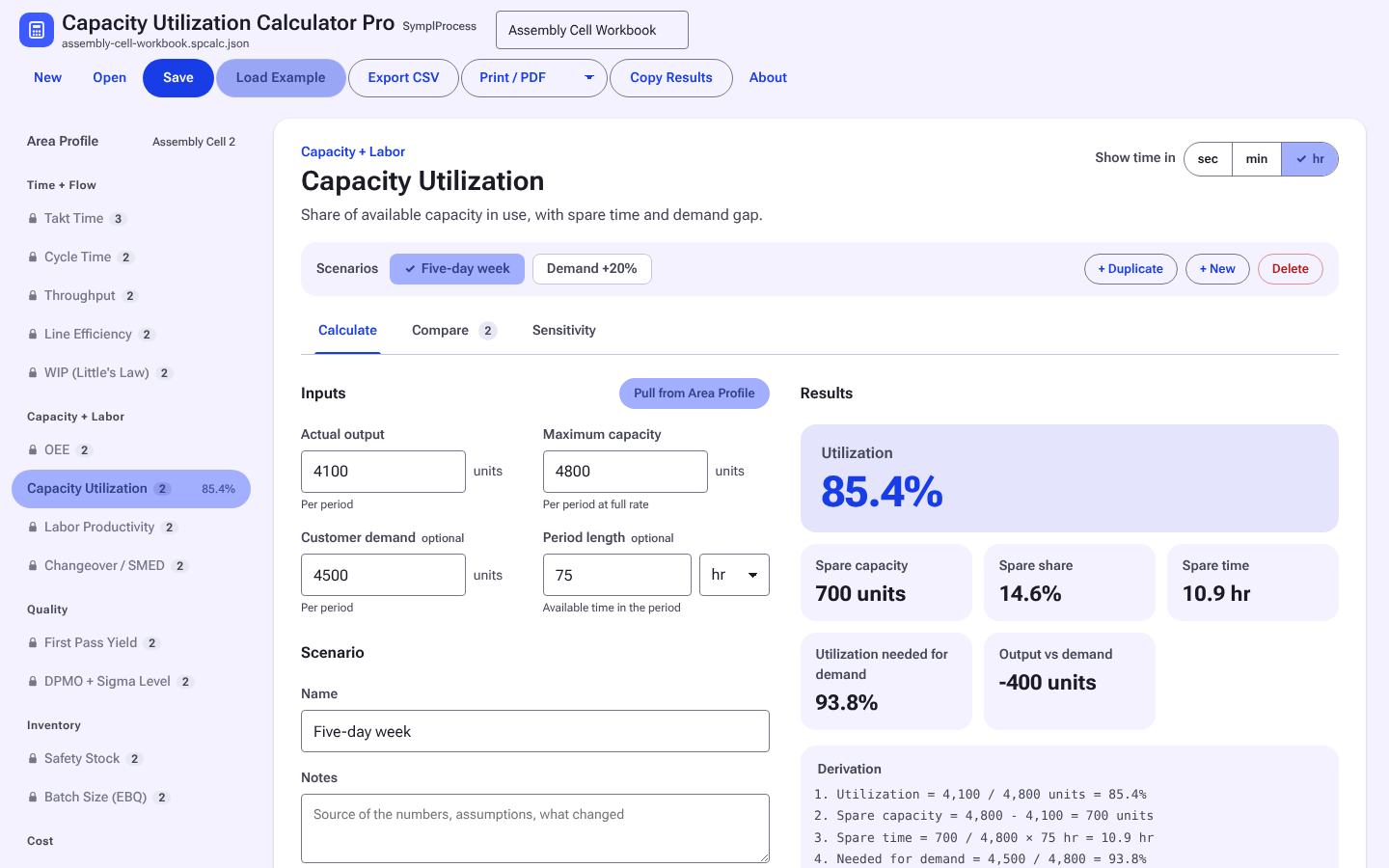
Capacity Utilization Calculator Pro
Load against available hours, by resource, with a sensitivity sweep.
Free now, $9 after launch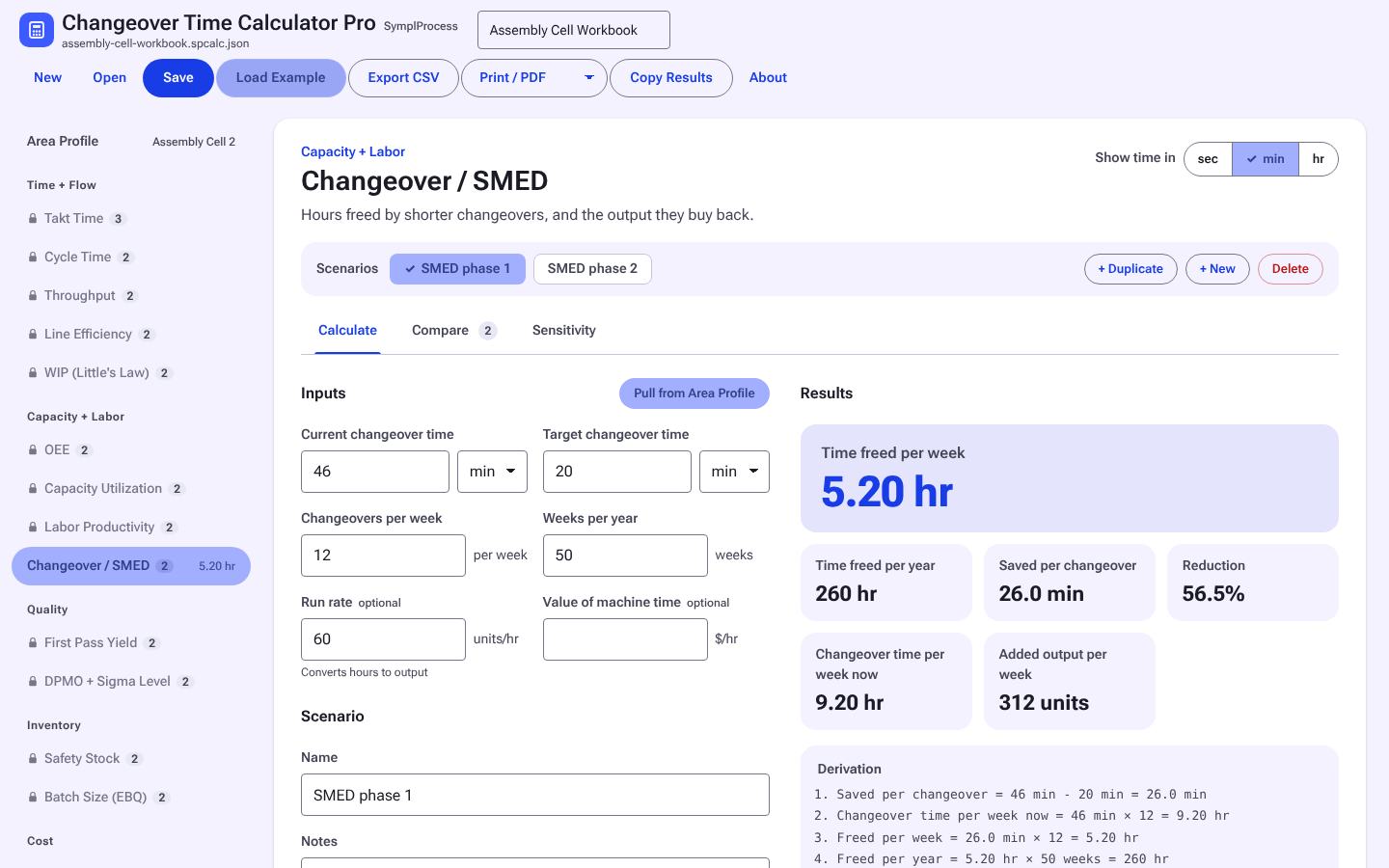
Changeover Time Calculator Pro
Changeover or setup hours per period and what a SMED cut gives back.
Free now, $9 after launch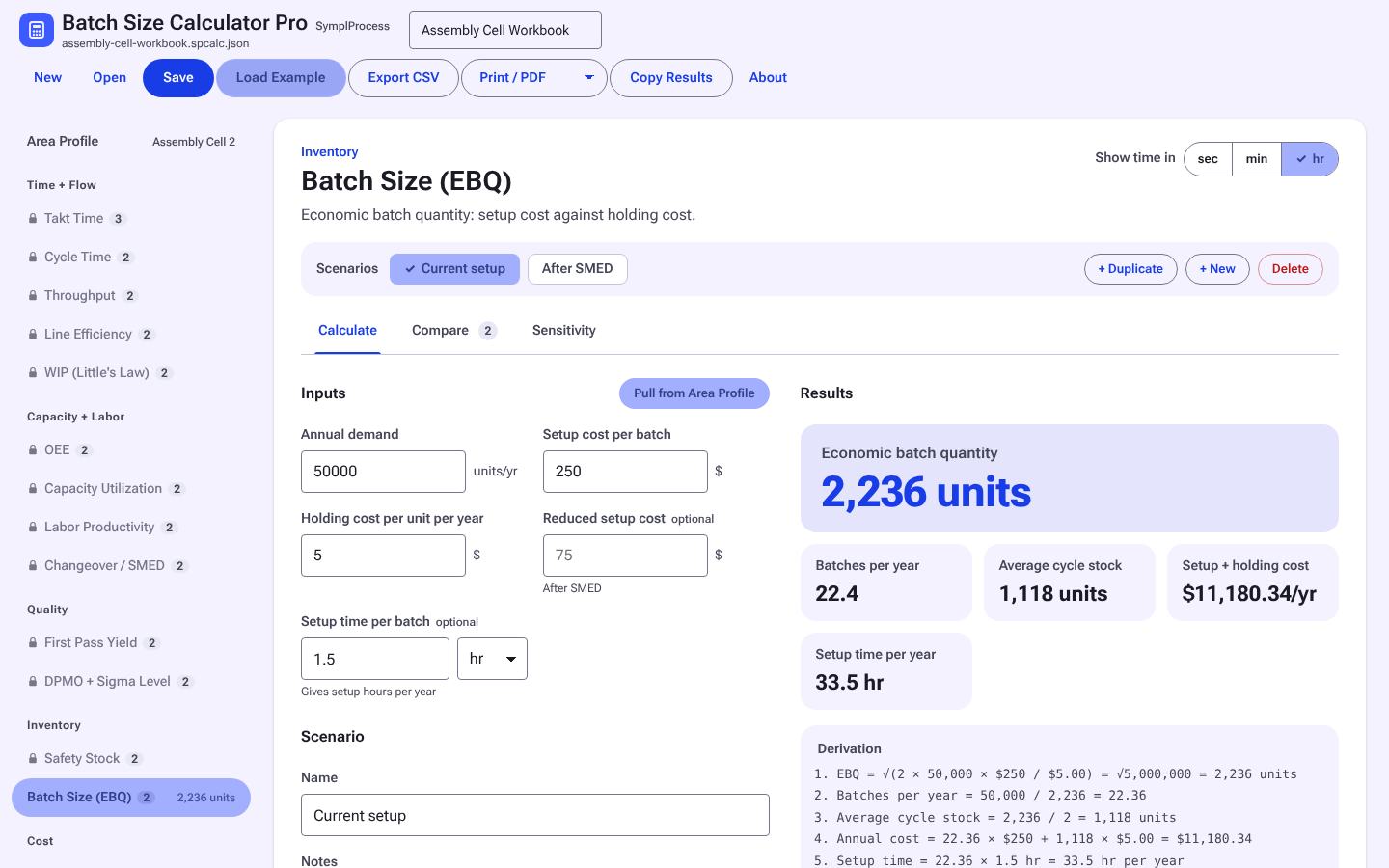
Order / Batch Quantity Calculator Pro
Order or batch quantity (EOQ) against setup and holding cost, with the trade-off charted.
Free now, $9 after launchEverything Else
Every tool is sold on its own, or use a whole tier on a plan. See all tools.