Floor Simulator
Machines, people and flow time for a production line at any rate. Starts simple; turn on detail when you need it.
Best for: Sizing a whole line at a rate: machines, people, Max rate and flow time, simple first, with a live 2D and 3D floor.
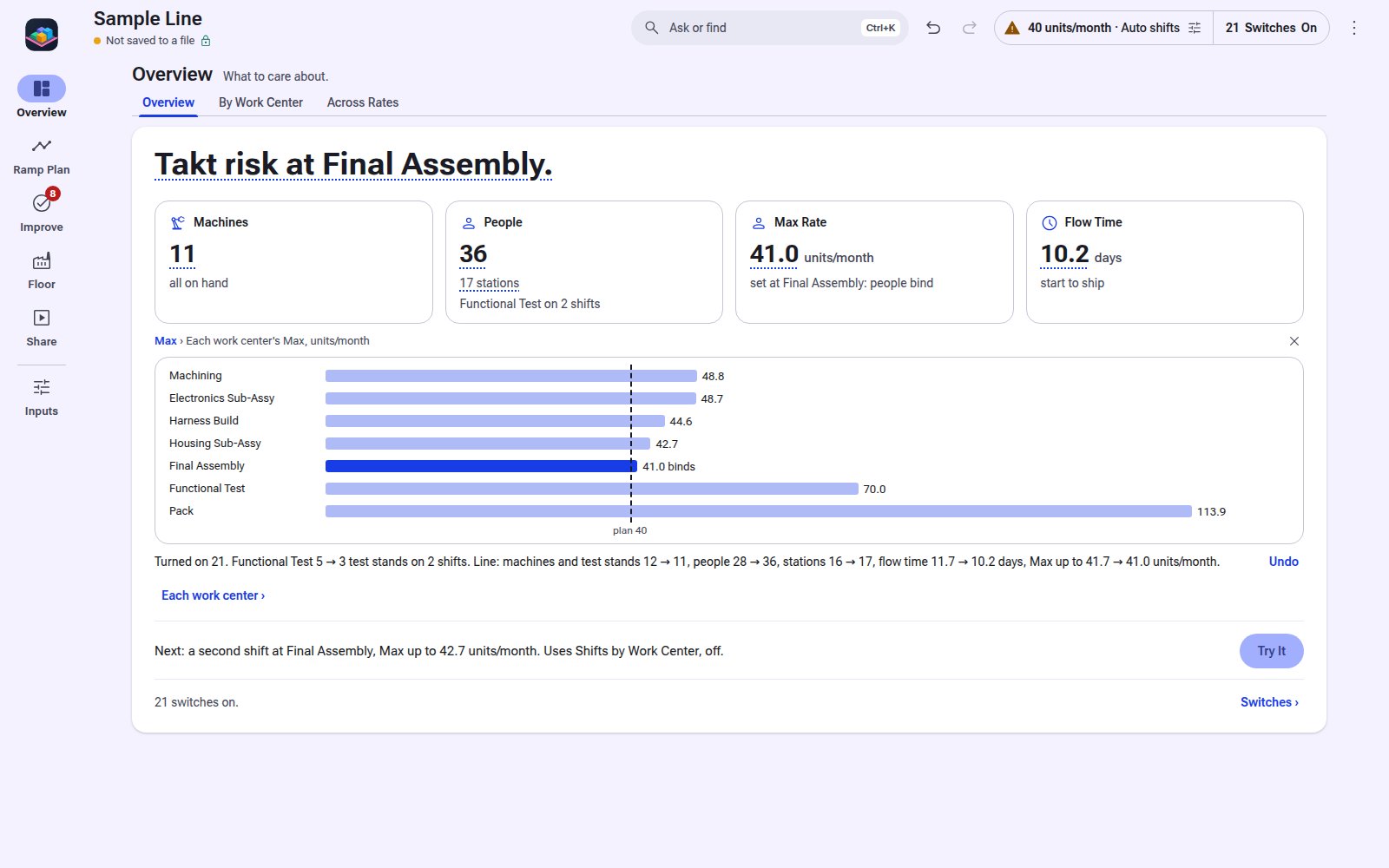
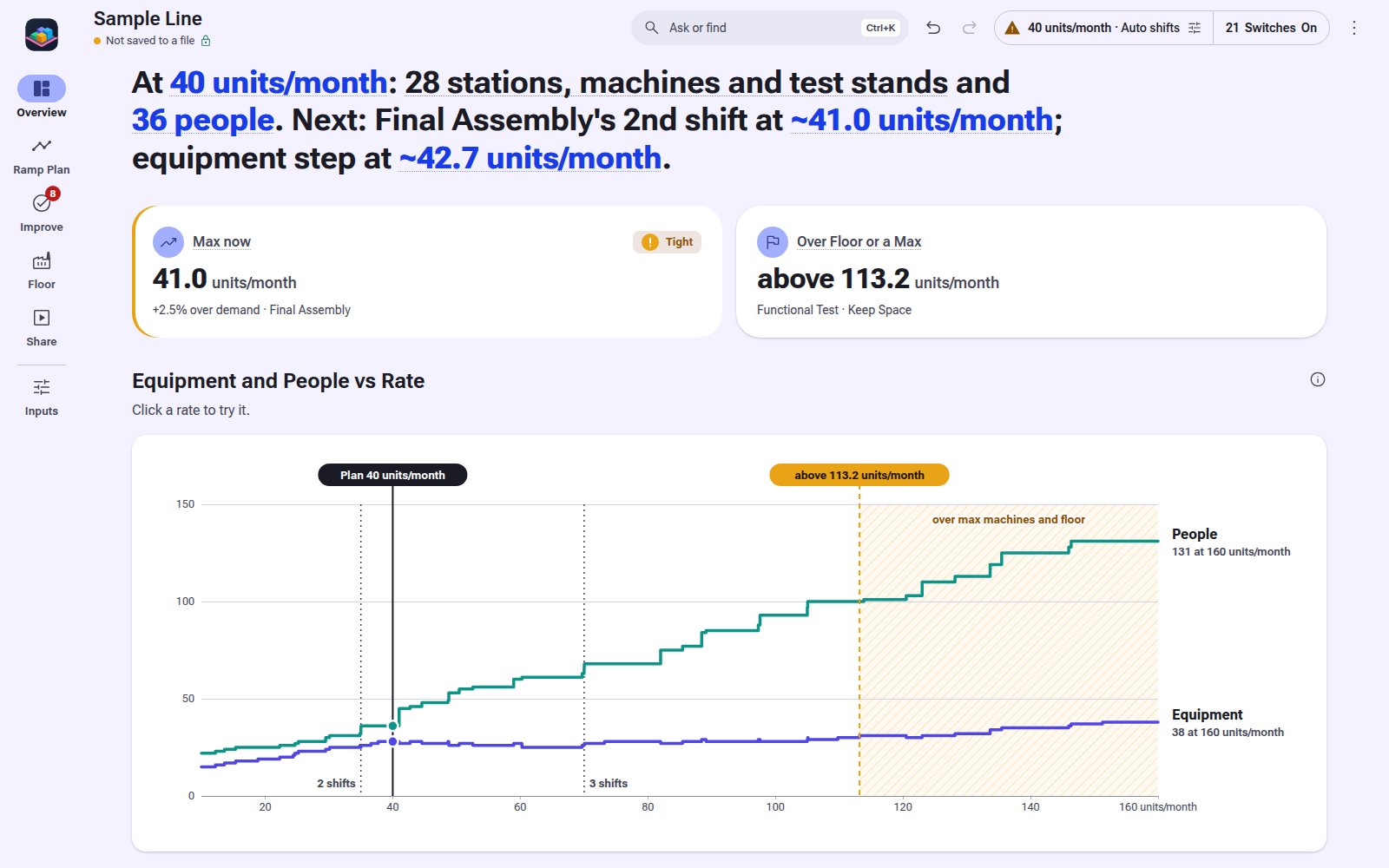
1 / 10Overview: 11 machines, 36 people, Max 41.0 units/month, 10.2 days to ship, and each work center's Max.
Not Sure This Is the One?
What It Does
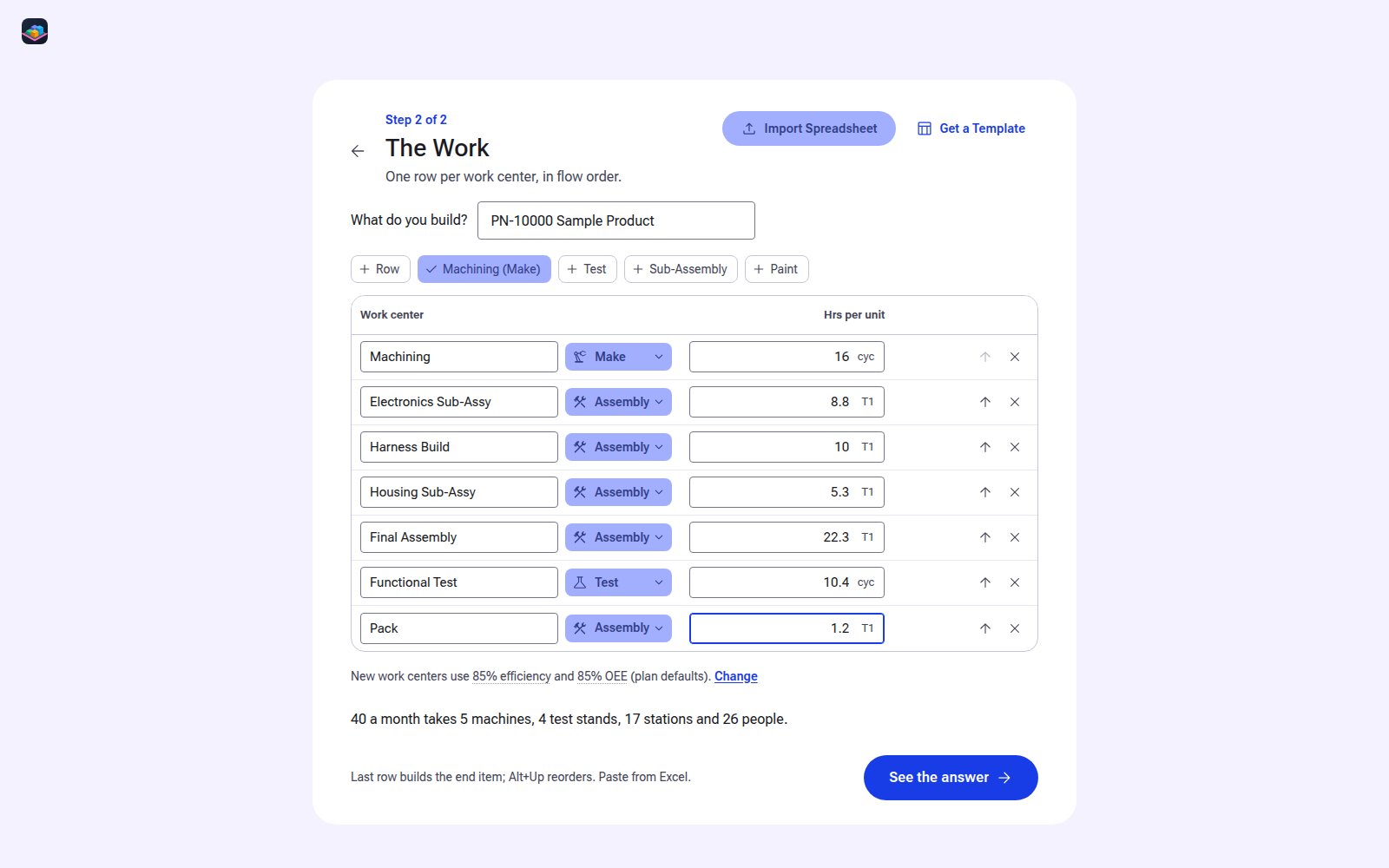
Type your work centers, their hrs and a rate. The Overview shows the machines, people, Max rate and flow time it takes, and the next step to try. Everything that adds complexity is a switch you turn on: operations, parts, shifts by work center, setups, yield, moves, floor space. Click any figure for its math, one line at a time. Live 2D and 3D floor and a value stream view. One HTML file that runs offline in Chrome or Edge and never touches the network.
Starts simple
Work centers, hrs and a rate. The sample and a new line open with every switch off.
Switches
26 switches under Machines, People, Work Content, Parts, Speed of Material, Limits and Time. Off leaves a feature out of the math; your values wait in the file.
Overview
Machines, people, Max rate and flow time on one card, with the next step to try.
Math on click
Click a figure for its math, one line at a time. Type an input where it shows and see what moved.
Ramp plan
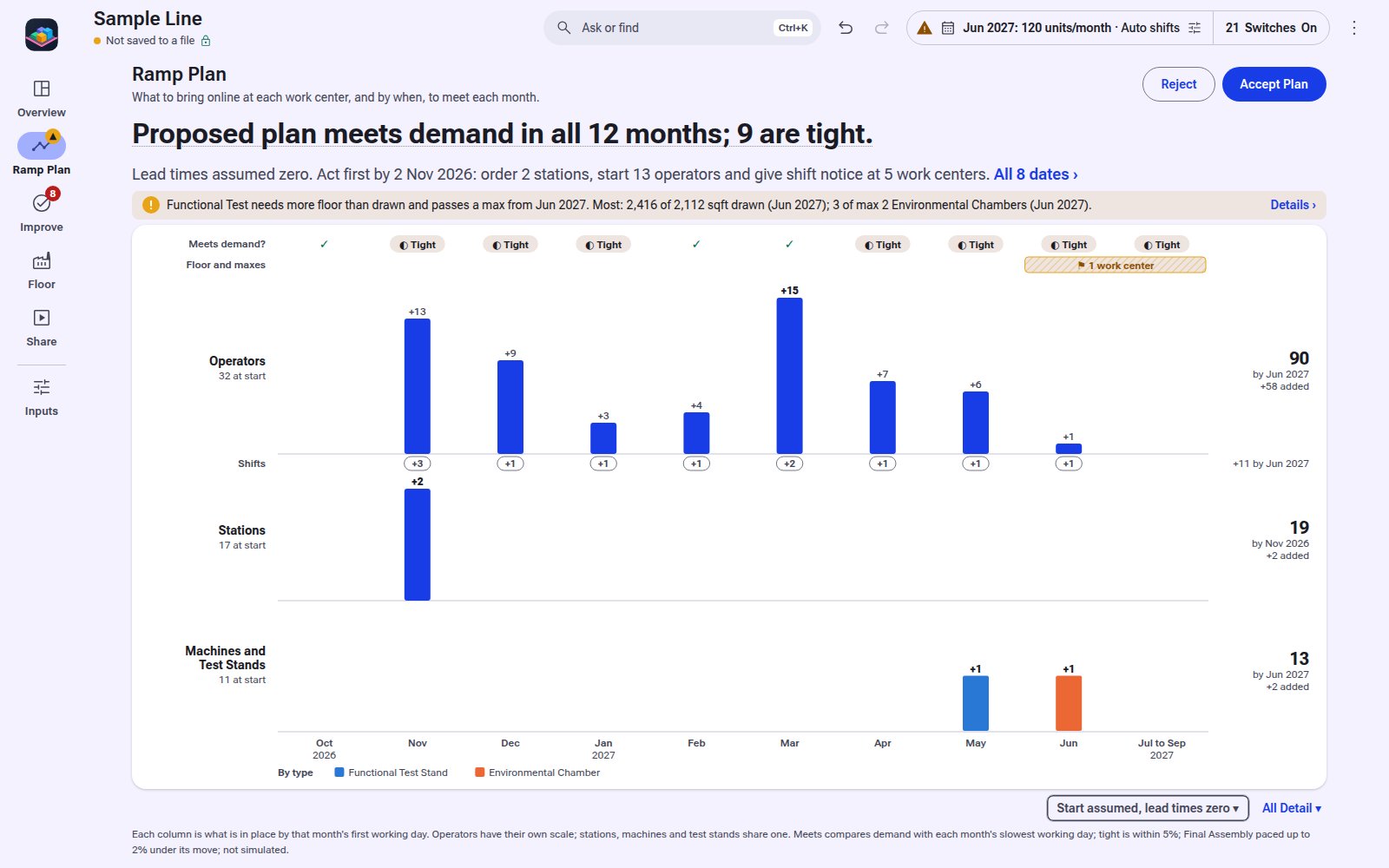
Month by month to a target rate: what to add at each work center, and by when.
Value stream view
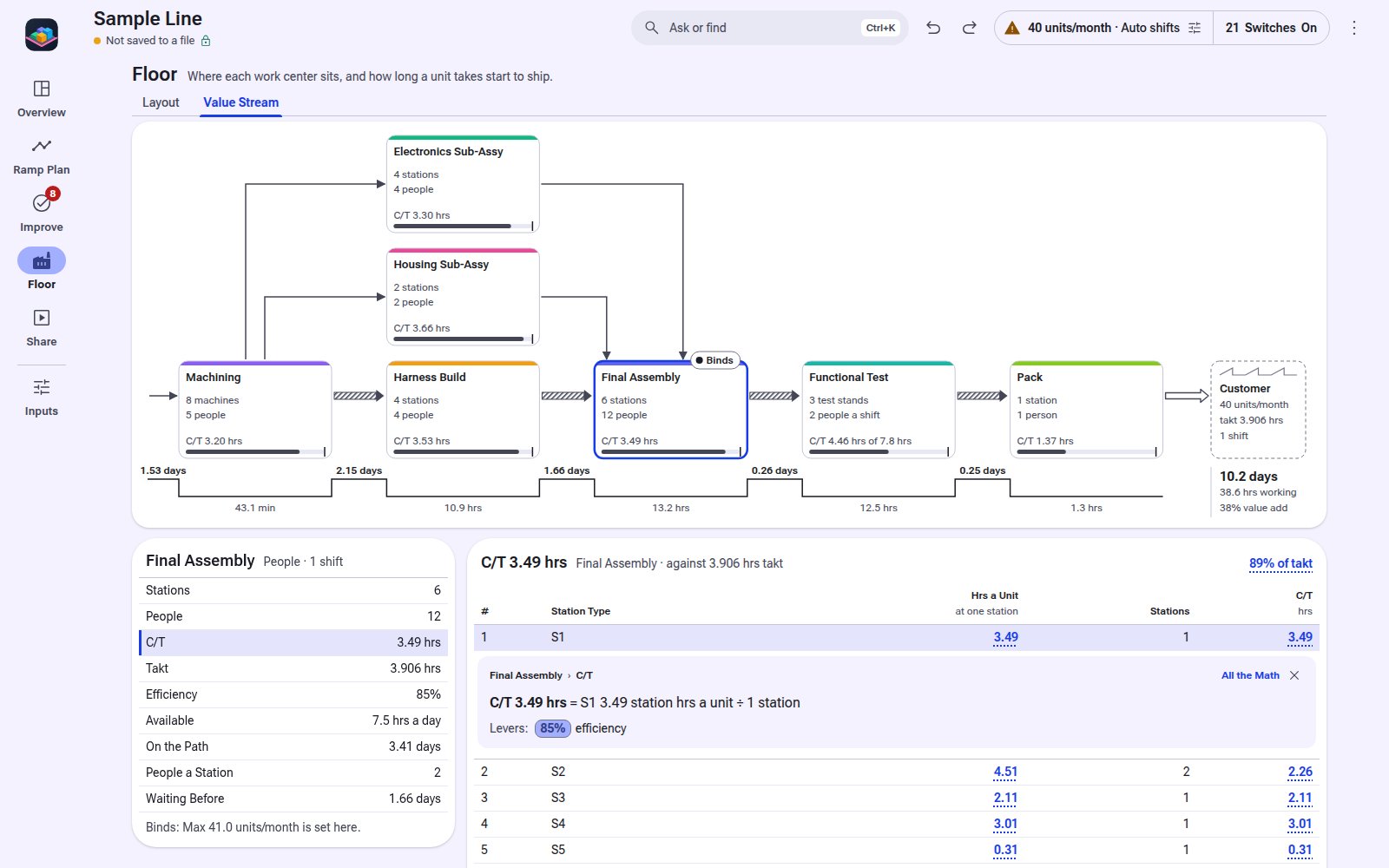
The line as a map, start to ship. Click a box for its figures.
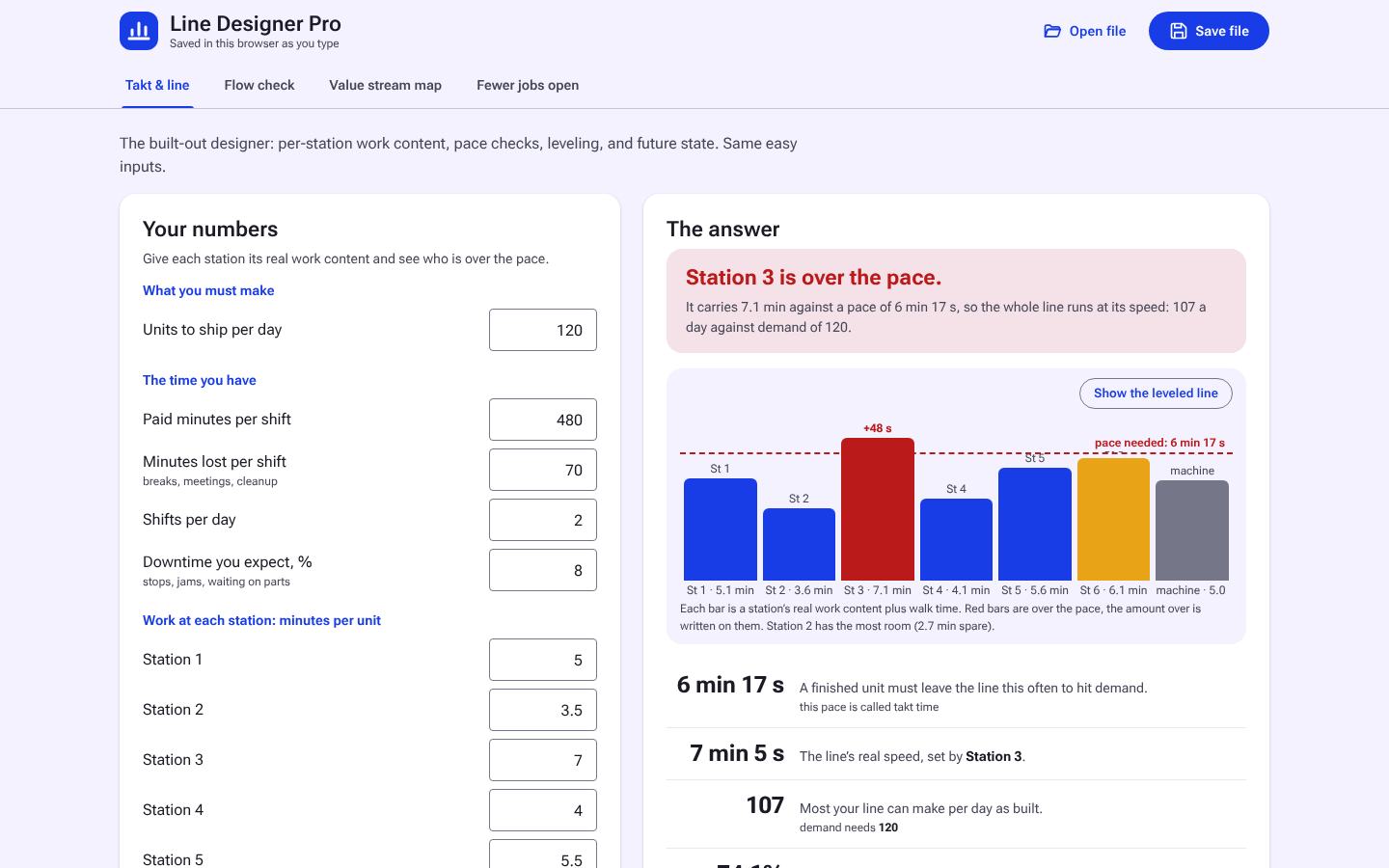
Station balance
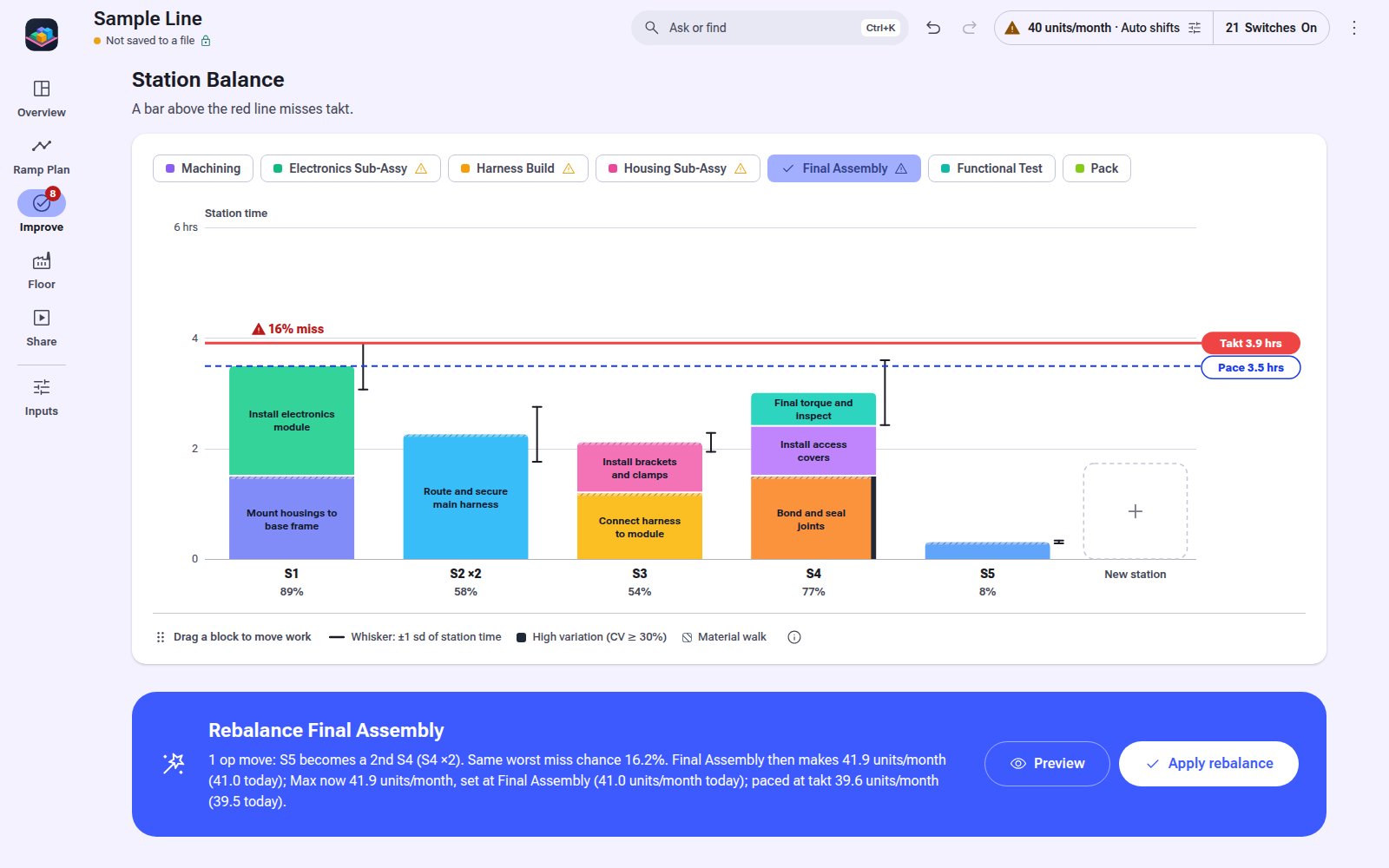
Station load against takt, with the op move that lifts the rate.
Try it first
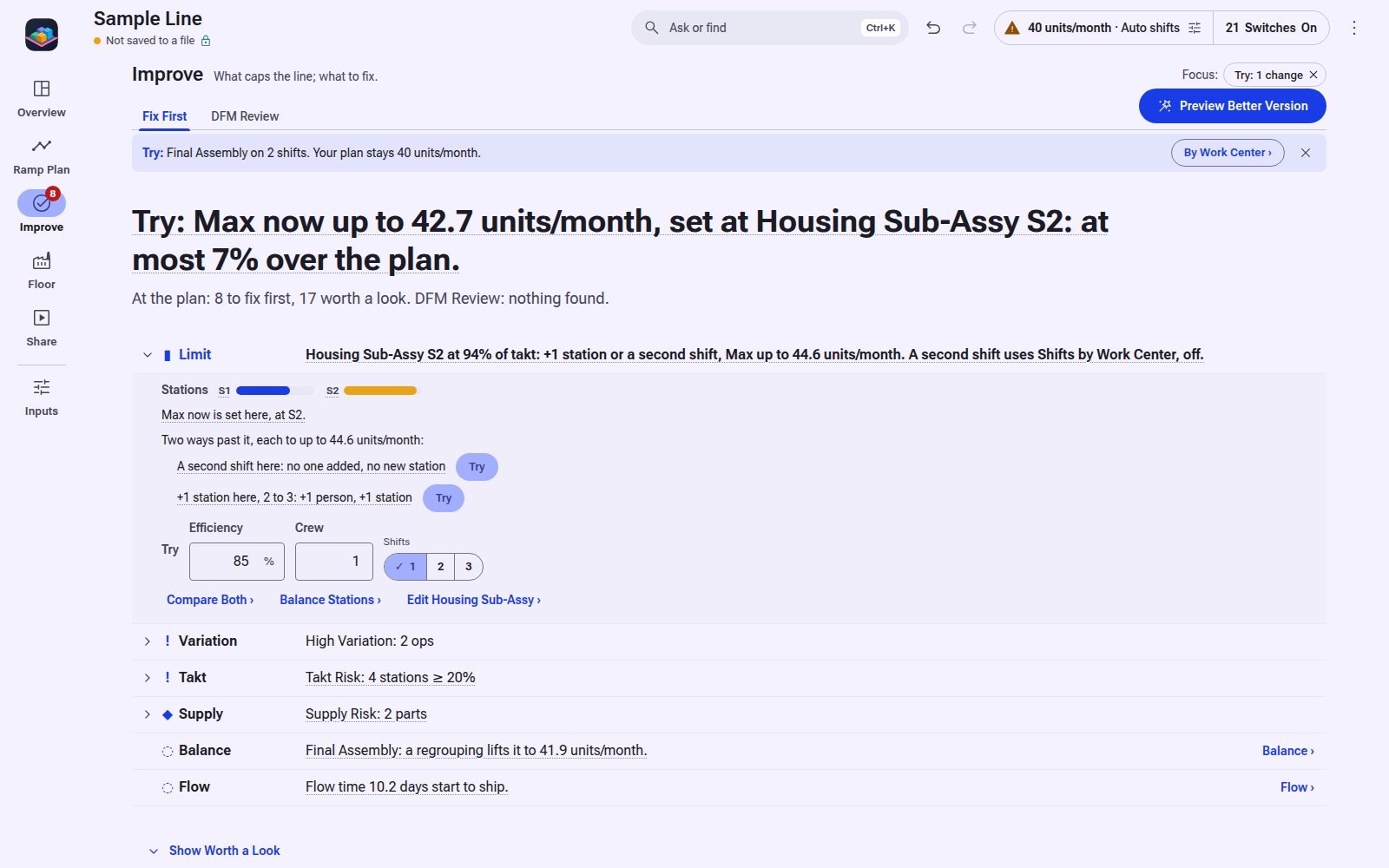
Try a second shift, a station or a new rate and see what moved before you keep it.
Live 2D and 3D floor
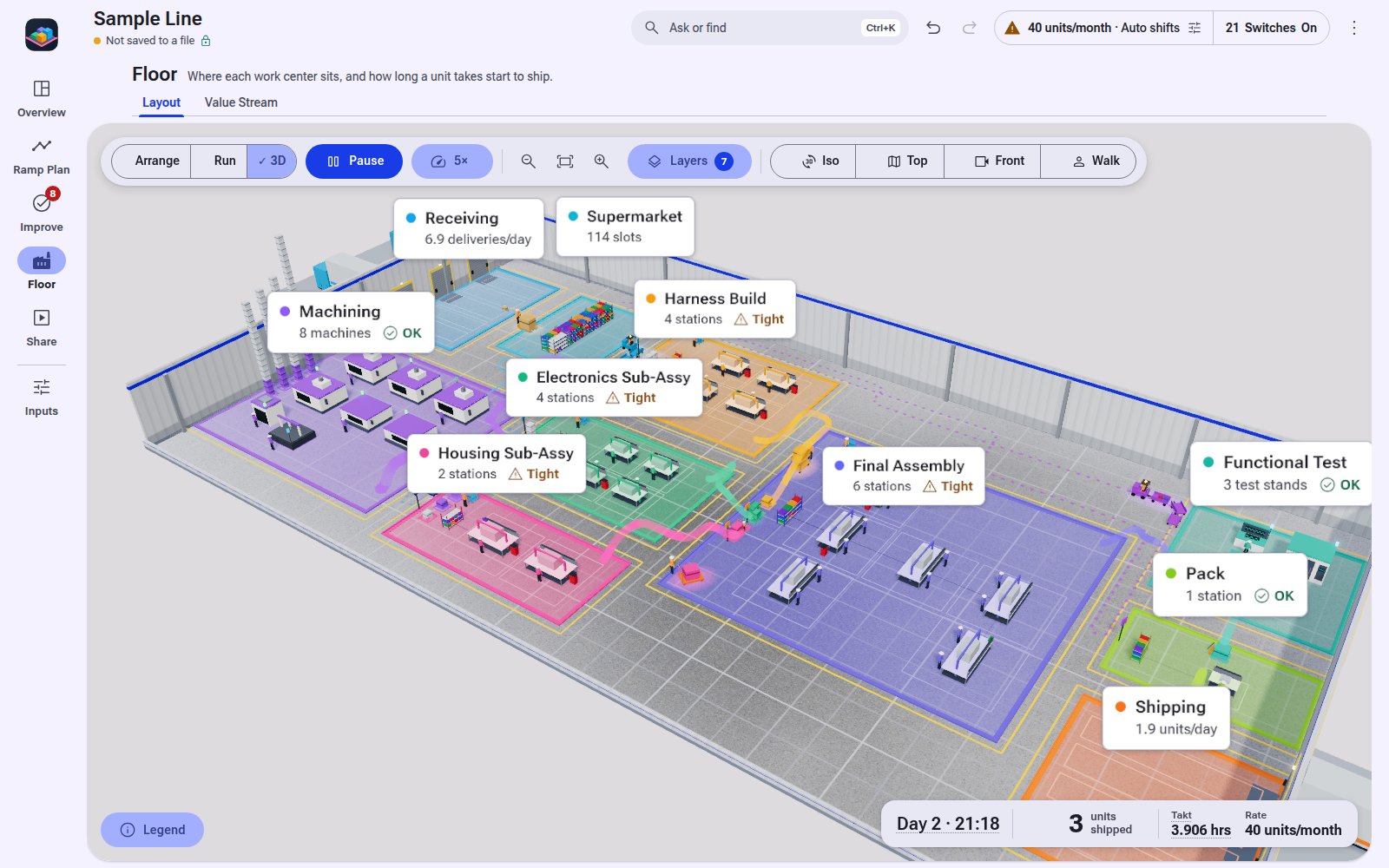
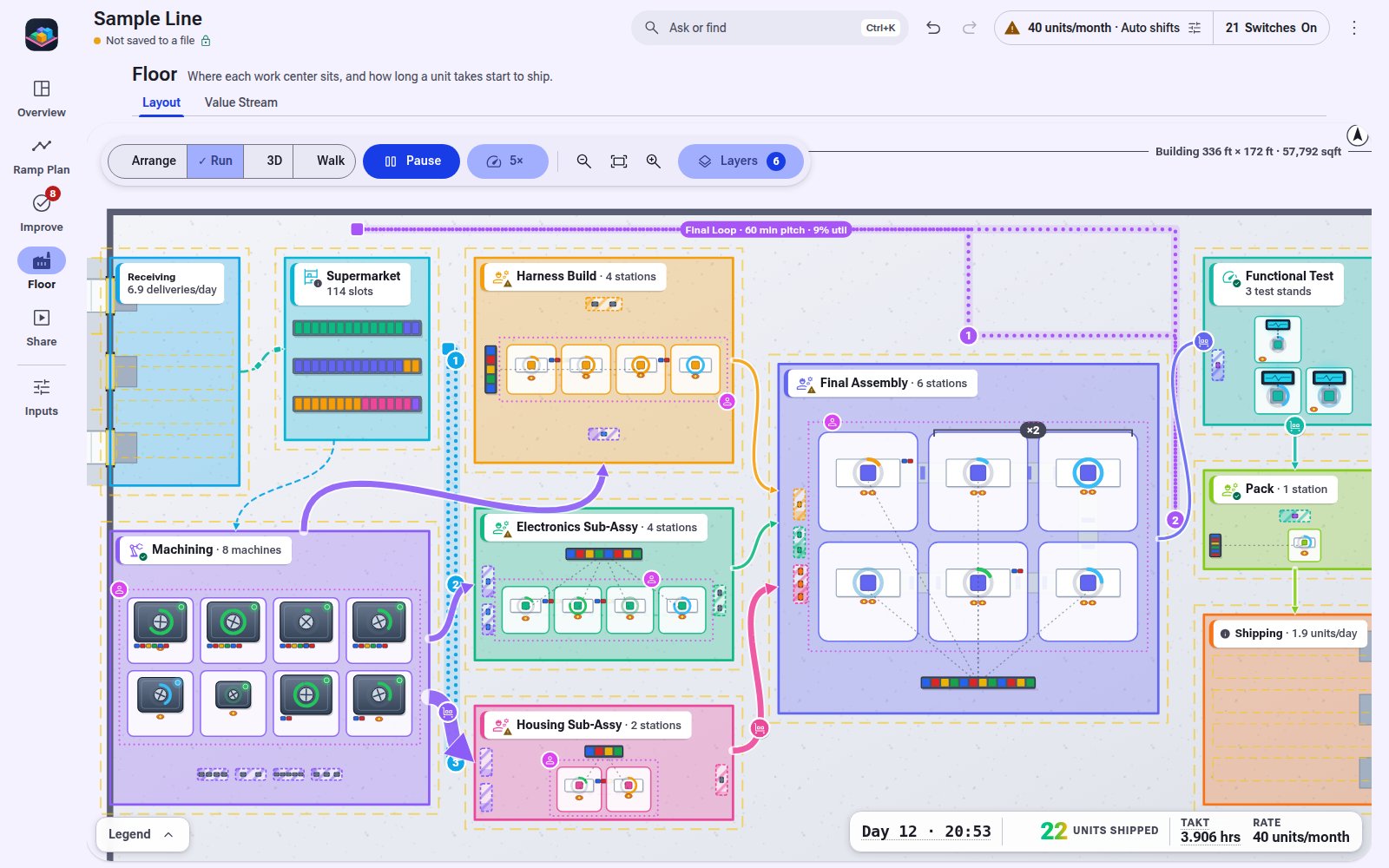
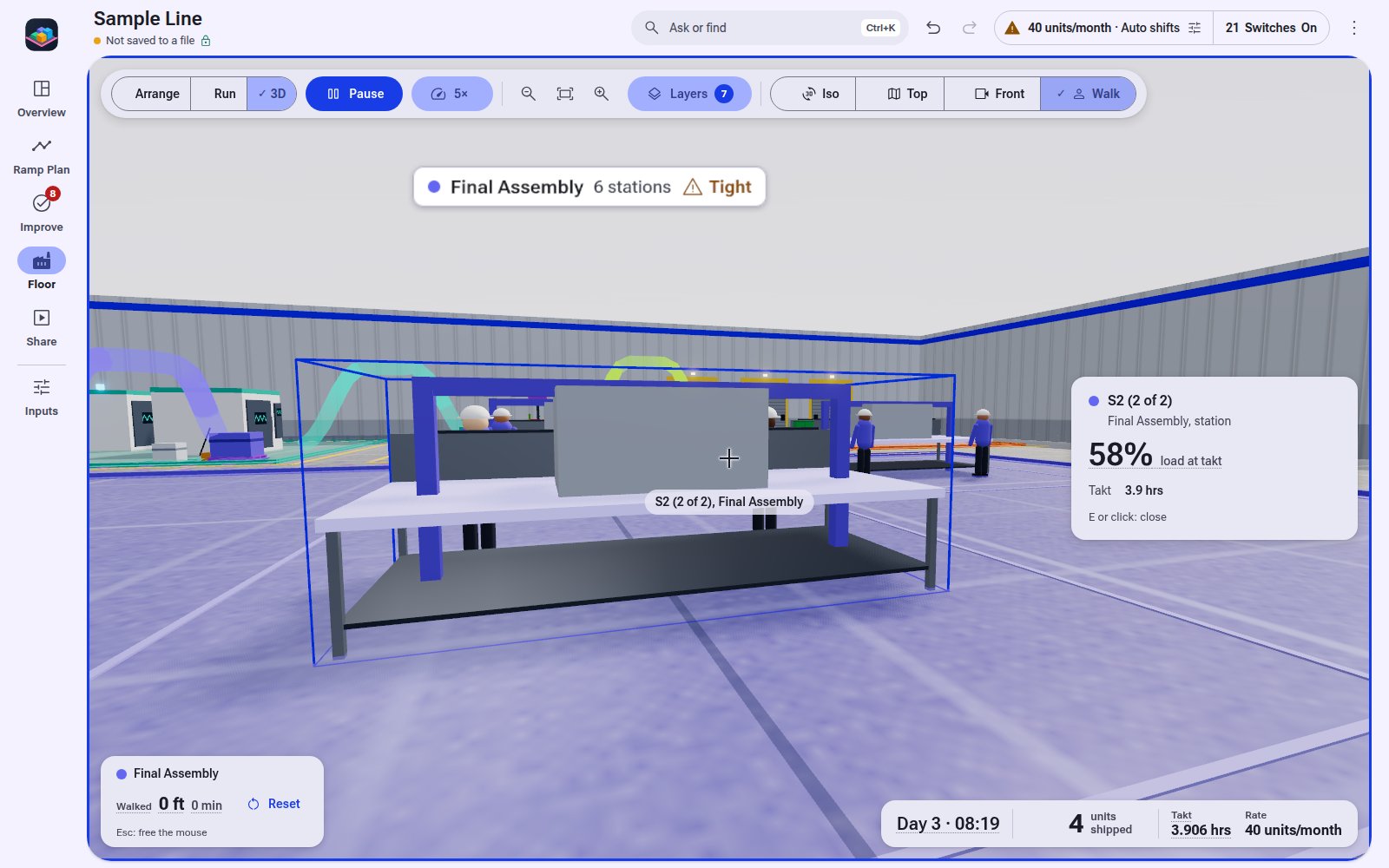
Turn on Floor Space and every area draws to scale, with work and material moving. Iso, top, front, and walk views.
Model files
.floorsim files you keep. Offline, no account, no network.
See It in Action
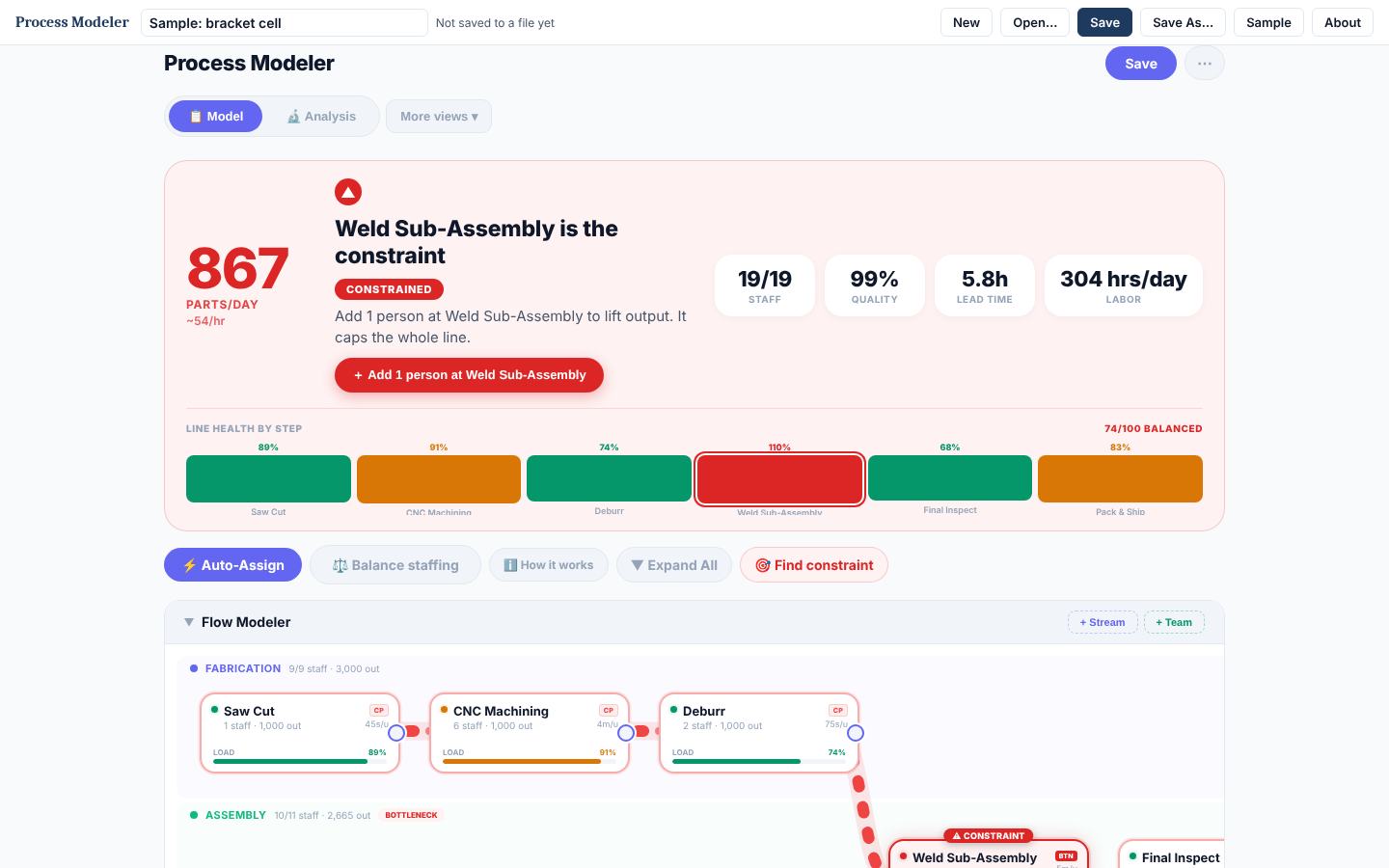
Real screens from Floor Simulator with its example loaded. Click any screen to enlarge; arrow keys step through.
Who It's For
- Engineers laying out a new line or planning a rate change
- Teams that need machines, people, and flow time from one model
- Anyone presenting a line concept to leadership
Requirements
- Chrome or Edge on Windows, macOS, or Linux
- No install, no account; never touches the network
Questions
Does it need internet or an account to run?
No. The download is one HTML file that opens in Chrome or Edge and runs offline. It never touches the network; your models stay on your machine.
Is it free?
Free to download during the launch preview, through November 30: no account, no card. The preview copy stops working after that, and your saved .floorsim files open in the paid version.
Do I get updates?
Yes. Each new version is posted on this page, and your .floorsim files open in it.
How does the license work?
One purchase covers one named user on their own computers. Your copy is stamped with your name and license key. A team license covers 5 named users. See the licensing page for the full terms.
What is the refund policy?
Full refund within 14 days if the tool does not fit your work. Email support with your license key.
Works Well With
Everything Else
Every tool is sold on its own, or use a whole tier on a plan. See all tools.