Line Designer Pro
Designs a line against takt: how many people it needs, the station plan, and which work to move so every station keeps pace.
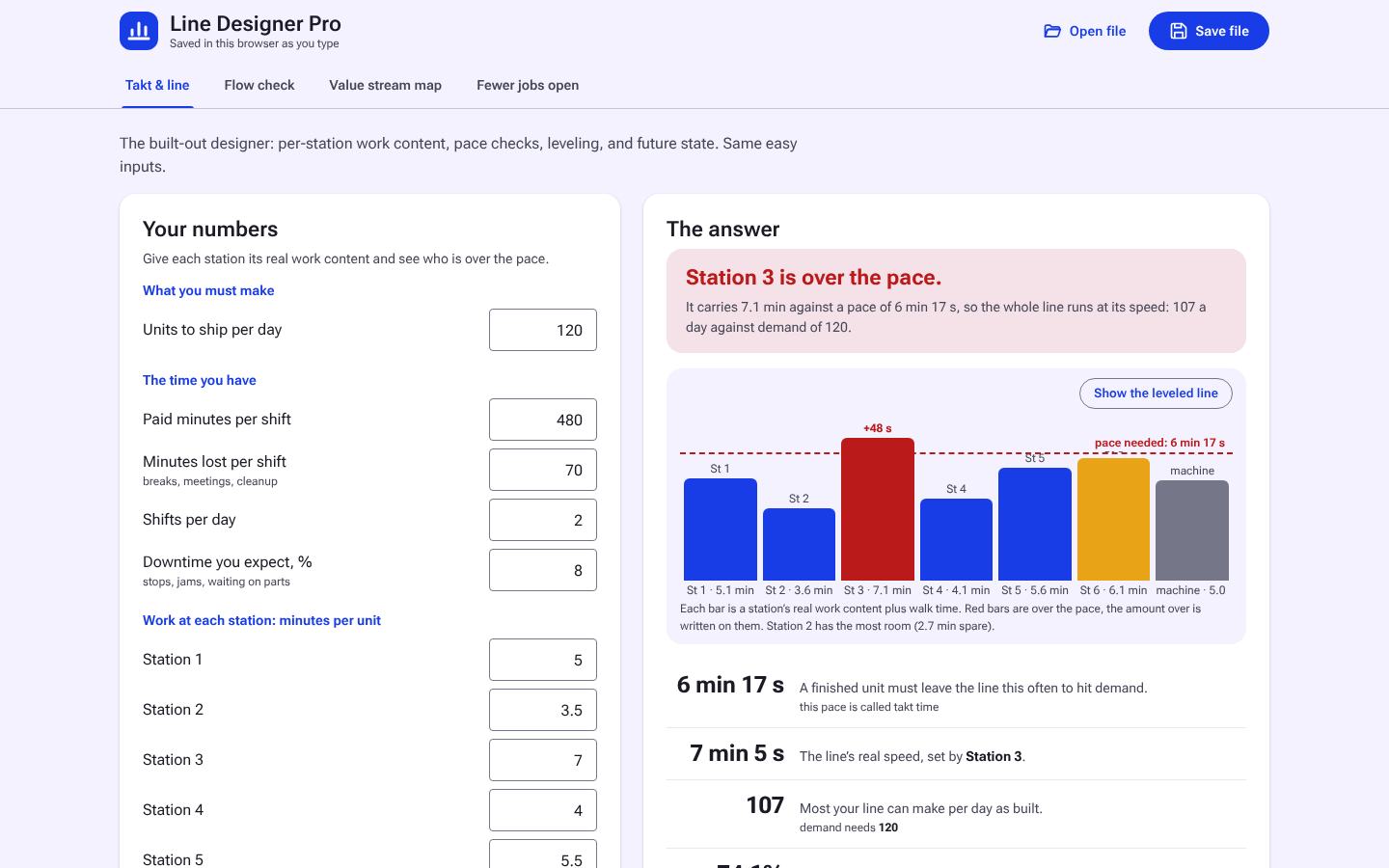
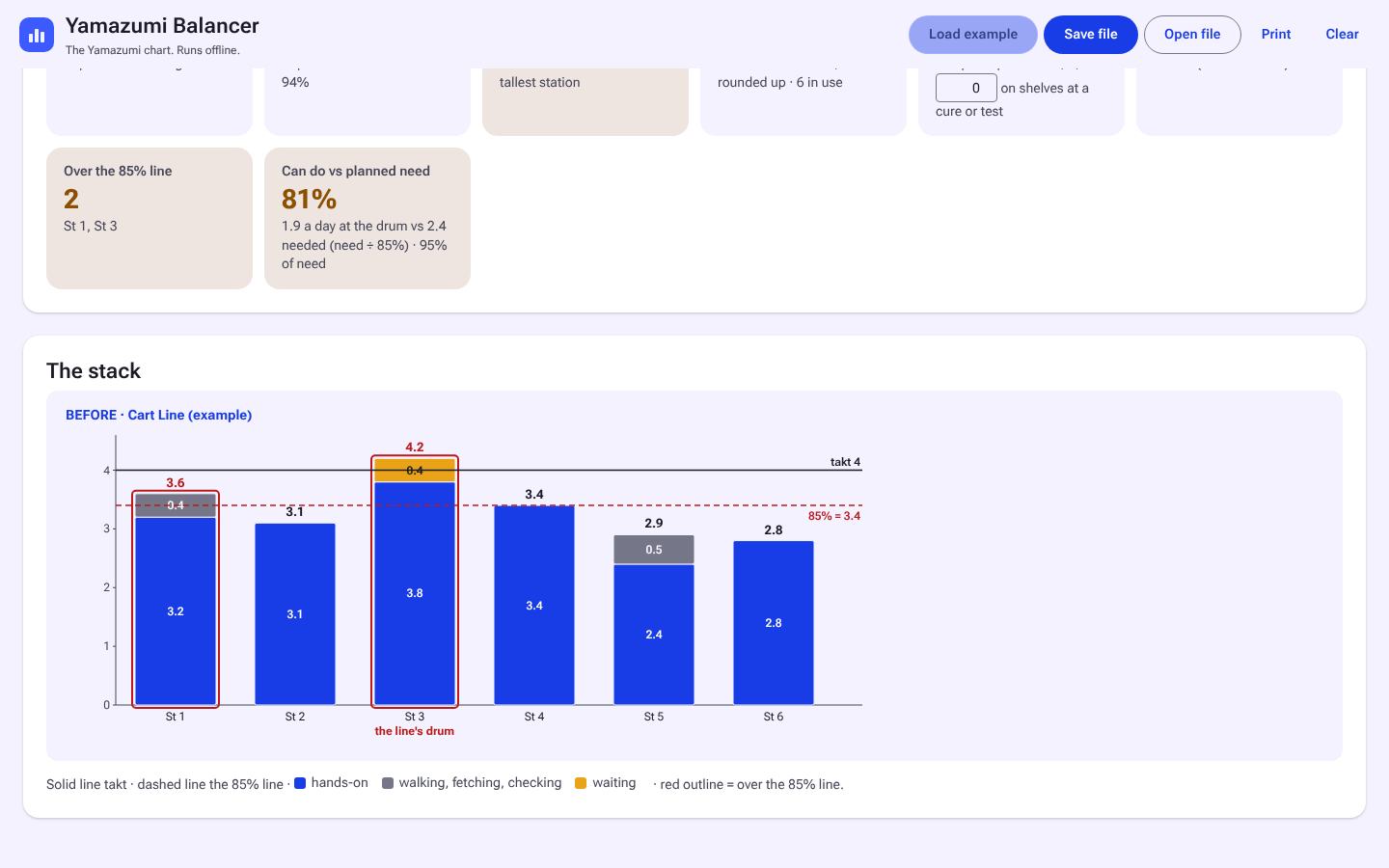
1 / 4Takt and line: station loads against the pace.
What it does for you
Use it when
- You are designing an assembly, pack, kitting or pulsed overhaul line
- Demand changed and the line needs a new rate
- You are moving a line to a new layout
- You want first answers on one page before the detailed design (Quick mode)
What you get
- Takt from your demand and available time
- Every station flagged over, near or under takt, with the stack chart
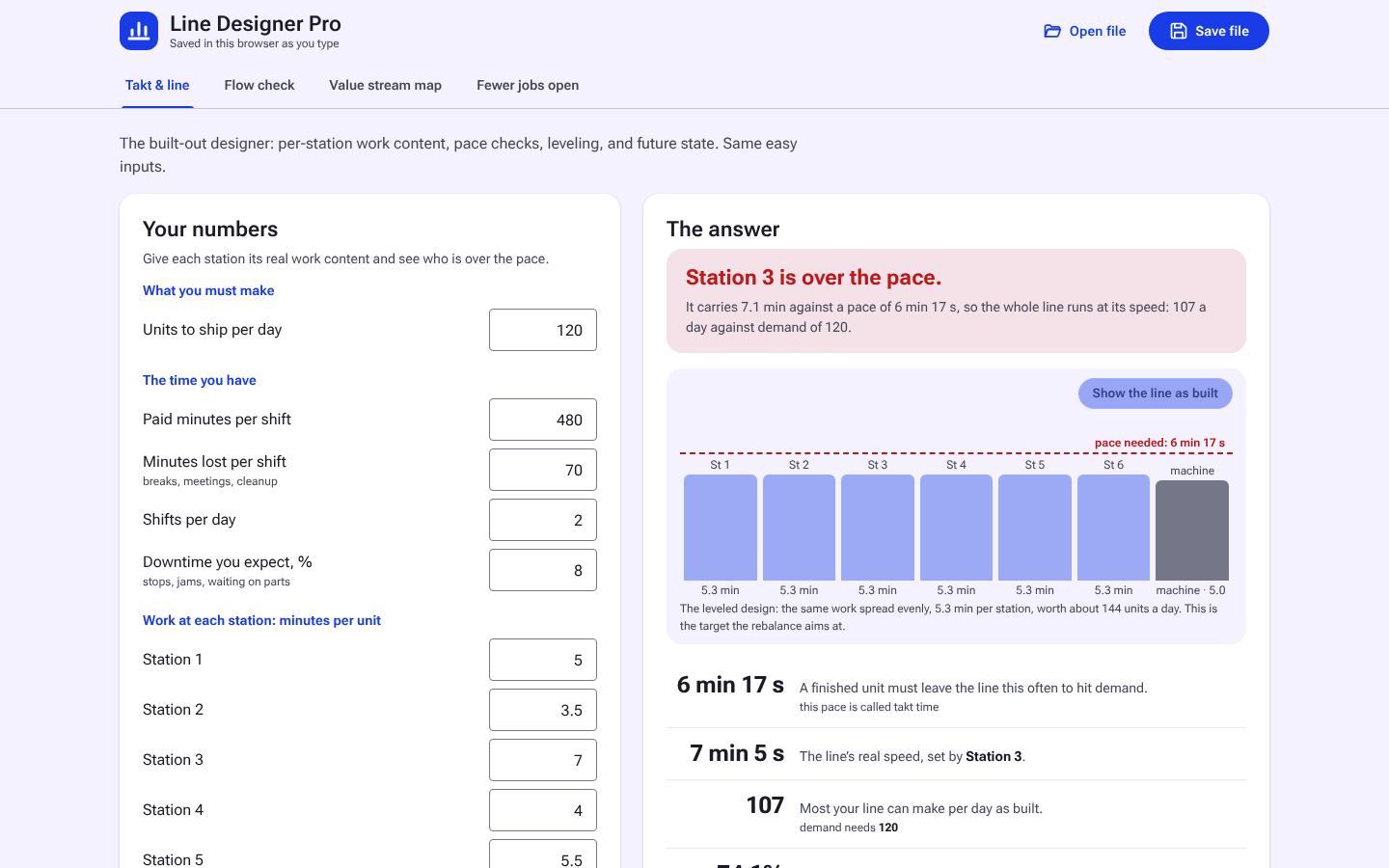
- Suggested work element moves and the leveled line
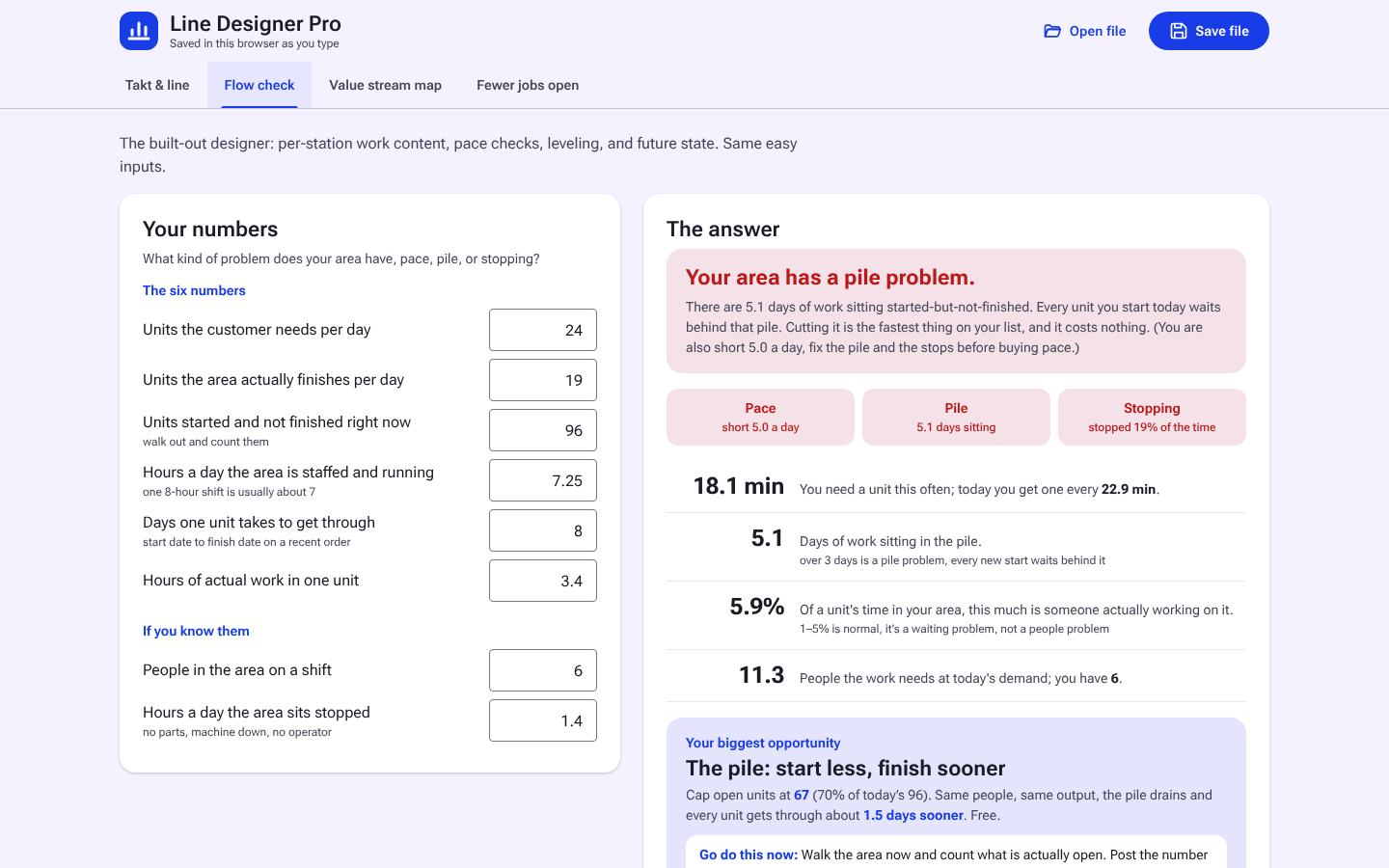
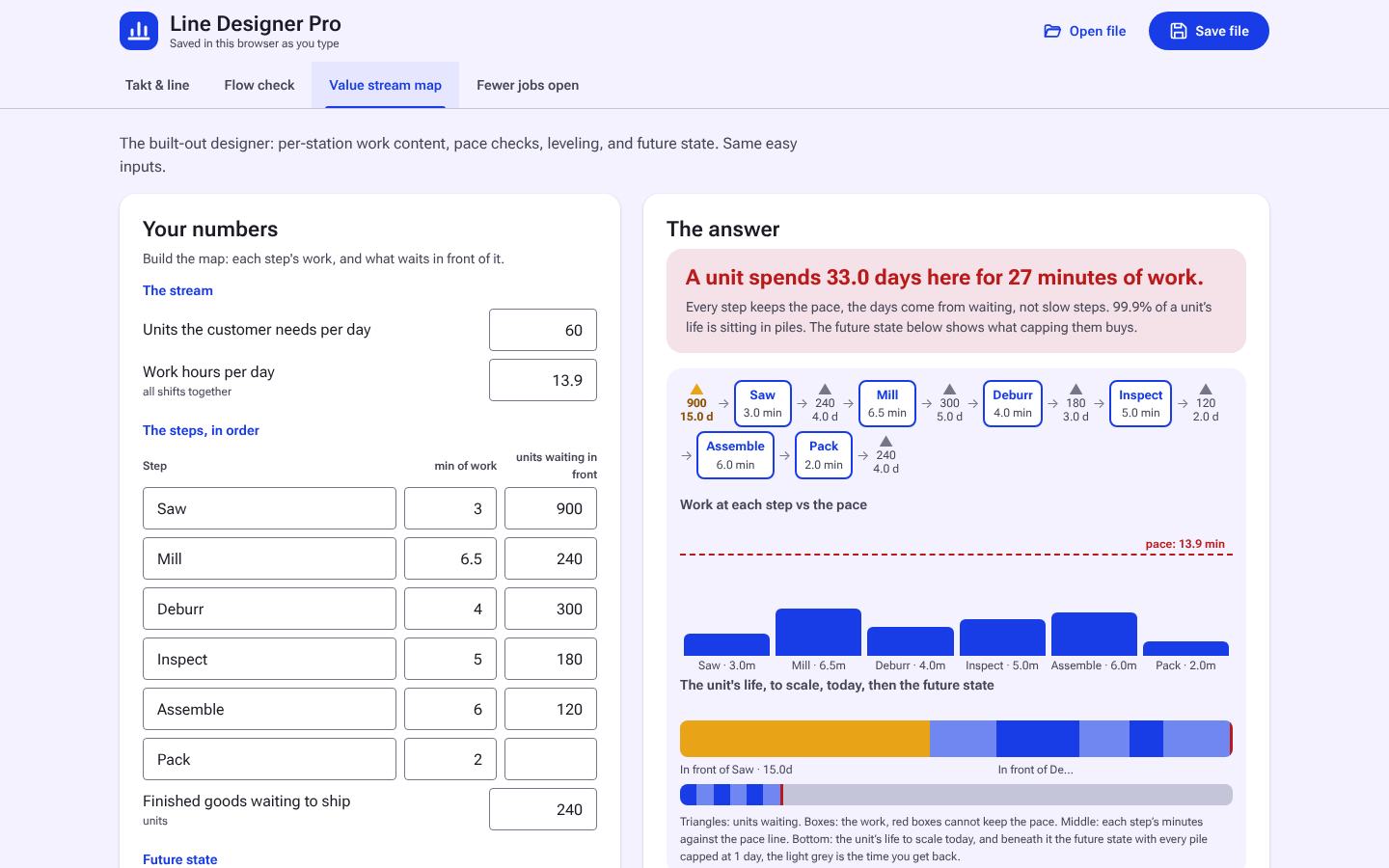
- A flow check and the WIP cap that keeps the line moving
- Design files you keep, and print
Who it's for
- Engineers designing or rebalancing an assembly, pack, or overhaul line
- Leads planning a rate change
- Teams moving a line to a new layout
Not sure this is the one?
How it works
Per-station design for an assembly line, a pack line, or a pulsed overhaul line: set demand and available time, lay out the stations, and check every station against the pace. Level the line, check flow, and see how many jobs should be open at once. Save and open designs as files.
- Takt and line
- Demand and available time set the pace; stations are checked against it.
- Pace checks
- Every station flagged over, near, or under takt.
- Leveling
- Show the leveled line and what moves where.
- Flow check
- Where the line stops flowing and why.
- Fewer jobs open
- The WIP cap that keeps the line moving.
- Save and open
- Designs save to files you keep.
Learn the method
The free guide, the free web version and the term behind Line Designer Pro.
The screens
Real screens from Line Designer Pro with its example loaded. Select any screen to enlarge; arrow keys step through.
Need it offline?
A plan copy checks in with symplprocess.com at least once every 7 days and locks if it cannot, or when the plan ends. If Line Designer Pro has to run on a computer that never goes online, buy it as a one-time offline file instead.
- Never connects to the internetThe file makes no network calls and needs no account to run. It never checks in, so it never locks.
- Works on locked-down networksAir-gapped computers, plants and sites that block outside websites, and machines that never go online.
- Yours to keepPay once and it runs for good. Your work saves to files on your computer.
- Updates includedUpdates within the same major version are included. Download the latest copy from your account.
- One tool, one personOne named user on their own computers, stamped with your name and license key. Team licenses cover more people.
- Priced higher on purposeIt costs more than a plan because it carries no weekly check-in and no subscription. Full refund within 14 days if it does not fit your work.
Who buys the offline file: people on air-gapped or locked-down networks, sites that block outside websites, and anyone who wants to own one or two tools outright. Need several tools? A plan costs less.
- Line Designer Pro (single offline HTML file)
- Save/open design files
How the trial works
- Enter your emailThe trial copy of Line Designer Pro downloads right away. No card, no account.
- Use the full toolEvery feature for 2 days from the first download. Save your work to files as you go.
- Keep goingAfter 2 days the trial copy locks. Get the Professional plan that includes it, or buy the offline file, and download your copy from your account.
- Your files carry overAnything you saved during the trial opens in the plan or offline copy.
Requirements
- Any modern browser (Chrome, Edge, Firefox, Safari)
- Windows, macOS, or Linux
Best for
Designing or rebalancing a line station by station against takt, with crews and work elements, plus a Quick mode for first answers on one page each.
Questions
Does it need internet or an account to run?
The bought copy does not. It is a single file that opens in any modern browser and runs offline, and your data stays on your machine. A copy downloaded on a plan checks the plan with symplprocess.com when it opens and works up to 7 days without internet.
How does the free trial work?
Enter your email and we send a one-time download link. It is the full tool for 2 days from the download, then it locks. Files you save during the trial are yours and open in the licensed copy. One trial per email per tool.
How does the license work?
One purchase covers one named user on their own computers. Your copy is stamped with your name and license key. A team license covers 5 named users. See the licensing page for the full terms.
Do I get updates?
Yes. Updates within the same major version are included. Sign in to your account to download the latest copy.
What is the refund policy?
Full refund within 14 days if the tool does not fit your work. Email support with your license key.
Every tool is in a plan, and any single tool is also sold as a one-time offline file. See all tools by plan.
Works well with
-
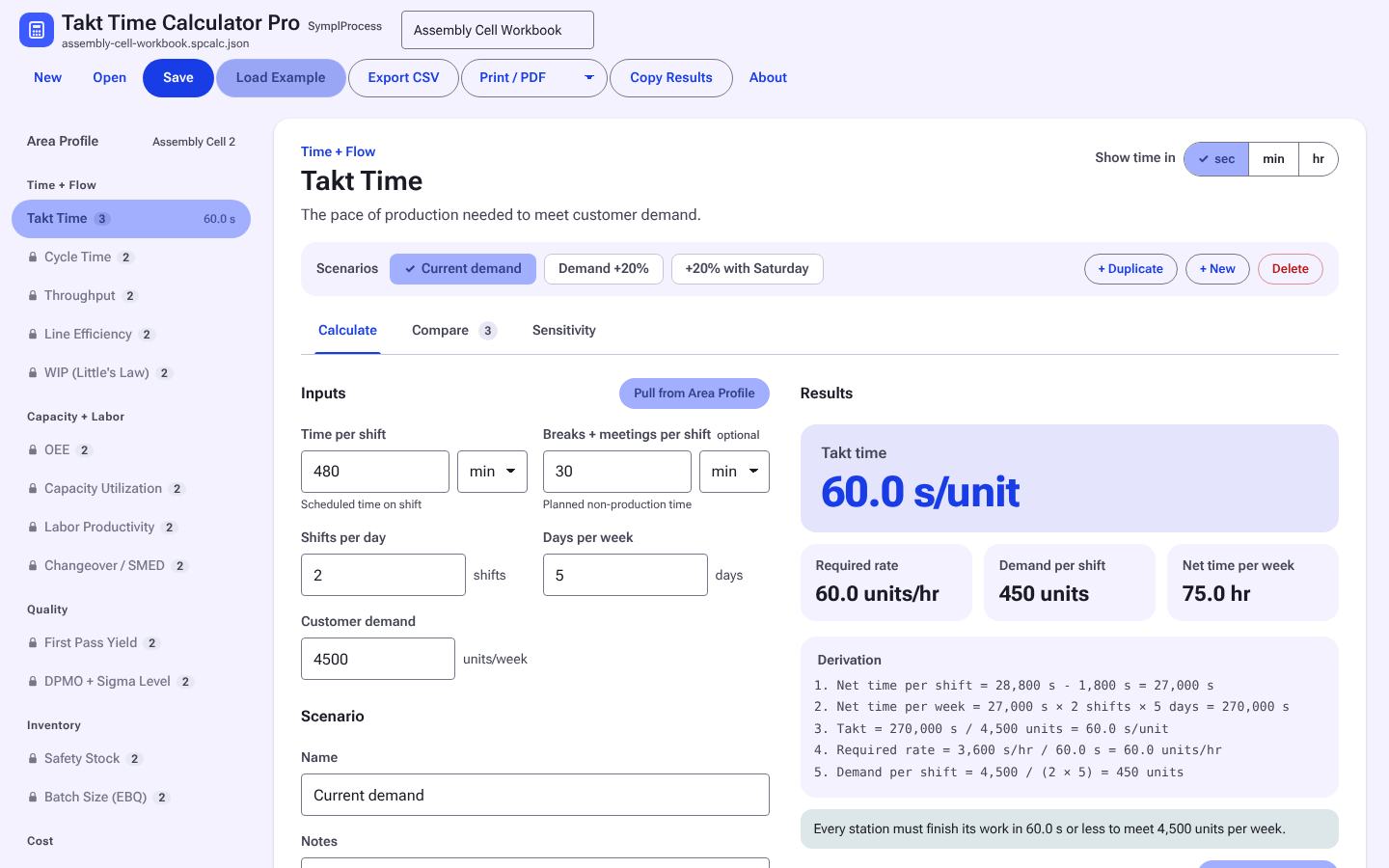
Takt Time Calculator Pro
Takt from available time and demand, by shift, for a line, a pack line, or an overhaul flow.
In Starter -
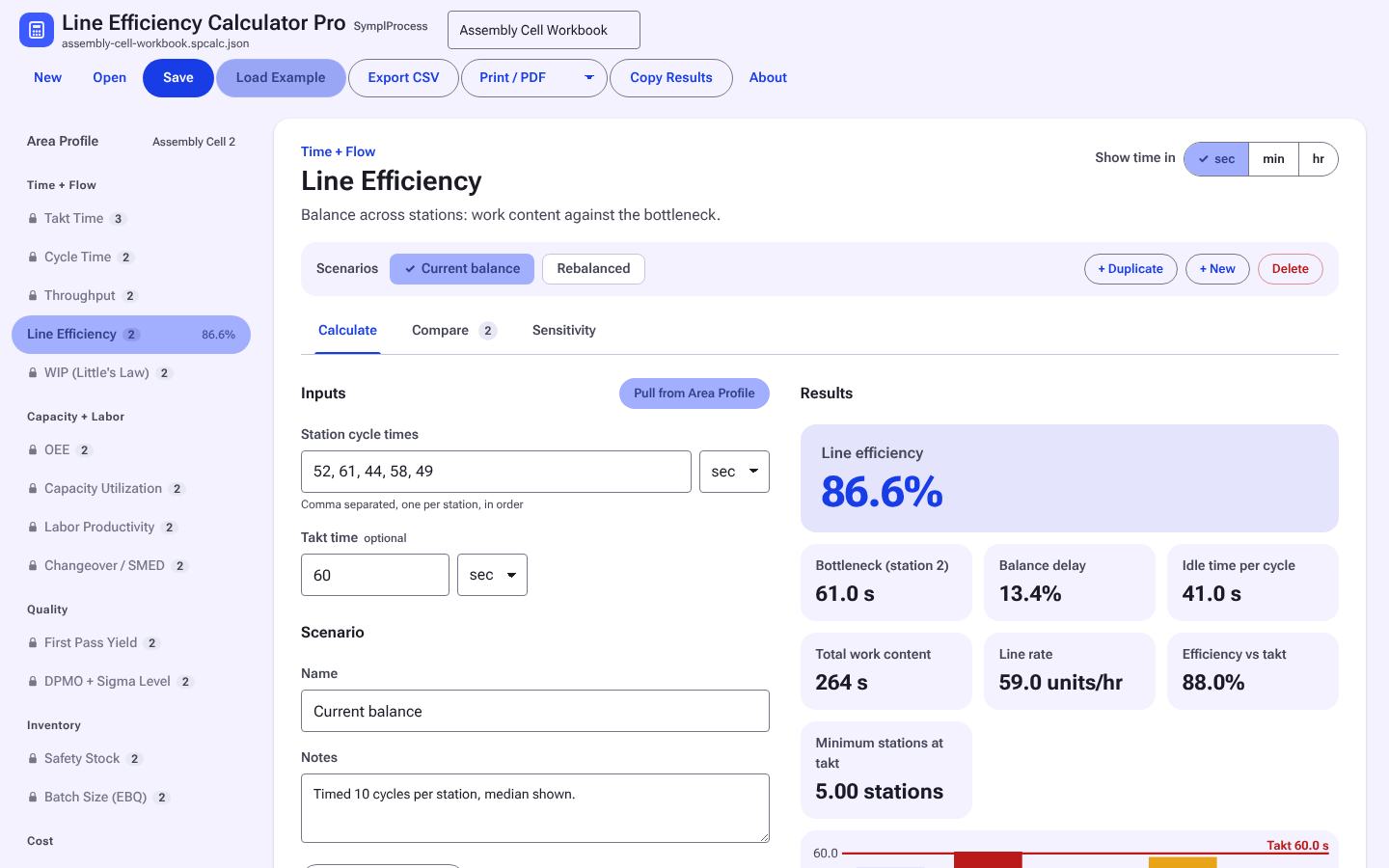
Line Efficiency Calculator Pro
Balance efficiency and balance loss from station times against takt.
In Starter -
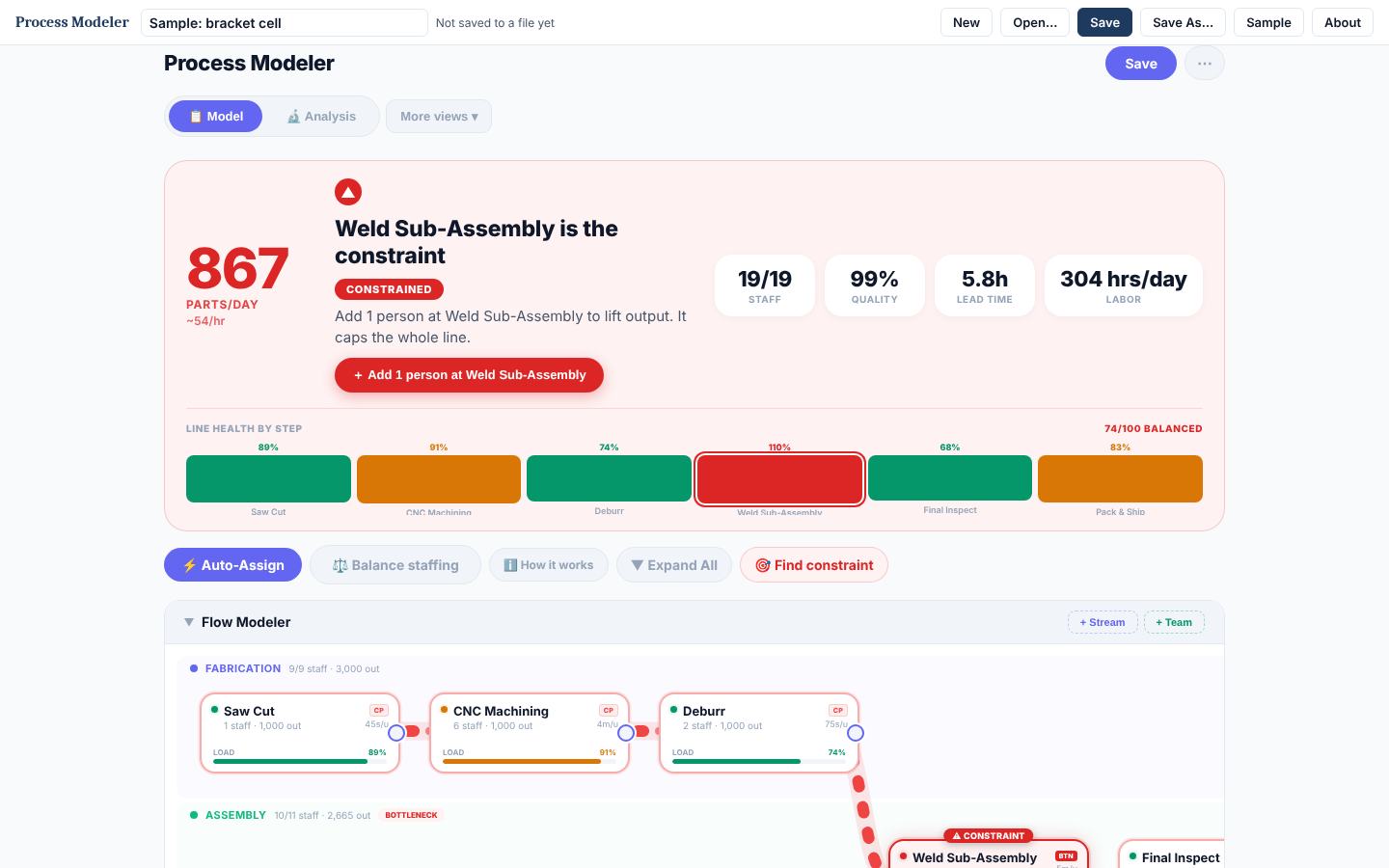
Process Modeler
Works out how many people each step of a multi-step process needs, which step is the bottleneck, and what output you get per day.
In Complete